Study guide
Add a document or paste your lesson. Get sections, summaries and review questions.
- 1Source
- 2Review
- 3Presentation
TXT, MD, PDF, DOCX, PPTX or XLSX · up to 20 MiB and 60,000 extracted characters.
Structured notes
Sections and questions for reviewing a lesson.
Study guide generator
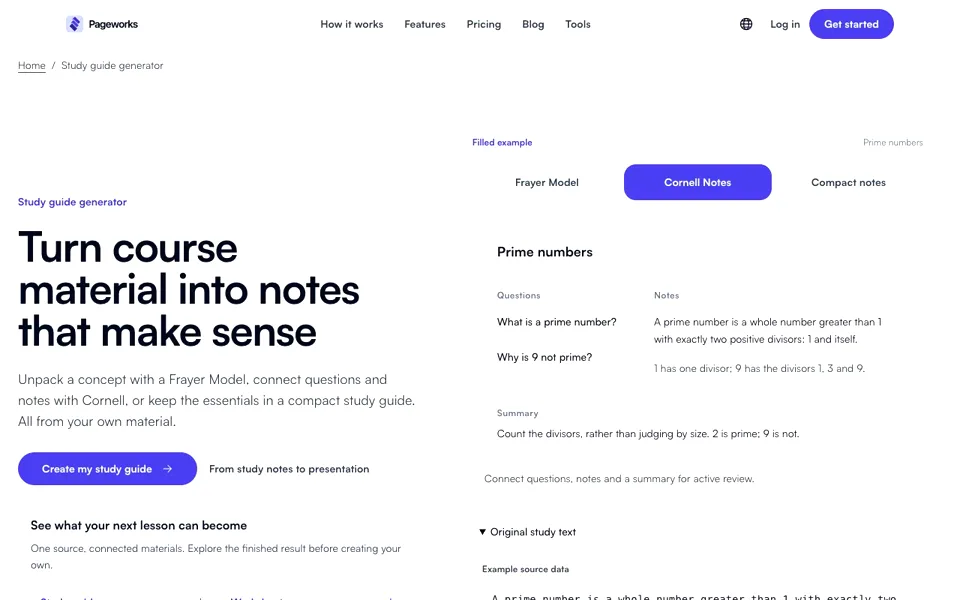
See how one source becomes a structured study guide.
Read the steps
- Open the example and review the source material.
- Explore the different views, then check the content and answers before using the material.
- Open the example to edit it, or start with your own material.