Client proposals
Explain the problem, your approach and the next step.
 Pageworks
Documents to presentations
Upload a report, document or notes. AI organizes your material into slides you can refine and export with Pro.
A polished presentation. A lasting impression.
Start with your contentA topic, a brief or source files
Make the story your ownRefine the content and design
Take it into your workflowEditable PowerPoint and PDF with Pro
From the opening to the next step
Give your audience a clear story: the idea, the evidence and what happens next.
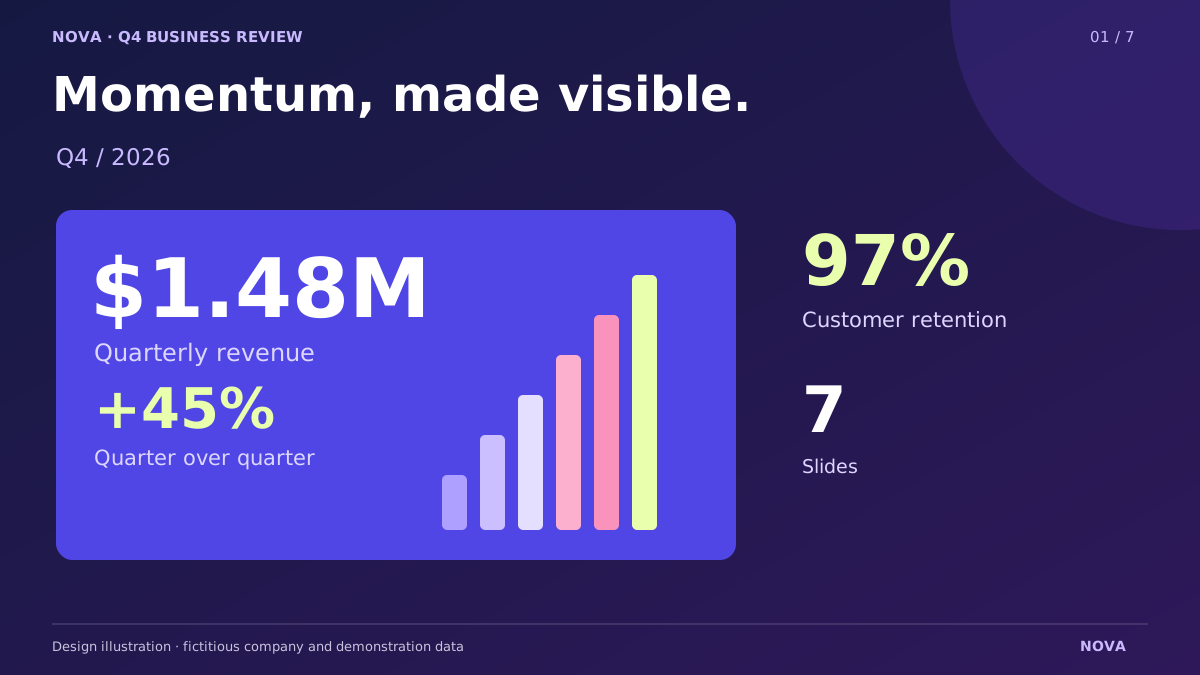
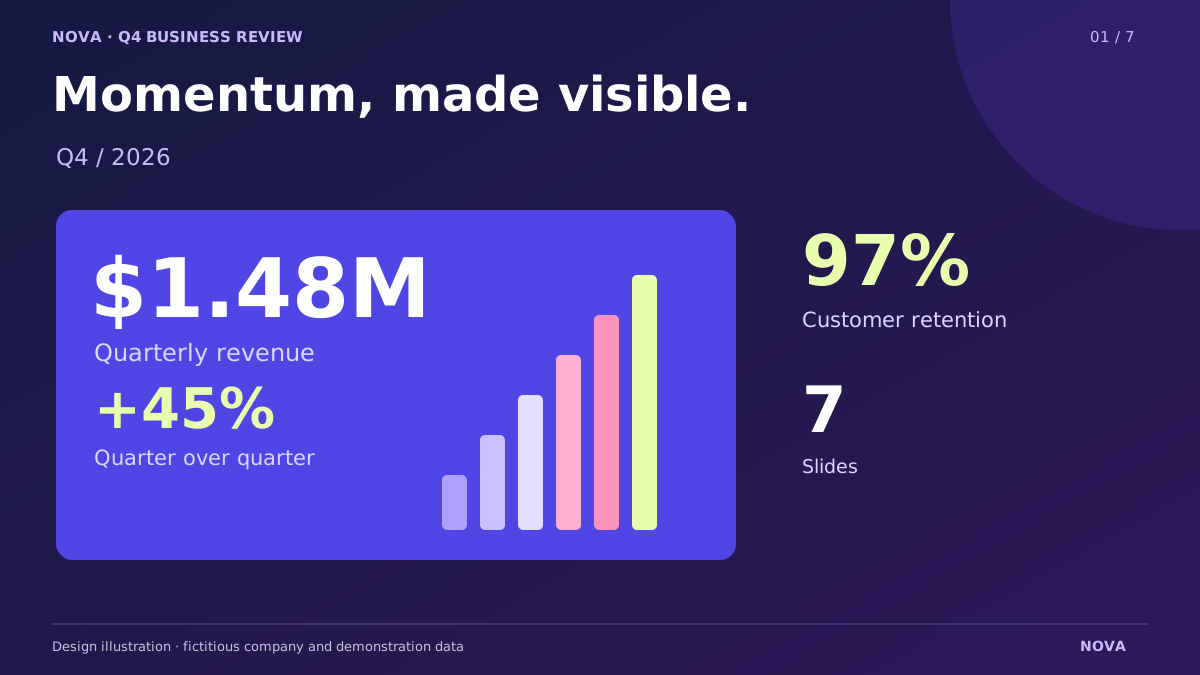
A confident cover puts your message in focus.
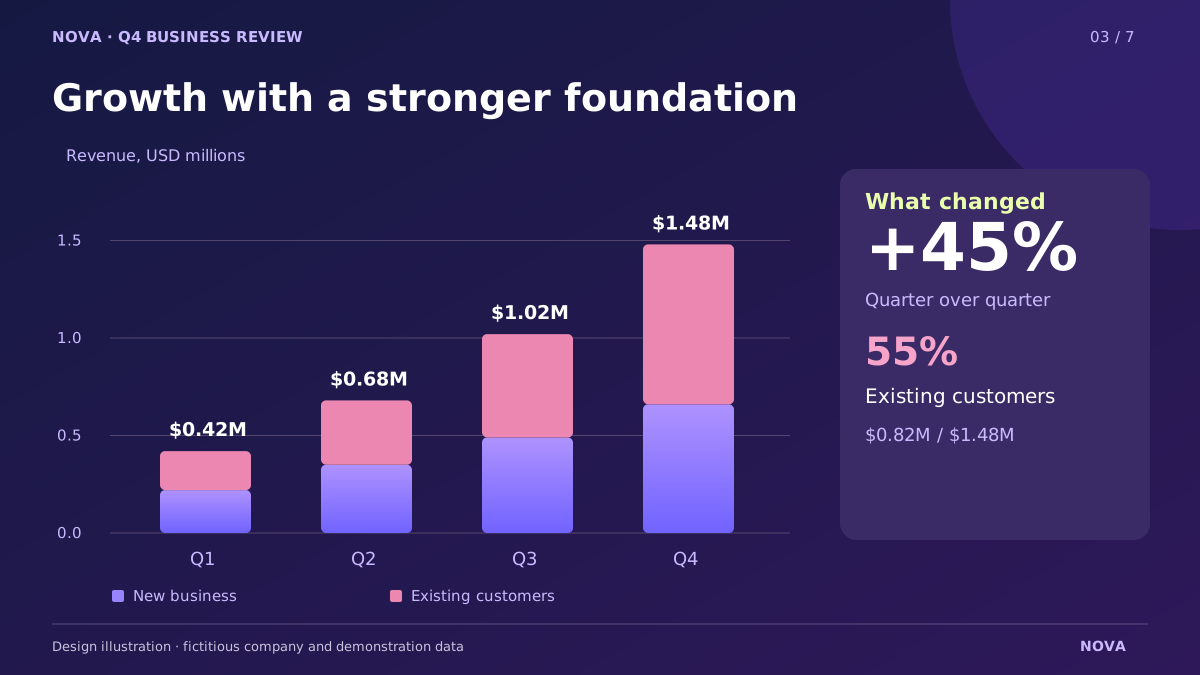
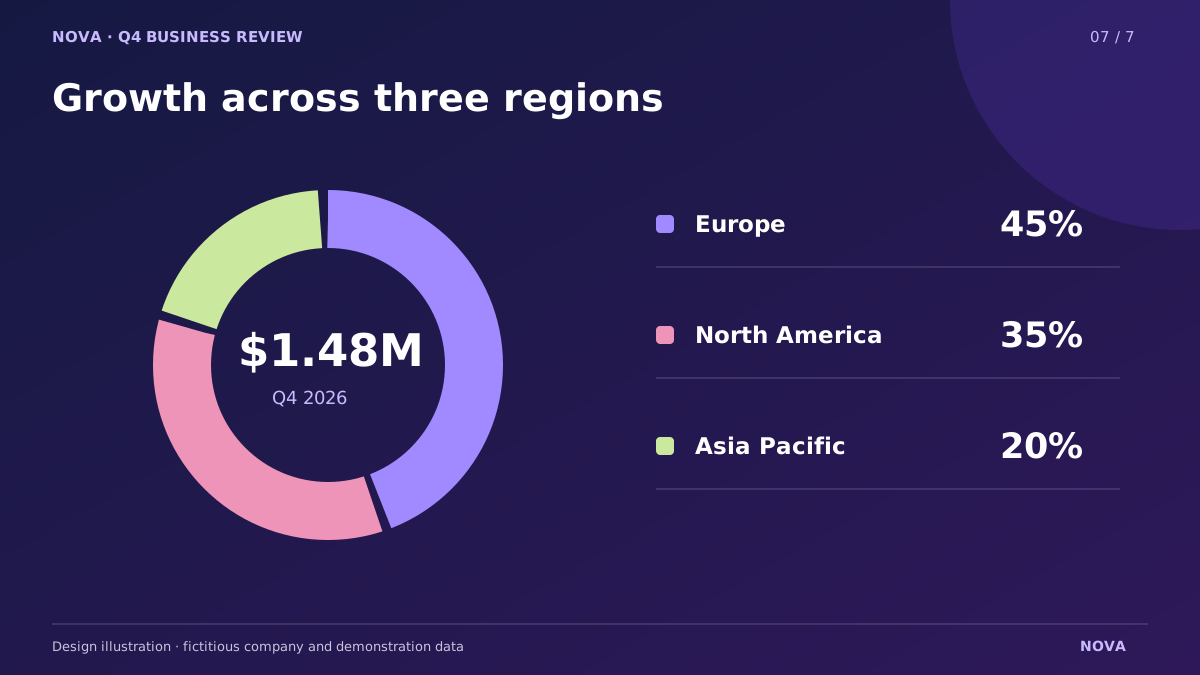
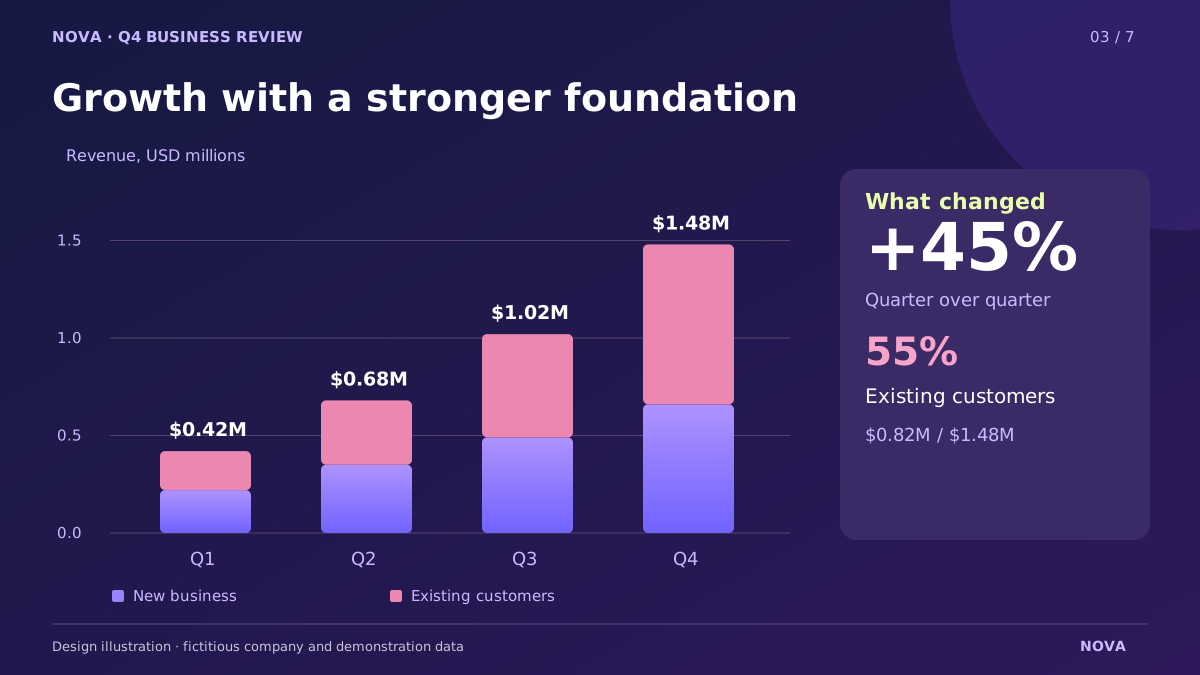
Charts and clear takeaways help your audience follow the evidence.
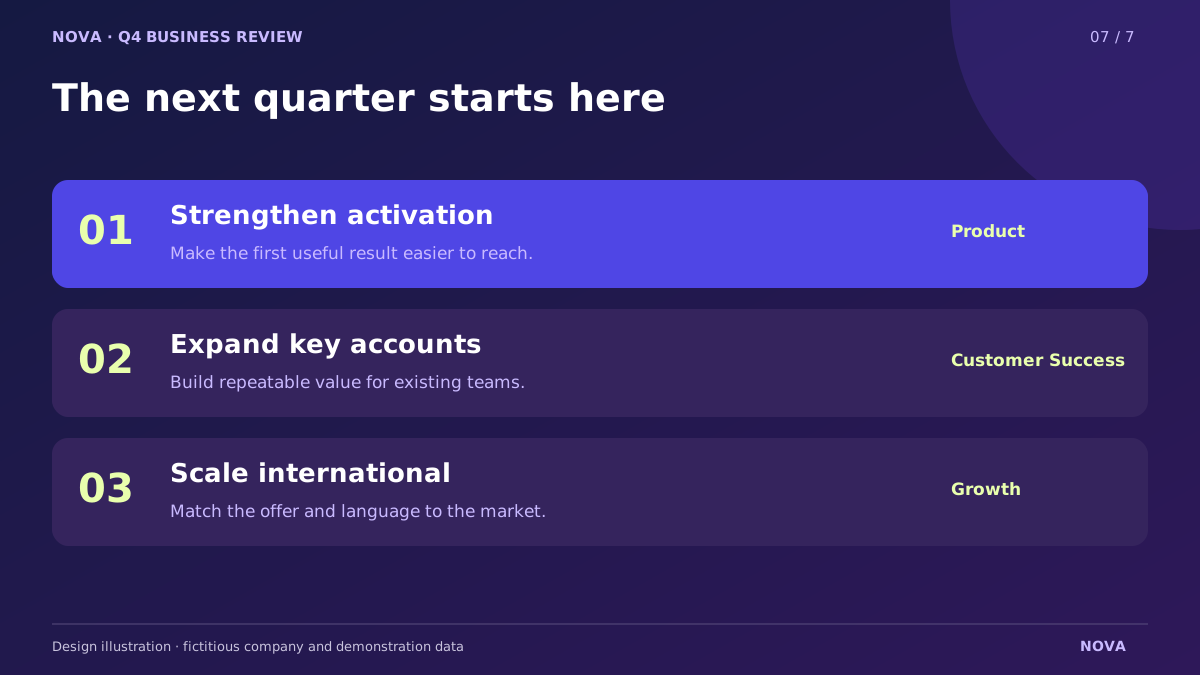
Bring the conversation to priorities, recommendations or a proposal.
Design illustrations from a sample business review. The company and numbers are fictional. Your preview is based on your own input.
Documents to presentations
Upload your sources and explain what matters. AI organizes the material into a new presentation around your brief.
Prepare a quarterly business review for our leadership team.
Review names, numbers and claims before presenting. Your expertise makes the final story stronger.
From your input to your next meeting
Start with a preview of your idea, then create and refine the full presentation with Pro.
Describe the topic, audience and the points that matter. Add source files when you have them.
Your content and supporting materialGet an initial preview based on your input, then continue when you are ready to develop the presentation.
A first look before continuingContinue with Pro to create and edit the full presentation, then export editable PowerPoint or a clean PDF.
Creation, editing and Pro exportsMade for the work in front of you
Give your brief a purpose, then shape the story around the conversation you need to have.
Explain the problem, your approach and the next step.
Bring results, lessons and priorities into one coherent presentation.
Connect the opportunity, your plan and the ask.
Continue with Pro
Refine the story, edit the slides and export a file you can keep working with.
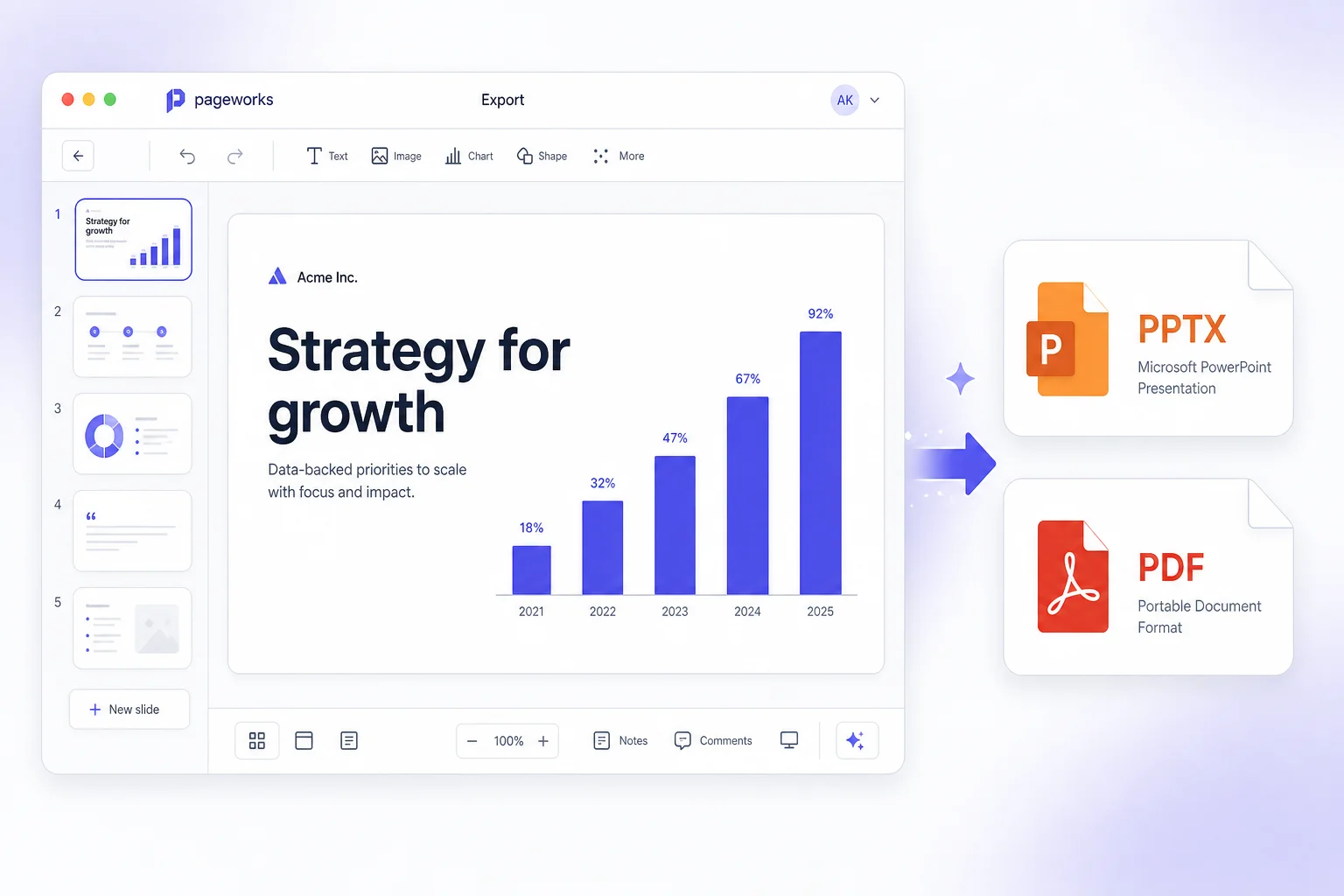
Export PPTX and continue refining your presentation in PowerPoint.
Share a clean version of the presentation with your audience.
Refine the wording and slide content before your next meeting.
See your preview first. Your offer and subscription terms are shown before payment.
Before you begin
Start with a useful brief. Keep control of the message.
Add a supported source file and, if you have one, a short brief. AI uses your material to organize the content into a new presentation. You can review and refine the content before exporting with Pro.
Yes. The opening-slide preview is based on your topic and source material. The example deck on this page is a design illustration with fictional business data.
You can add PDF, Word (.docx), PowerPoint (.pptx), Excel (.xlsx), CSV, text, Markdown and supported images. Add a short brief to explain the audience and the outcome you need.
With Pro, you can create and edit presentations, export editable PowerPoint files and download PDFs without a watermark. You can review the included features and subscription terms before paying.
You first see a preview of the opening slide based on your brief and files. Then you can review the Pro offer to continue creating the full presentation. Clicking the button won't charge you.
Start with what you know
Bring the brief. Make the story yours.
Create my presentation ↗