
Standard
You approve the outlineTemplate first, outline second, slides last. Best when you want control and a predictable layout.
Create AI slides and speaker notes from your brief or files. Refine the story, rehearse your talk, and export a PowerPoint presentation with Pageworks.





300,000+ users·17,350 positive reviews
By generating a deck you agree to our Terms and Privacy Policy.
Real slides generated from short briefs
The part we remove
The hard part of a deck is not typing — it is deciding what goes on which slide, in what order, and making it look finished.
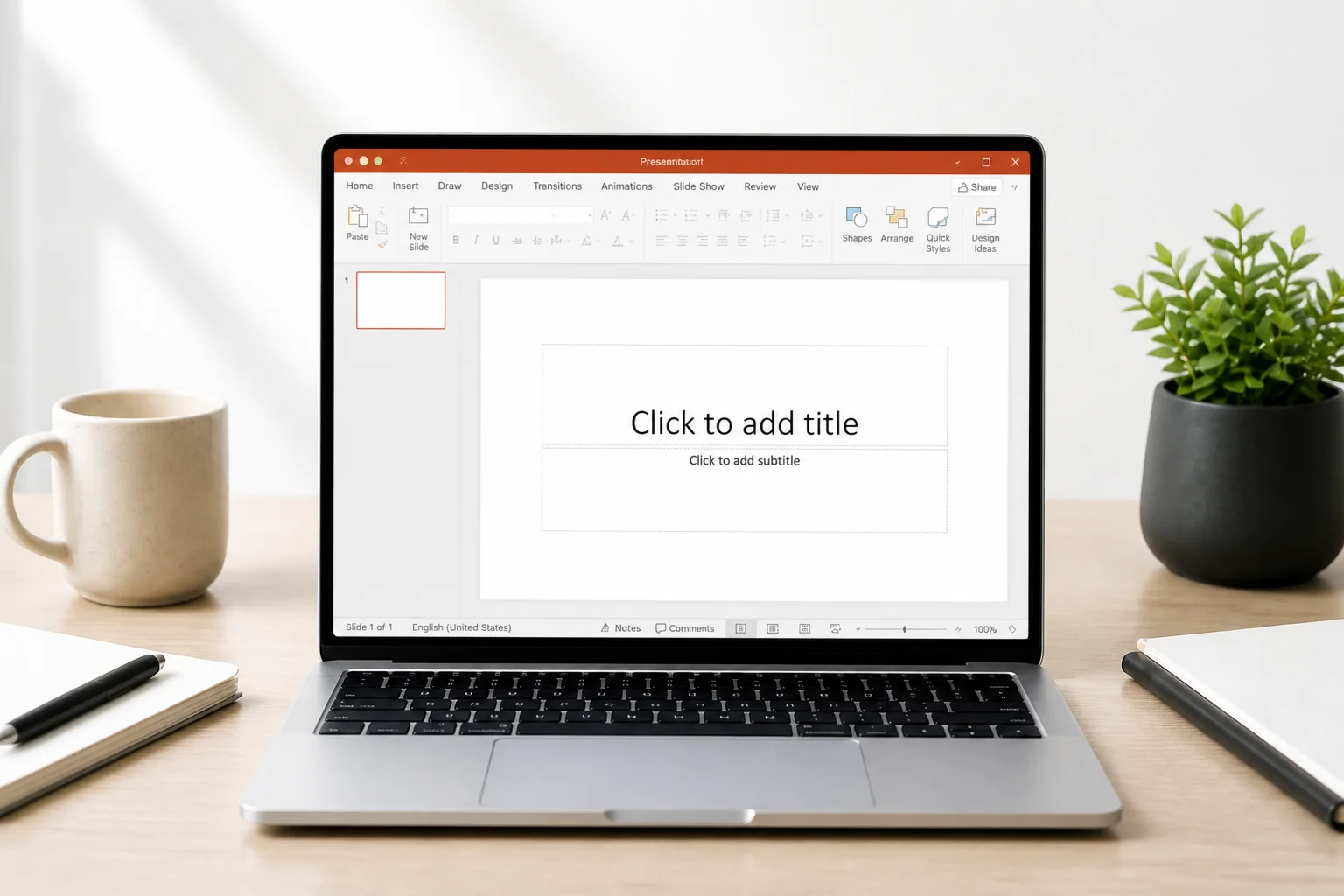 Before
Blank slide. Three hours ahead.
Structure, design, notes — all on you, the night before.
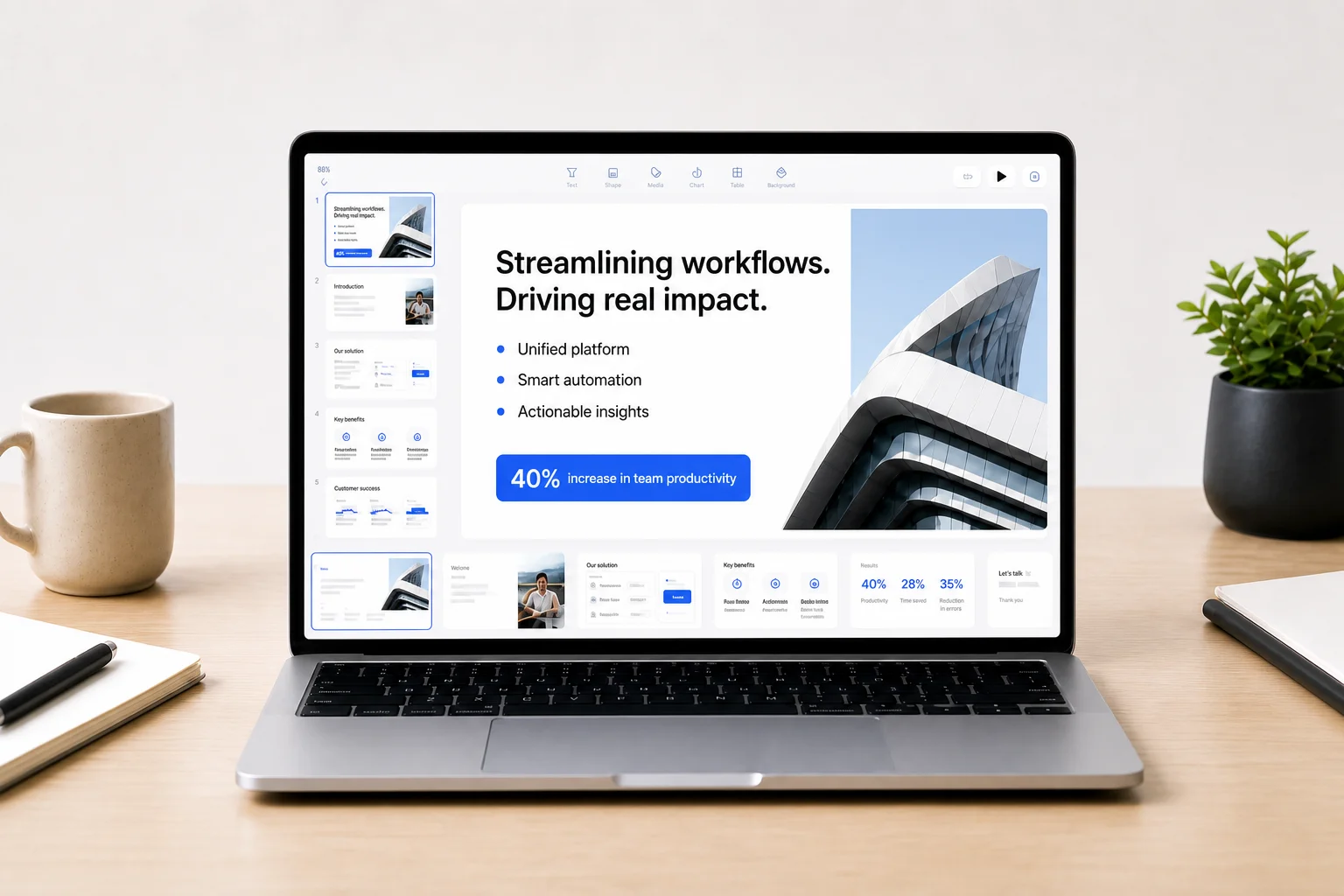 After
AfterTen structured slides. Editable. Yours.
Generated from a two-sentence brief, with speaker notes, ready to present or export.
How it works
No templates to fill by hand, no prompt engineering. Describe the deck the way you would to a colleague.
Type two sentences or attach a PDF, DOCX, PPTX or link. Say who the audience is and what you want from them — the story is built around that.
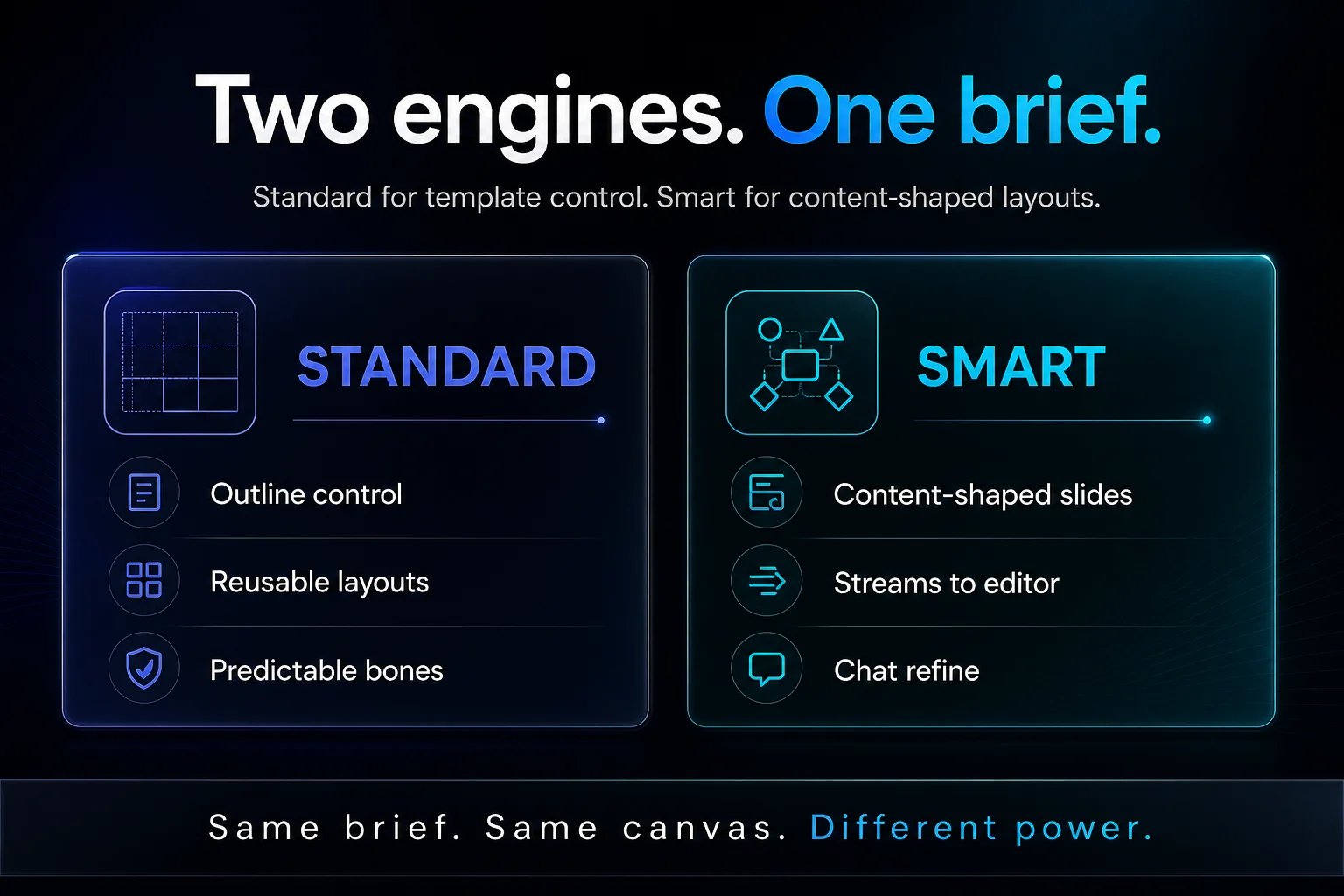
Standard: choose a template, approve the outline, then build — predictable and fast. Smart: the AI designs each slide to fit the content and streams the finished deck live. Same brief, switch any time.
Standard
You approve the outlineTemplate first, outline second, slides last. Best when you want control and a predictable layout.
Smart
AI designs each slidePick a look, the AI writes and lays out every slide live. Best when the story should lead the design.
Change anything on the slide canvas or ask the AI to rewrite a slide. Present from the browser, share a link, or download a native PowerPoint file.
Real output
Every slide below started as a short brief. Pick a deck type to see the slides.
The brief
“Series A pitch for a B2B workflow product: problem, solution, traction, market, GTM, and the ask.”
 01
01Cover — The ask that closes
Presenter note · Open with the ask energy, then walk back through the logic. Pause after $12M — let the room lean in.
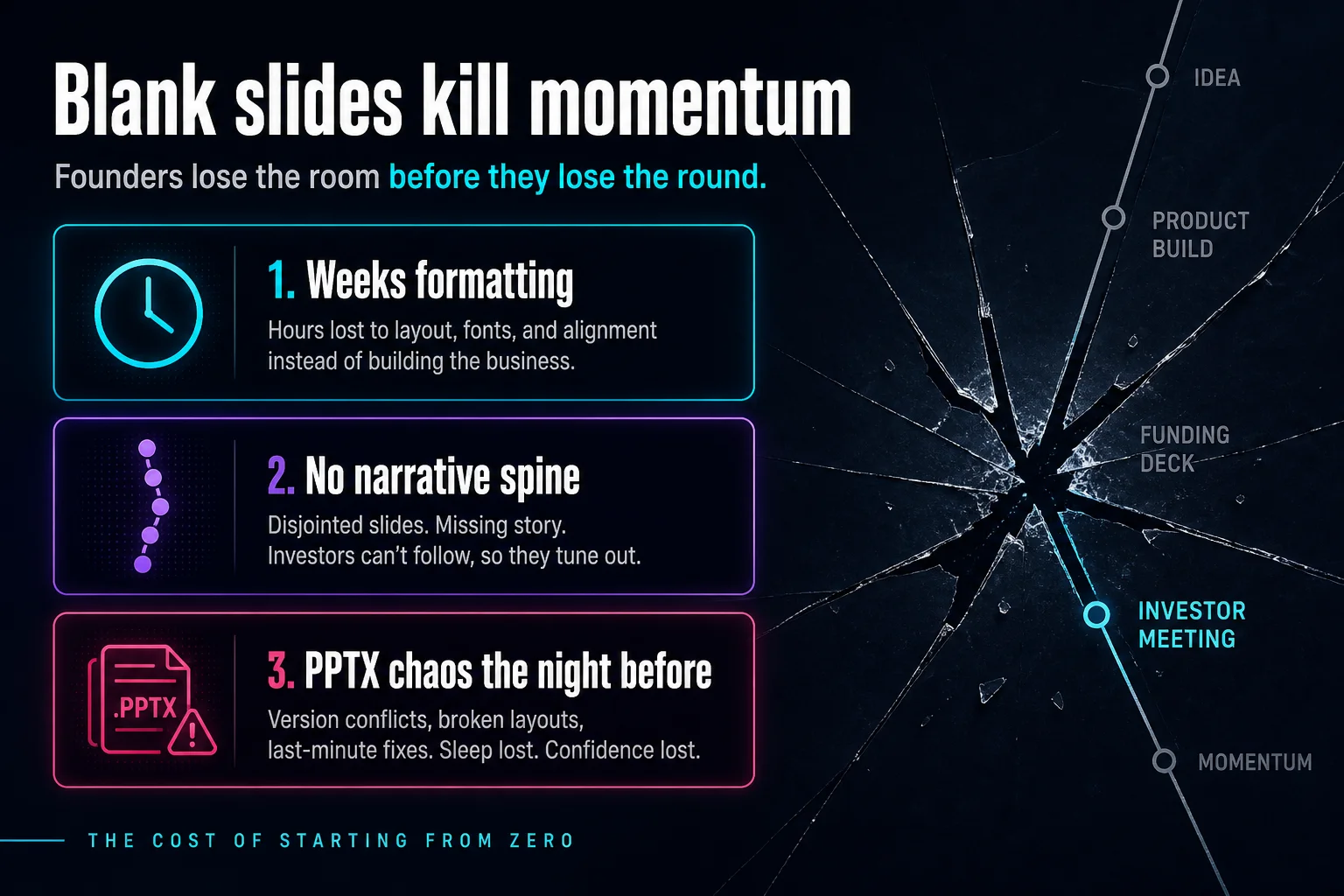 02
02Problem — Blank slides kill momentum
Presenter note · Name the cost of starting from zero. Ask if anyone in the room has rebuilt a deck the night before a partner meeting.
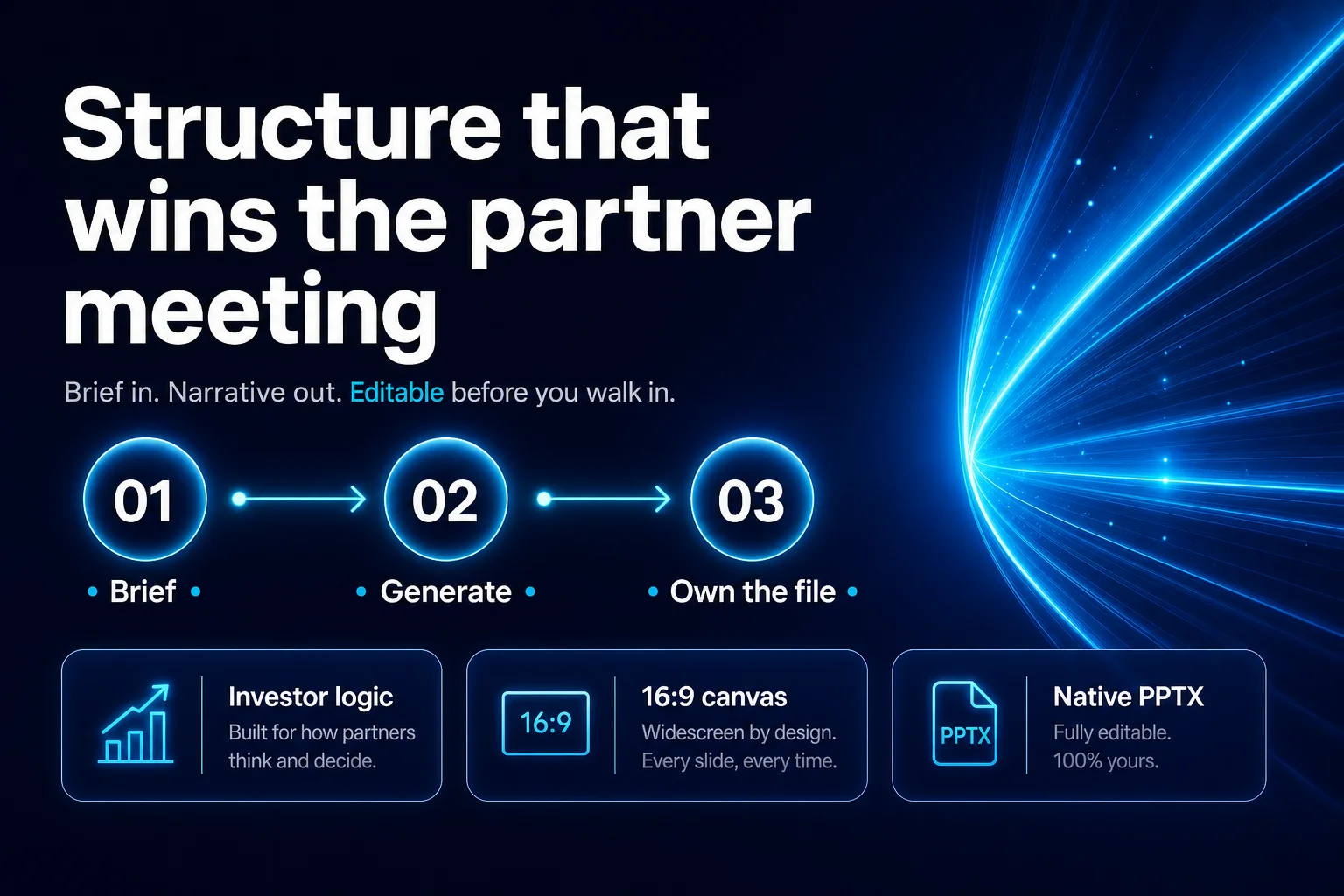 03
03Solution — Structure that wins
Presenter note · Three beats only: brief → generate → own. Emphasize editable before walk-in, not a dead-end web card.
 04
04Market — $48B and climbing
Presenter note · Keep TAM/SAM/SOM crisp. Why-now line is the punch — buyers already pay for speed.
 05
05Product — Two engines. One brief.
Presenter note · Standard = control. Smart = content-shaped. Same brief, different power — don’t over-demo both.
 06
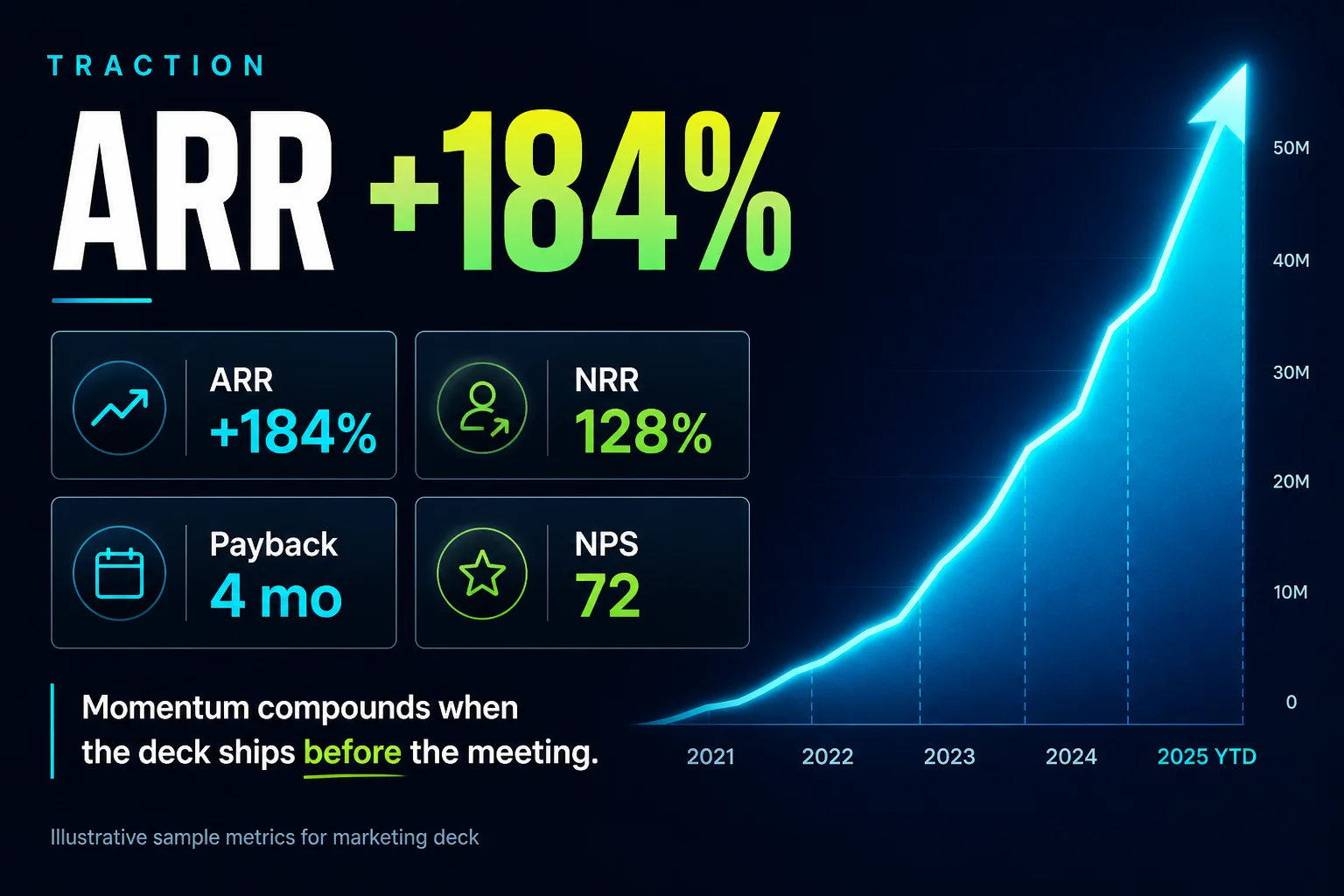
06Traction — ARR +184%
Presenter note · Sample marketing metrics — swap your live numbers on canvas. Lead with ARR, land on payback.
Not a dead end
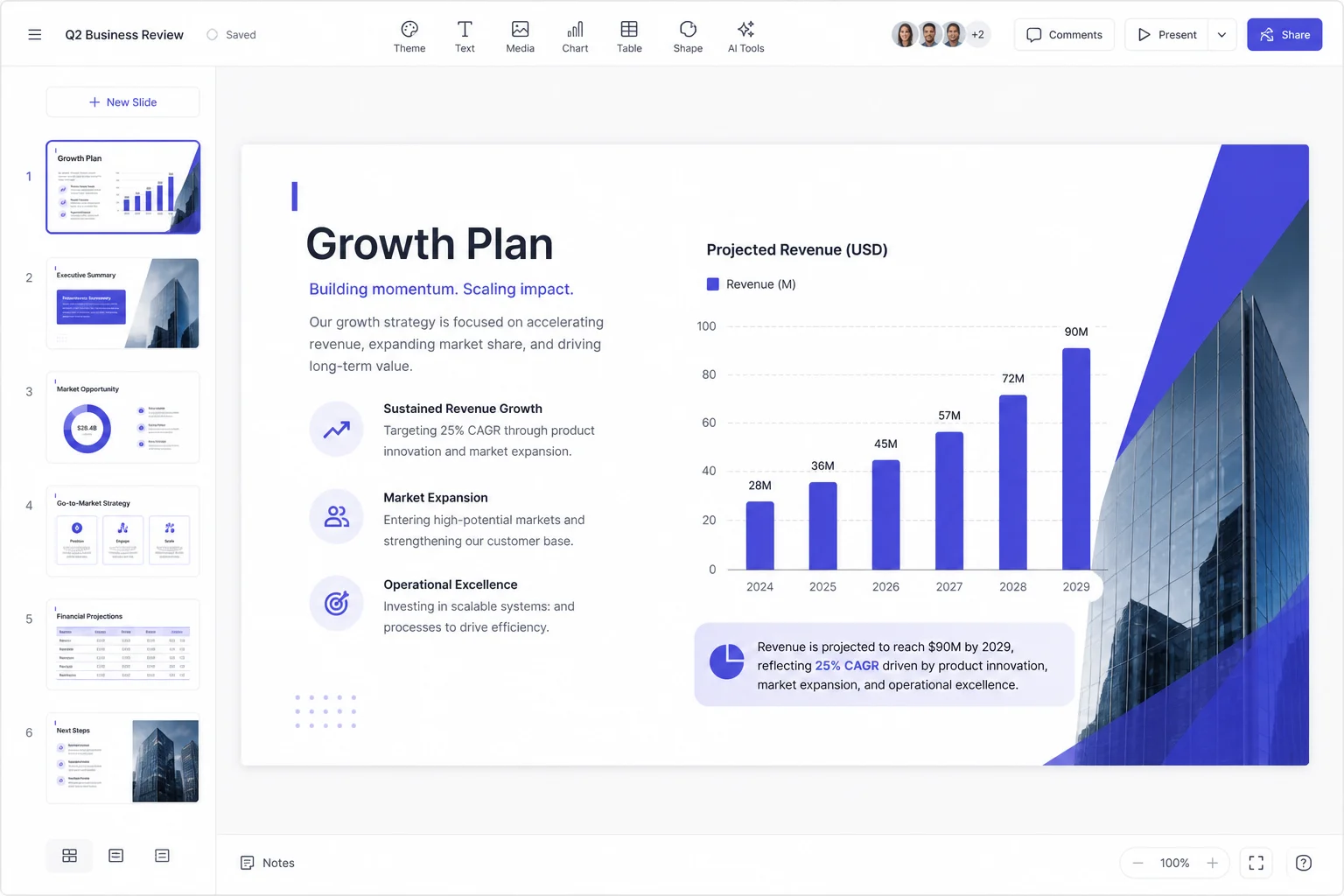
Most AI slide tools hand you a pretty web page you cannot change. Pageworks gives you a real editor — so the deck is yours before you walk into the room.
Why not just…
Same deck, three ways to get there.
| Blank PowerPoint | ChatGPT + copy-paste | Pageworks | |
|---|---|---|---|
| First draft | Hours of formatting | Text only — you build the slides | Minutes — real slides, real layout |
| Story structure | You invent it | A list of bullets | Narrative sequence built for the audience |
| Editing | Full, but from zero | None — it is text | Slide canvas + Edit with AI |
| Speaker notes | Written by hand | Separate prompt, pasted by hand | Drafted under every slide |
| Your files as source | Copy-paste | Paste, within limits | Attach PDF, DOCX, PPTX, URL |
| Final file | PPTX | No file | Native PPTX, PDF, share link |
| Cost to start | Office licence | $20 / month | Free — 1 deck every 24 hours |
Yes. Free gives you one full presentation every 24 hours with the same engine as Pro — including PPTX export without a watermark. Only PDF share and save carry a watermark on Free.
No. You can present from the browser and share a link. If you or your stakeholders live in PowerPoint, download a native PPTX and keep editing there.
Yes. Every slide opens in a real editor: move elements, change text, switch the theme, or ask the AI to rewrite a slide. Nothing is locked.
Yes. Attach PDF, DOCX, PPTX, TXT, spreadsheets or images — up to 10 files — or paste a URL. The deck is built from your content, not generic filler.
Standard: pick a template, approve the outline, then build — predictable. Smart: the AI designs each slide to fit the content and streams the deck live. Same brief either way; switch whenever you like.
90+ languages for both generating and editing. Write the brief in one language and get the deck in another if you need to.
In Settings → Billing, one click. You keep Pro until the end of the paid period, then your account returns to Free. Your decks stay in your account.
Your briefs and files are processed to build your deck and are not sold to anyone. See the Privacy policy for details.
PowerPoint editability depends on the slide layout. Standard template slides can export native text and shapes; some complex layouts export as images. Review the exported file before presenting.
Free to start. PPTX included. Nothing to install.
Minutes, not hours
A structured first draft while the coffee is still hot.
Editable, not a dead end
Real slide canvas, themes, and AI edits on every slide.
Native PowerPoint
Download a PPTX that opens clean in Office — on Free too.
Free every 24 hours
One full deck a day, no card. Pro when you need more.