
Standard
Template-drivenPick the layout family, approve the outline, then build. You stay in control of every step.
AI writes the story, designs the slides, and hands you editable PowerPoint — in minutes, not evenings
By generating, you agree to the following: Terms · Privacy Policy.
From blank to boardroom
Bring the brief — the structure, the slides and the polish are already in the file when you open it
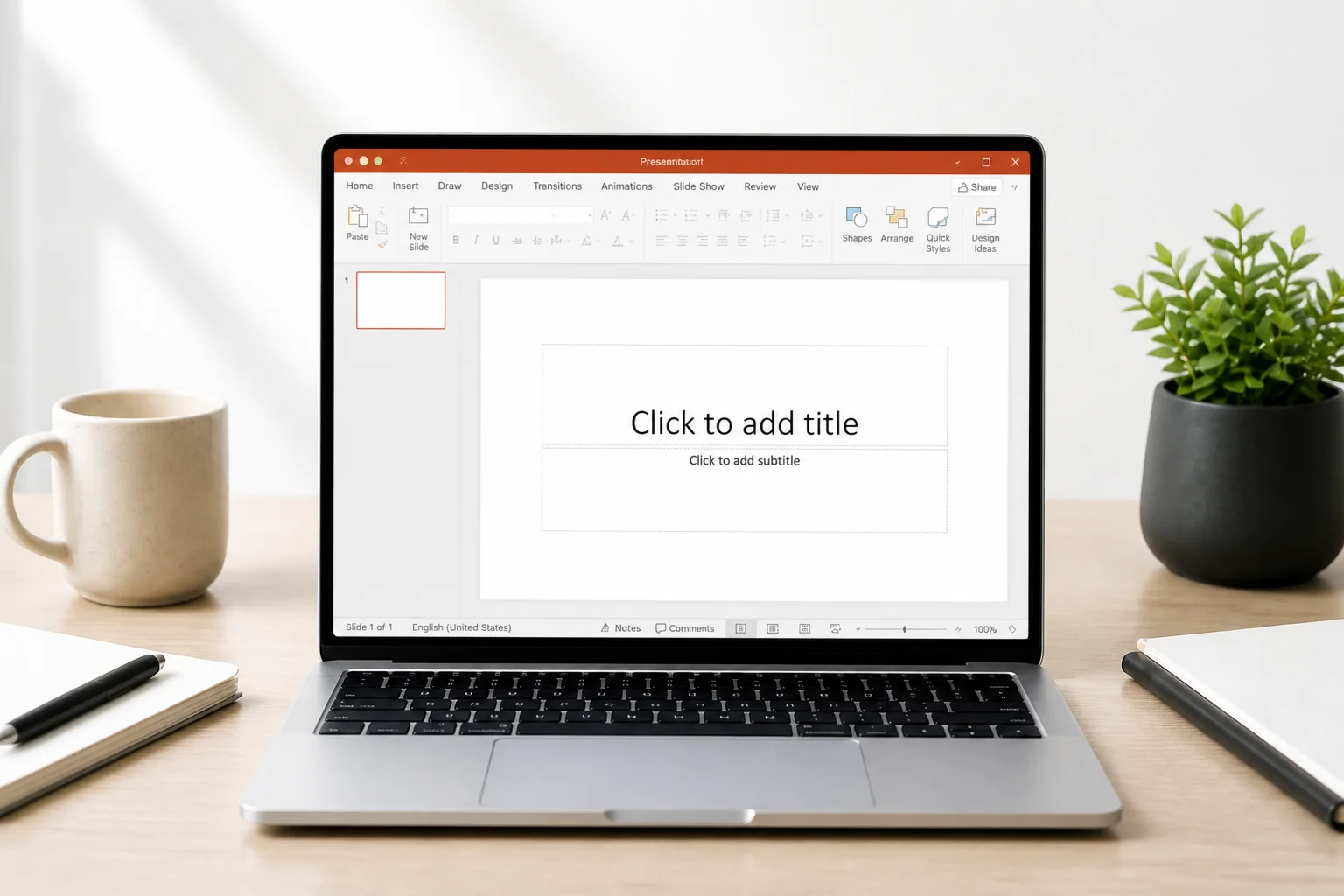 Before
An empty canvas and a deadline
Every layout, bullet and speaker note is yours to invent from zero
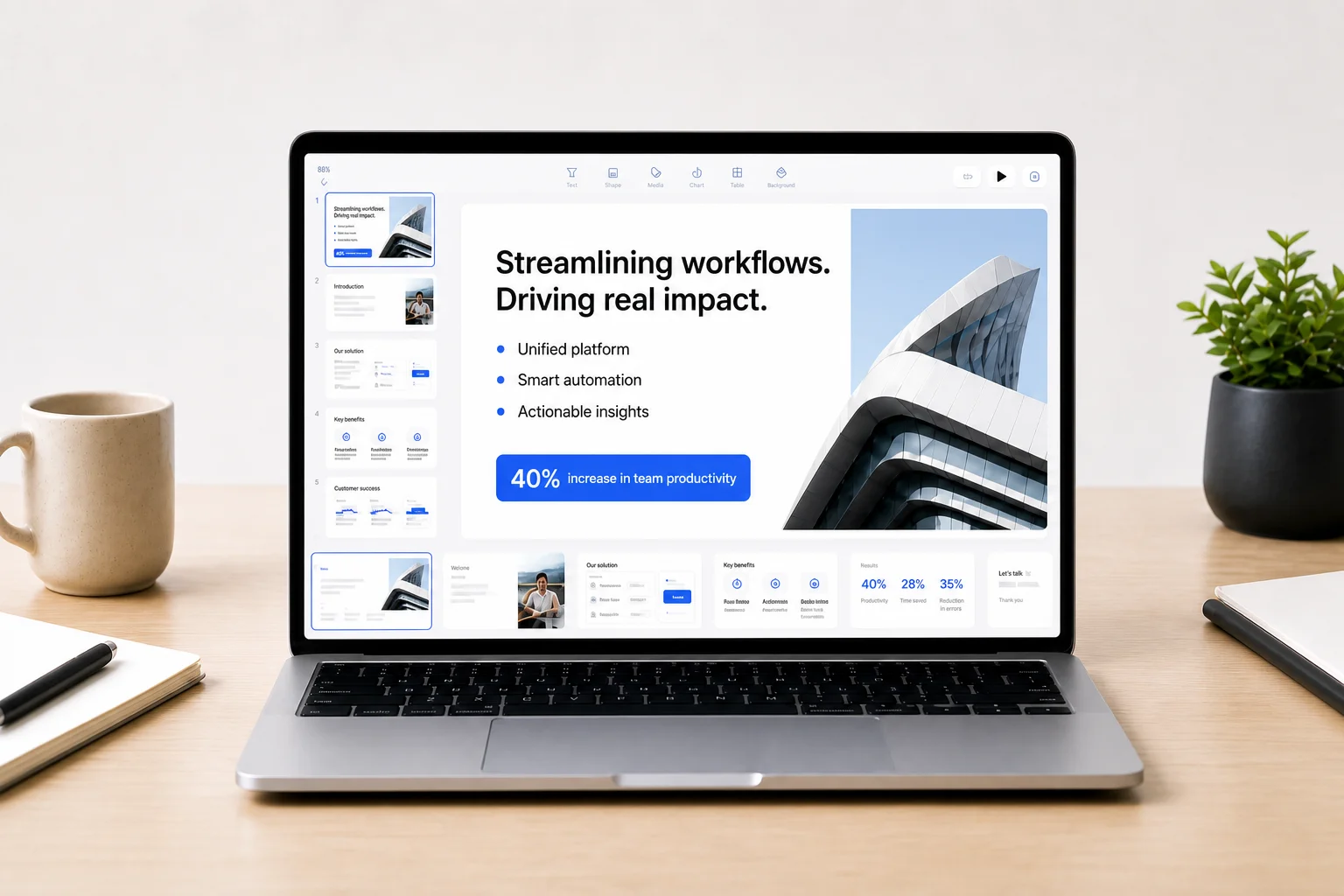 After
AfterA finished draft in minutes
Structured slides, consistent design, speaker notes — open it, tweak, present
Just 3 easy steps
Experience a structured first draft you can own — then present or export
Start with a prompt and/or attach PDF, DOCX, or a URL through our create flow. Name the audience and the ask so the narrative fits the room.
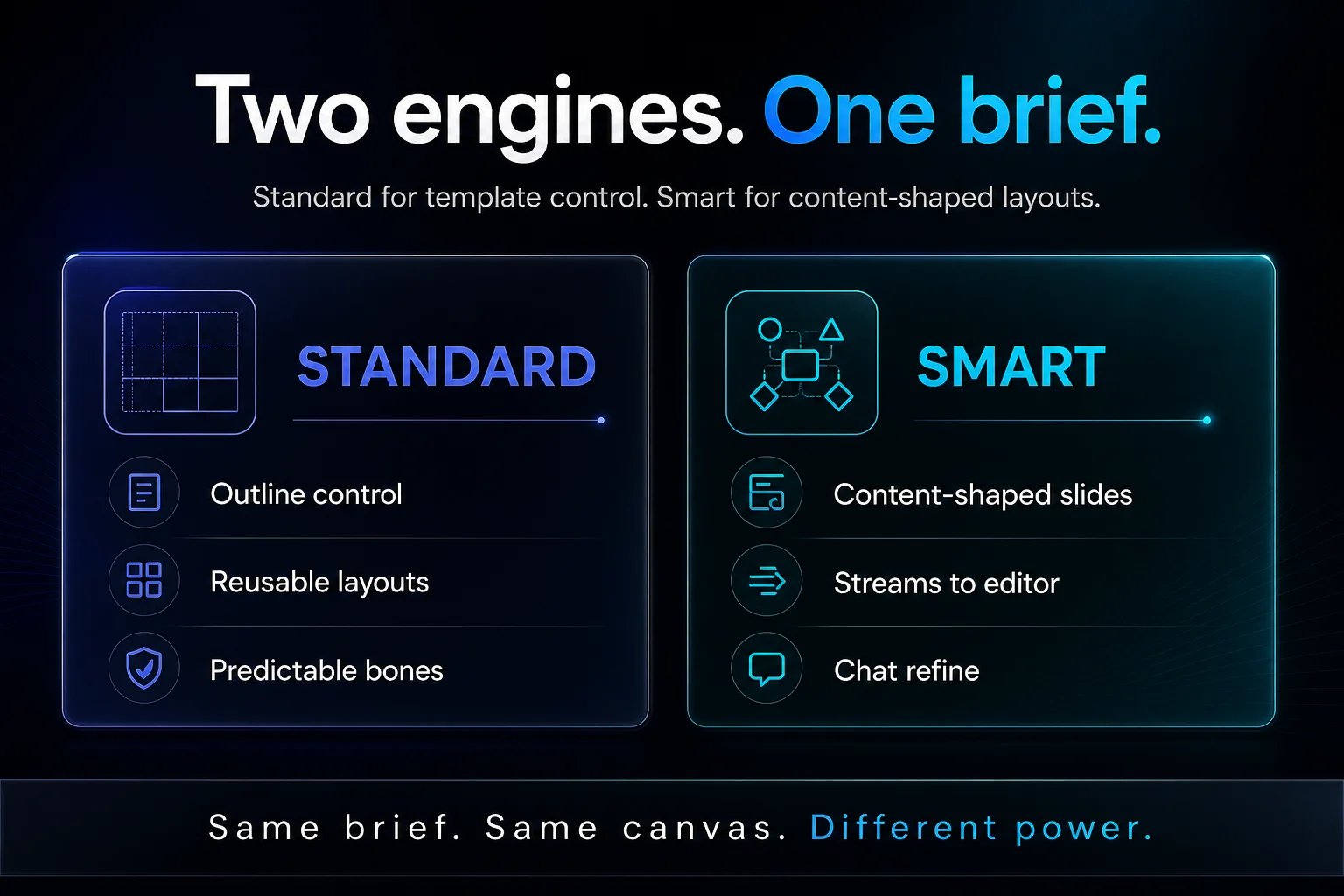
Standard fills reusable template layouts — pick a template, edit the outline, then build. Smart composes each slide to the content and streams into the editor.
Standard
Template-drivenPick the layout family, approve the outline, then build. You stay in control of every step.
Smart
Content-firstThe AI shapes each slide around your material and streams the deck as it goes. Lead with the story.
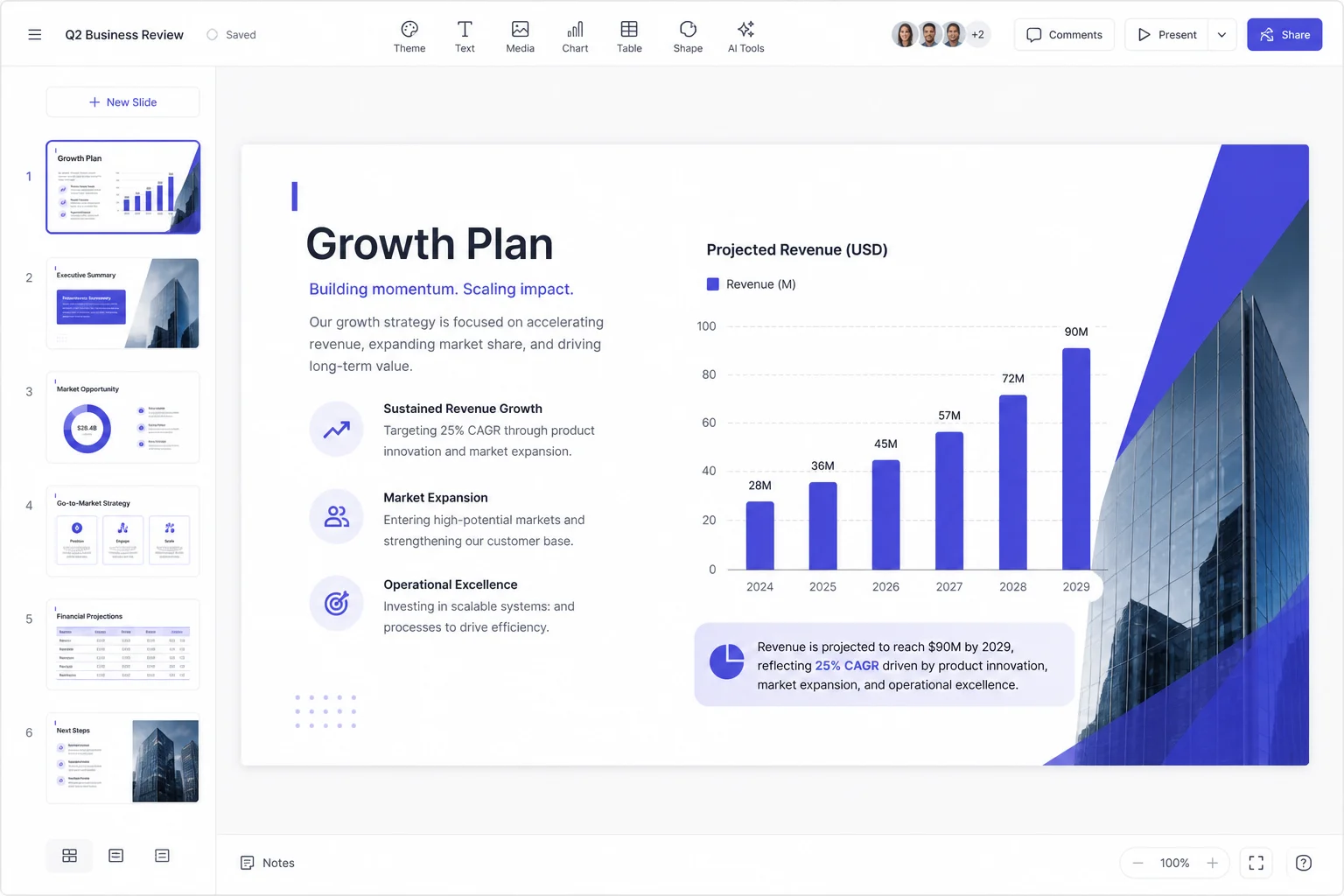
Tighten on a real 16:9 canvas with Edit with AI. Present in the browser or download native PPTX / PDF when stakeholders need the file offline.
Real examples
Every deck below started as two sentences and came out fully designed — structure, slides, speaker notes. Switch types and compare
The brief
“Series A raise for a logistics-tech startup: the market shift, our wedge, first revenue, unit economics, the round.”
 01
01Cover — The ask that closes
Note · Open with the ask energy, then walk back through the logic. Pause after $12M — let the room lean in.
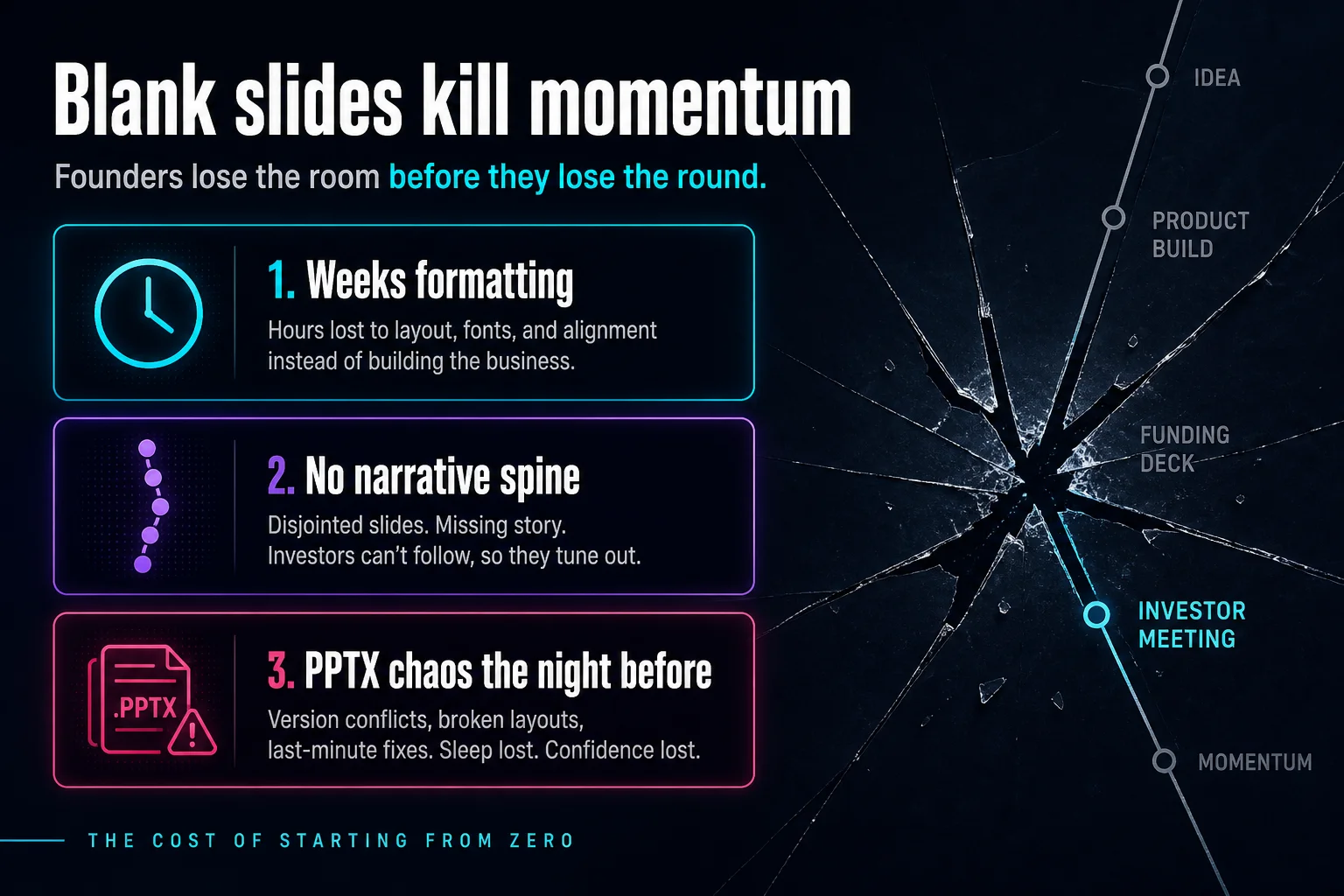 02
02Problem — Blank slides kill momentum
Note · Name the cost of starting from zero. Ask if anyone in the room has rebuilt a deck the night before a partner meeting.
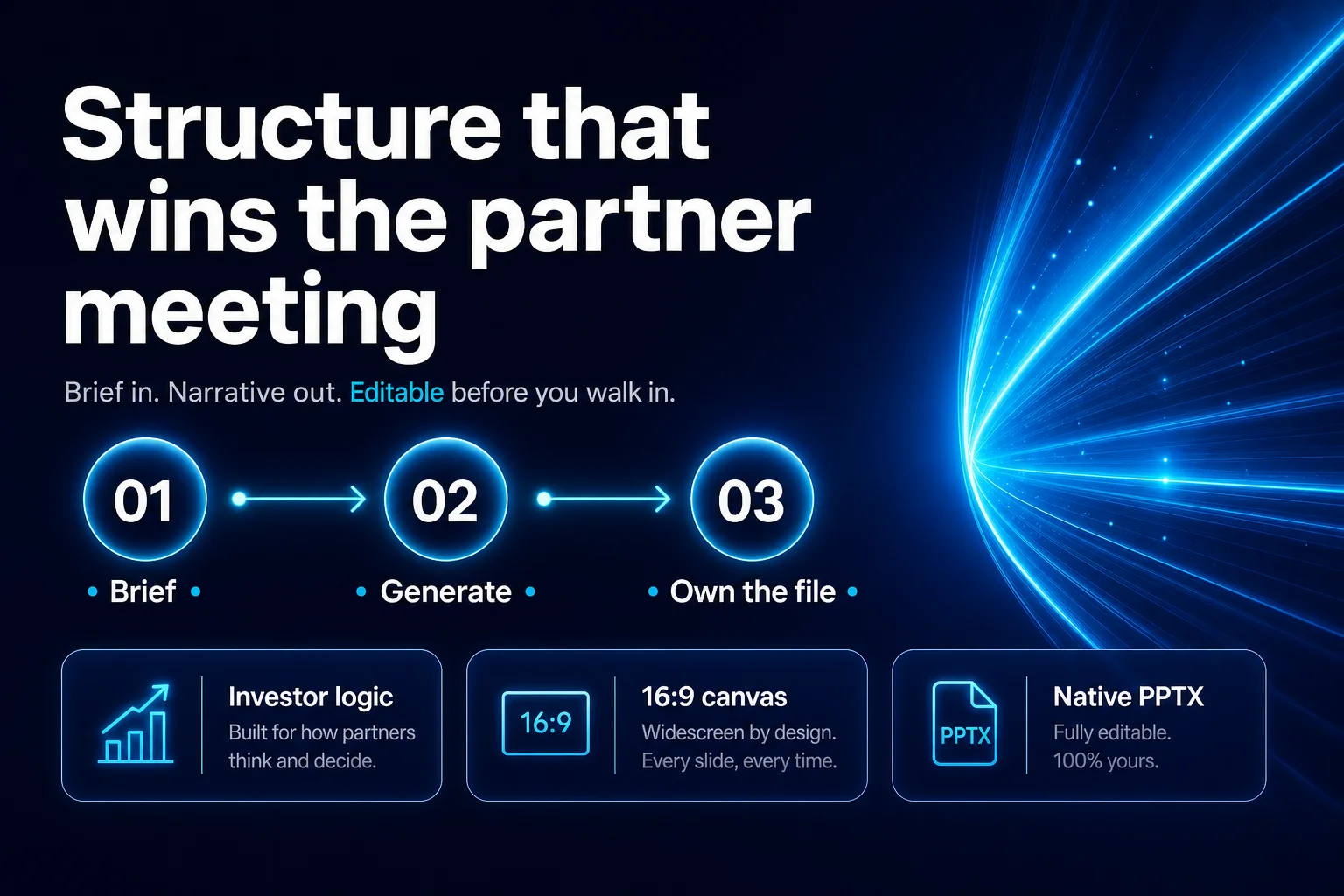 03
03Solution — Structure that wins
Note · Three beats only: brief → generate → own. Emphasize editable before walk-in, not a dead-end web card.
 04
04Market — $48B and climbing
Note · Keep TAM/SAM/SOM crisp. Why-now line is the punch — buyers already pay for speed.
 05
05Product — Two engines. One brief
Note · Standard = control. Smart = content-shaped. Same brief, different power — don’t over-demo both.
 06
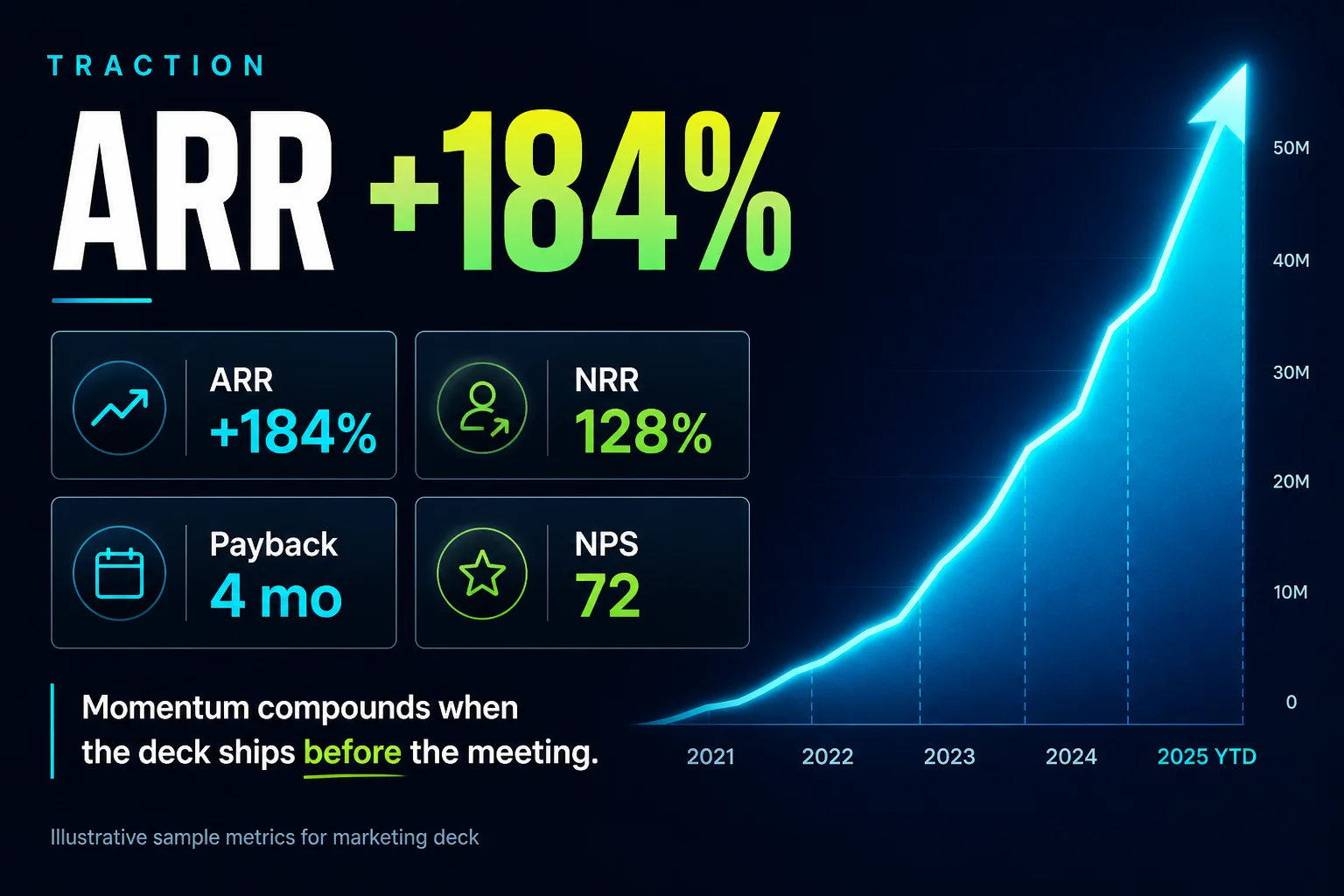
06Traction — ARR +184%
Note · Sample marketing metrics — swap your live numbers on canvas. Lead with ARR, land on payback.
Yours to change
Other tools hand you a rigid web mock you cannot touch. Here you get a slide canvas — drag, rewrite, restyle — and the file is yours before you walk in
Three ways to make a deck
The same ten slides, built three different ways
| From scratch | Chat + manual work | Pageworks | |
|---|---|---|---|
| Time to first draft | An evening | Hours of pasting | Minutes |
| Slide design | You fight the layouts | Plain text on white | Designed templates, consistent |
| Story logic | Trial and error | A bullet list | A narrative built per audience |
| Your sources | Manual retyping | Copy-paste chunks | Attach PDF, DOCX, PPTX, links |
| Speaker notes | If time remains | Not included | Drafted under each slide |
| Result file | PPTX, eventually | Text only | Native PPTX, PDF, live link |
| Start cost | Licence plus hours | Subscription plus hours | Free — one deck a day |
Turn a brief or document into a presentation you can edit in the browser. Free exports PDF and slide-image PPTX; Pro exports editable PowerPoint.
90+ languages for generate and edit — ship the deck in the language of the room.
Yes. Your briefs and decks are processed securely. We don't sell your content. See Privacy for details.
Standard fills reusable template layouts with outline control. Smart composes slides to the content and streams into the editor for chat refine. Same brief either way.
Free exports PDF and slide-image PPTX. Pro includes editable PowerPoint export.
Cancel anytime from account settings and finish the billing period. Refund requests are reviewed under our Refund Policy.
PowerPoint editability depends on the slide layout. Standard template slides can export native text and shapes; some complex layouts export as images. Review the exported file before presenting.
Editable PowerPoint with Pro — or start on Free today
Editable PowerPoint export
Generate as many decks as you need — no daily limits on Premium.
Blazing-Fast Generations
Convert a brief into a structured deck in minutes, saving hours of formatting.
Billing Support
For billing errors or technical issues, contact support. Refund requests are reviewed under our Refund Policy.
AI-Powered Structure
Standard + Smart engines build room-ready narratives you can edit and export as PPTX.