
Company
Presentation guides
Practical guides to planning, editing and delivering presentations.

Guides
13 articles

Financial slides for a pitch deck: explain burn, runway and assumptions
A financial pitch slide should make its assumptions inspectable: starting cash, period, inflows, outflows and the milestone the funding supports.
Read article →

Excel to presentation: turn a spreadsheet into a clear argument
For Excel-to-PowerPoint work, decide whether you need a linked object, an embedded copy or a new explanation of the data.
Read article →

Consulting Presentation Structure: An Answer-First Example
A consulting-style deck needs an argument a client can inspect.
Read article →

Markdown to PowerPoint: Choose a Conversion Workflow
Choose a Markdown converter when slide boundaries and wording must follow your file.
Read article →

The 10/20/30 rule: a useful constraint for an AI-assisted pitch
Guy Kawasaki’s 10/20/30 rule proposes ten slides, twenty minutes and a minimum thirty-point font.
Read article →
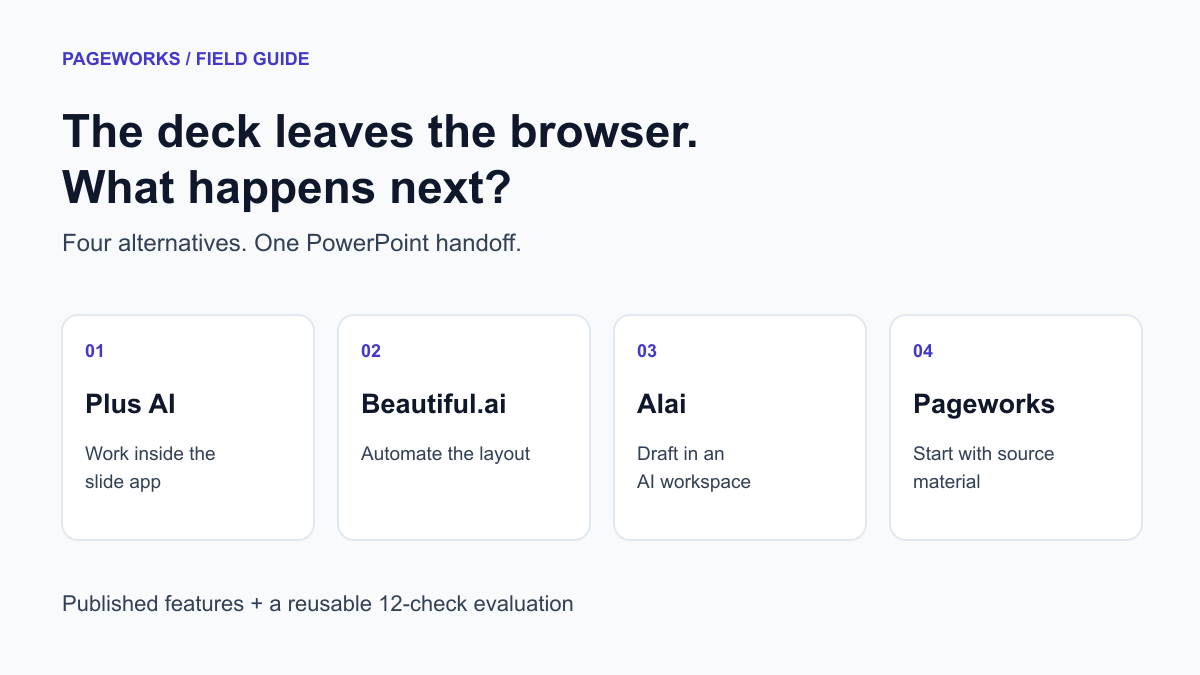
4 Gamma Alternatives for Editable PowerPoint Work
Compare four Gamma alternatives by editing workflow, export limits and published pricing. Includes a reusable 12-check PowerPoint handoff test.
Read article →
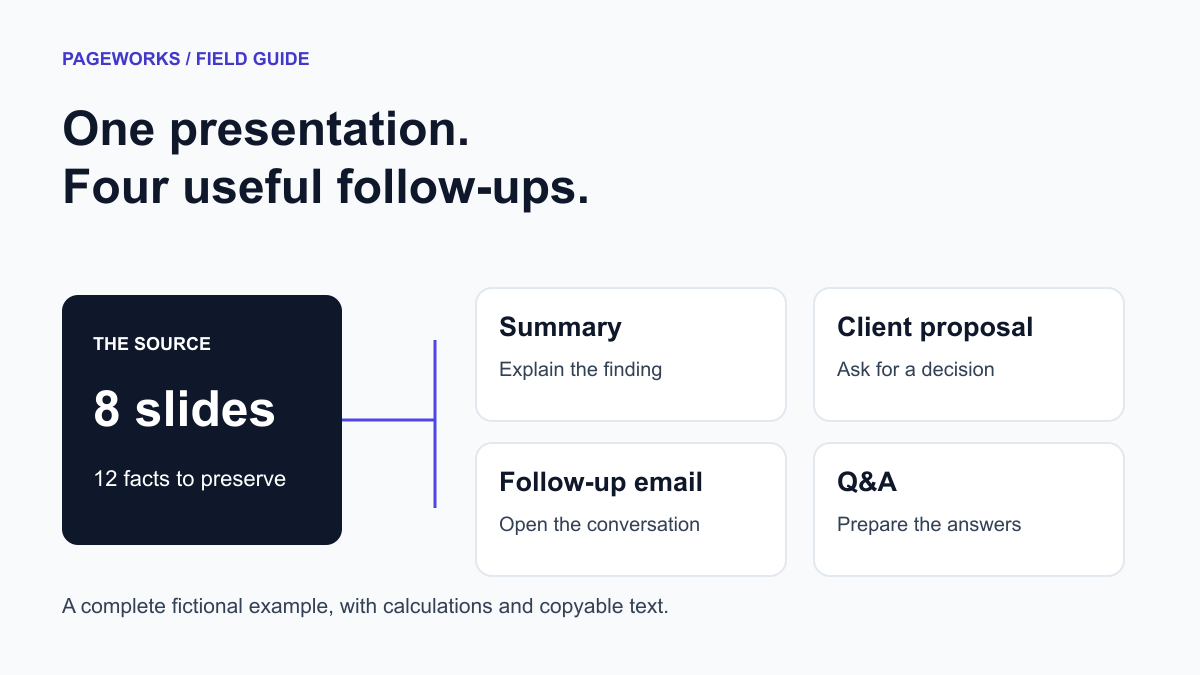
Turn a Presentation into a Client Proposal: Full Example
Use an eight-slide example to create a client proposal, summary, follow-up email and Q&A. Includes 12 source facts, exact calculations and templates.
Read article →
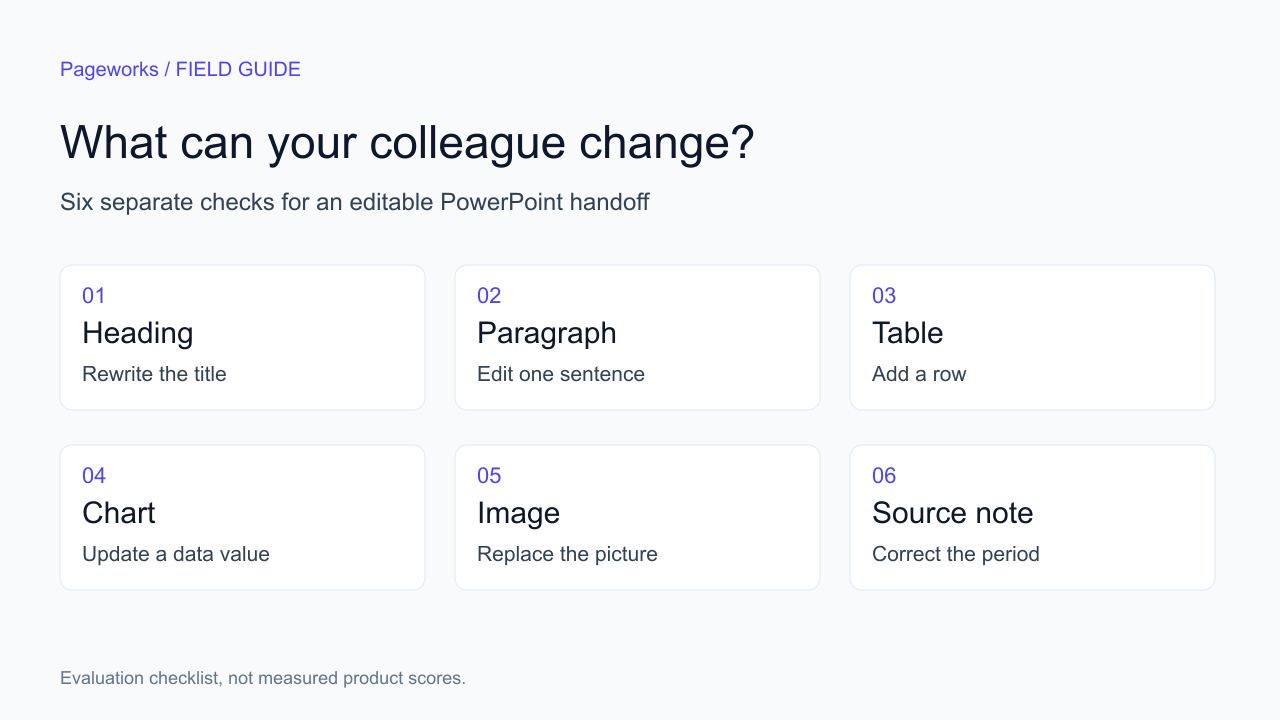
3 Beautiful.ai Alternatives for Editable PowerPoint
Compare Beautiful.ai alternatives by editing workflow and export limits. Download a six-object worksheet to check the files your team will use.
Read article →
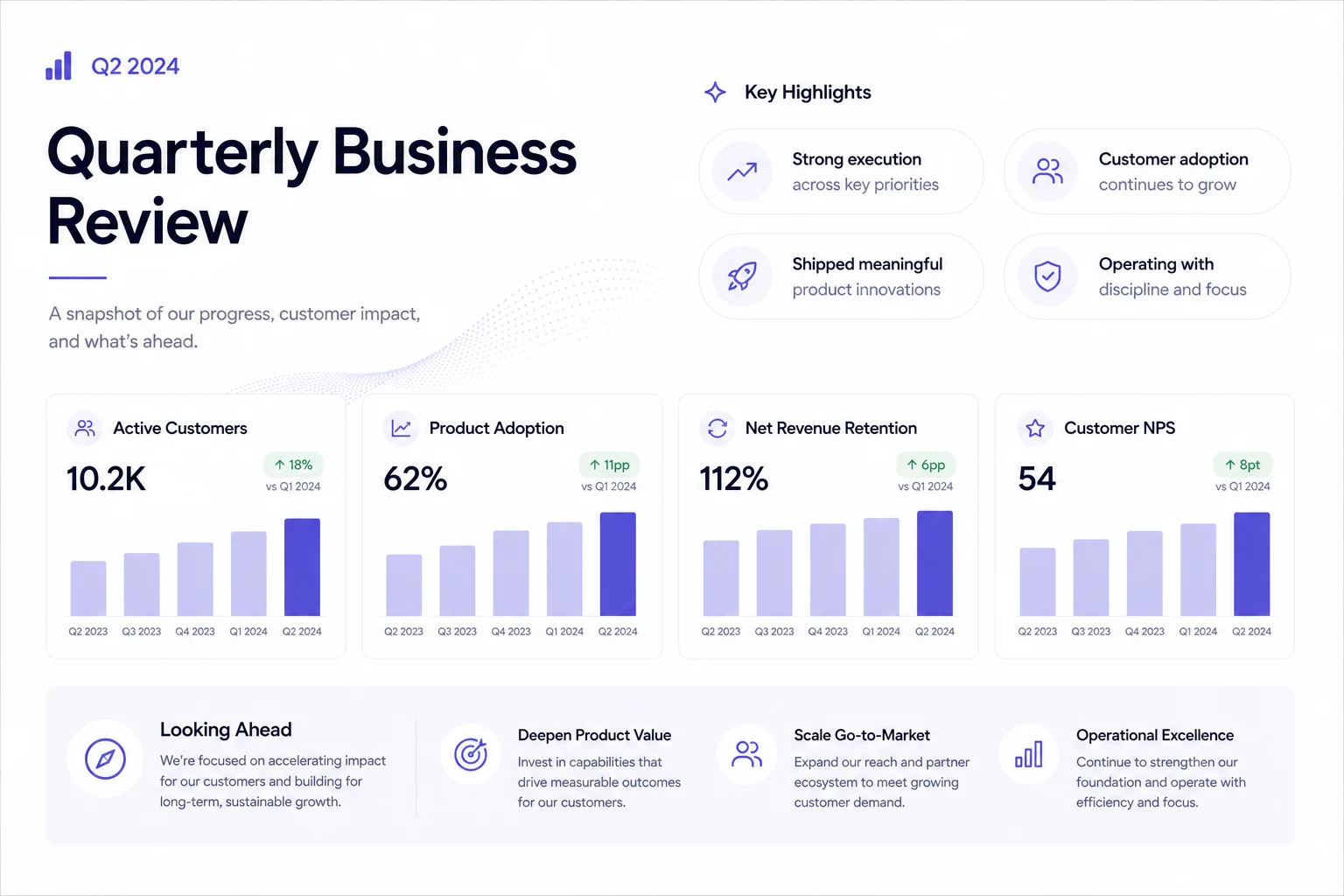
How to build a meeting deck when you only have notes
A practical walkthrough for QBRs and leadership updates - from messy notes to a deck you can actually walk into the room with.
Read article →

Present live or export PPTX - how to choose
Use a browser link for a live presentation, then test the PPTX when a recipient needs offline access or must edit the file.
Read article →
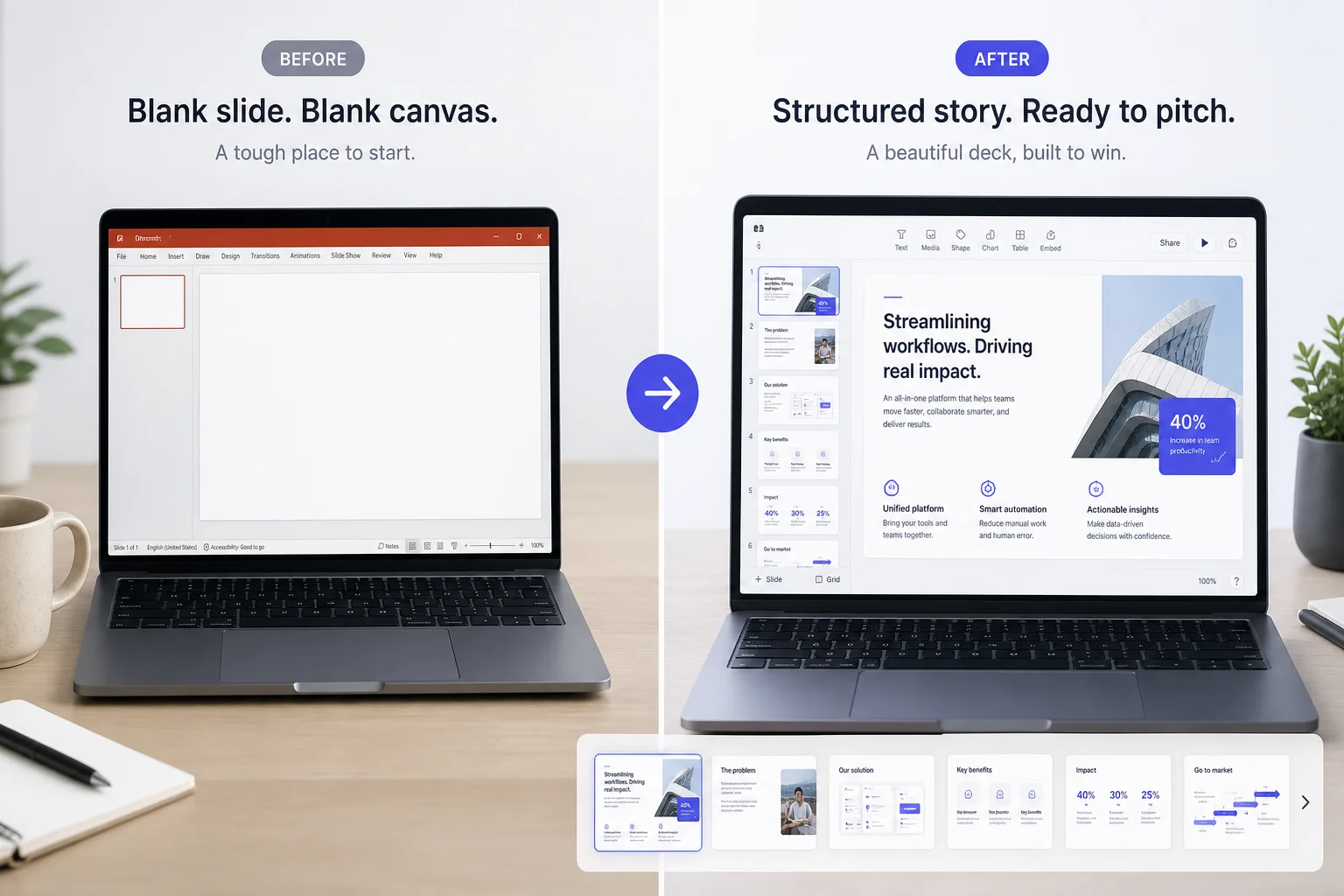
You do not need a manuscript - you need a clear ask
Four sentences and a named audience can produce a first draft worth editing. Here is how to write that brief without overthinking it.
Read article →

Write a pitch brief that makes your business story clear
Founders over-explain in docs and under-structure in slides. A tight brief fixes both before you generate slide one.
Read article →
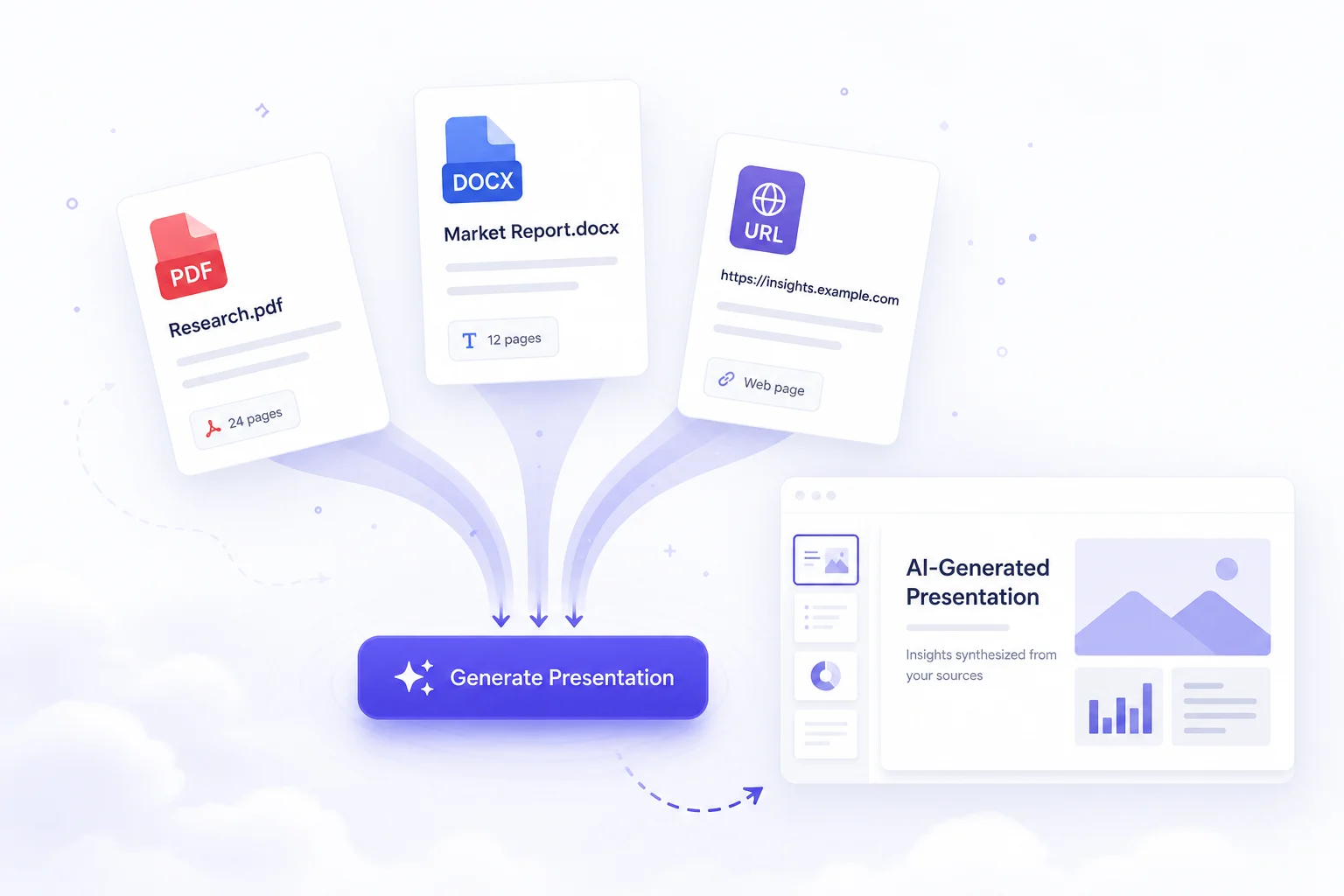
Document to Presentation AI: PDF and Word to Slides
Turn a PDF or Word document into an AI presentation. Use a source brief, an eight-slide outline and a fact-check worksheet before exporting your deck.
Read article →
Product
5 articles
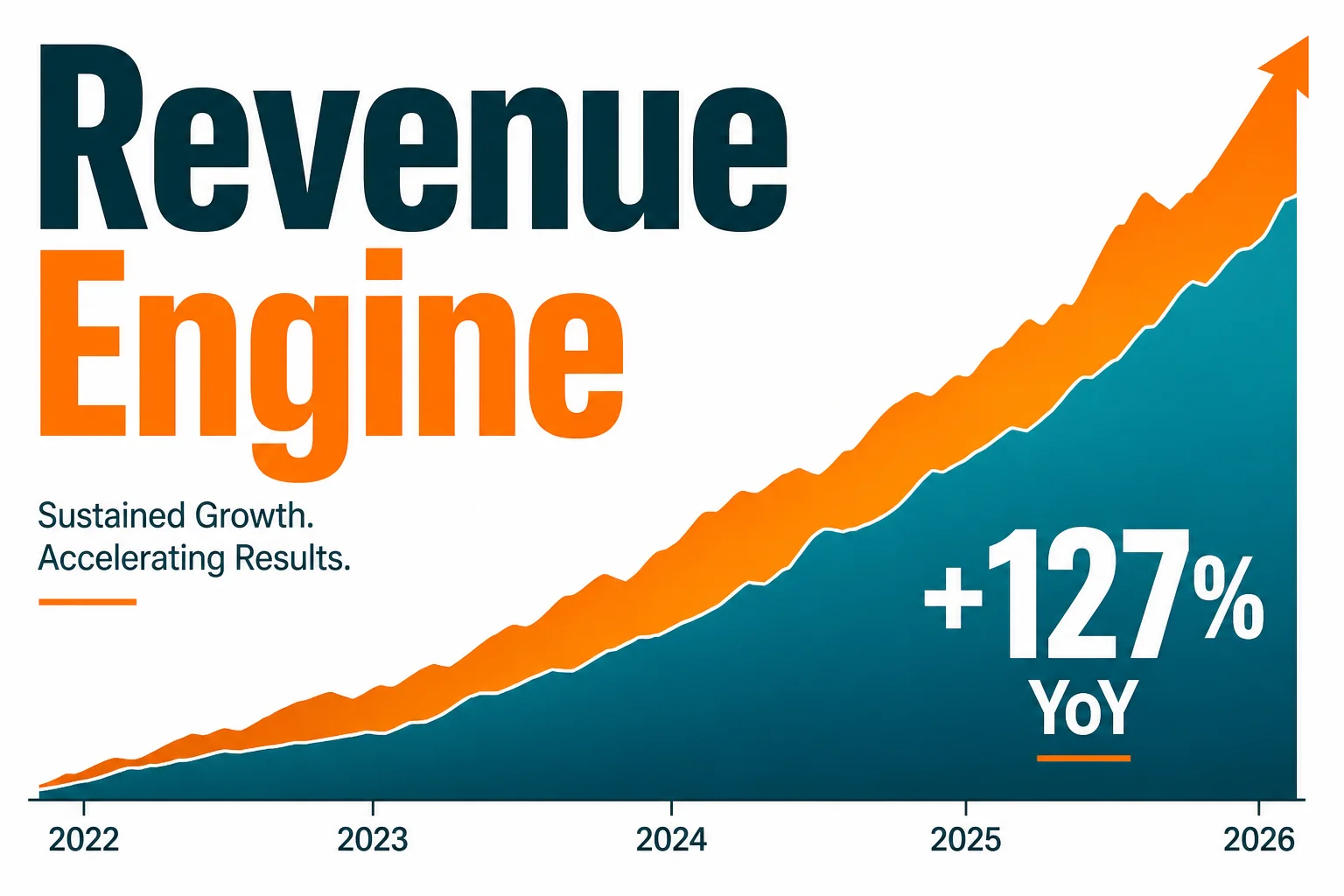
Pageworks Free vs Pro: choose by the work you need to deliver
Choose the plan from the next deliverable. An eight-slide internal readout that will only be viewed has different requirements from a 24-slide proposal that a client must edit in PowerPoint.
Read article →
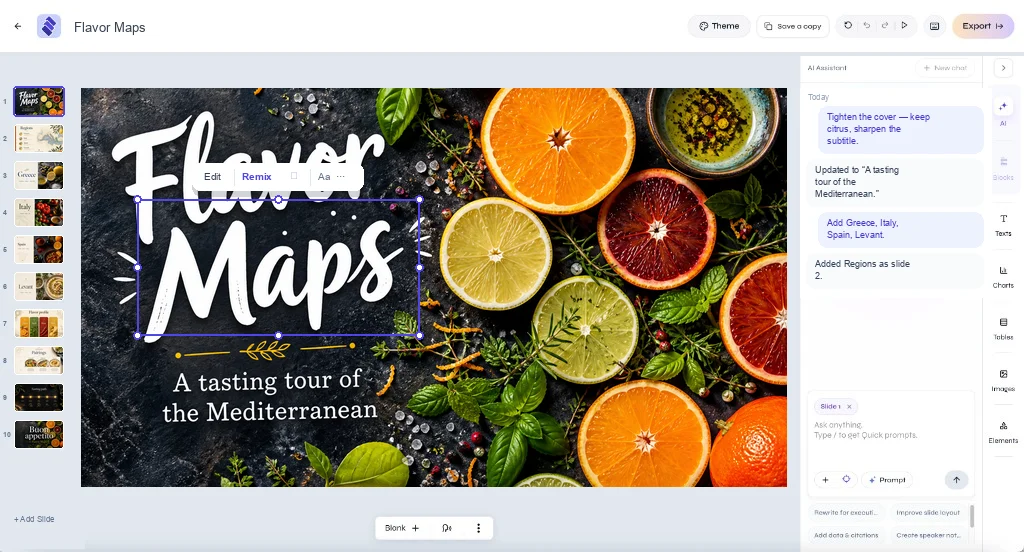
Standard vs Smart: choose how to create your presentation
Start with the same brief and choose the approach that fits your goal: a template and an outline you control, or slide designs shaped around your content.
Read article →
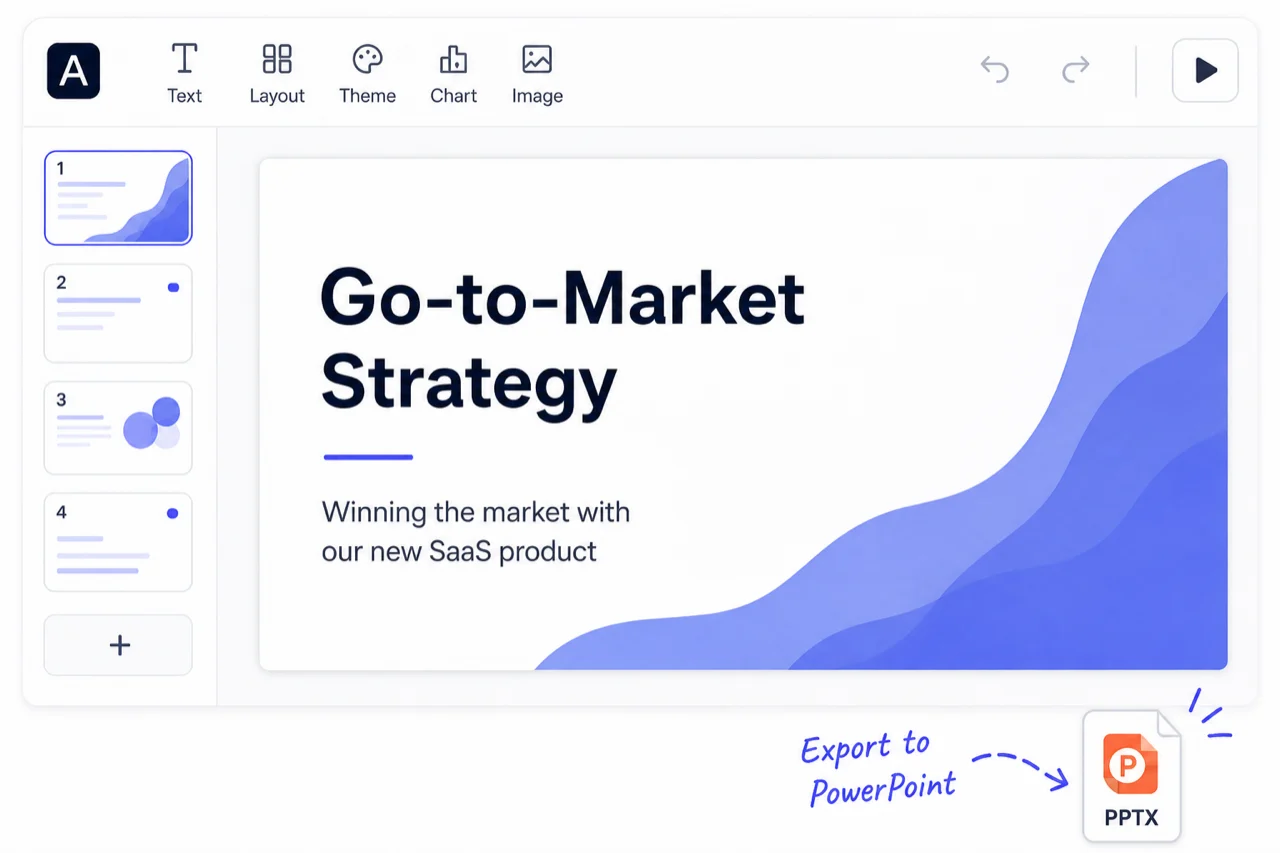
Native PPTX export - why 'good enough' export fails teams
Test six object types in PowerPoint, then save and reopen the file. Free slide-image PPTX and Pro editable PPTX serve different handoffs.
Read article →

Choose a presentation template that fits your meeting
The same five facts can support different decks. Choose a template around the meeting's decision before choosing its visual style.
Read article →

Starting on Free - what you actually get
Start with a seven-slide briefing and a short, verifiable source. Check the downloaded file before using another daily Free generation.
Read article →
Use cases
8 articles

The cost of slide making: calculate your own team’s effort
Calculate presentation cost from the completed job, including review and export repair.
Read article →

Board Meeting Presentation: A Decision-First Agenda
Build a board deck around the decisions the meeting must reach.
Read article →
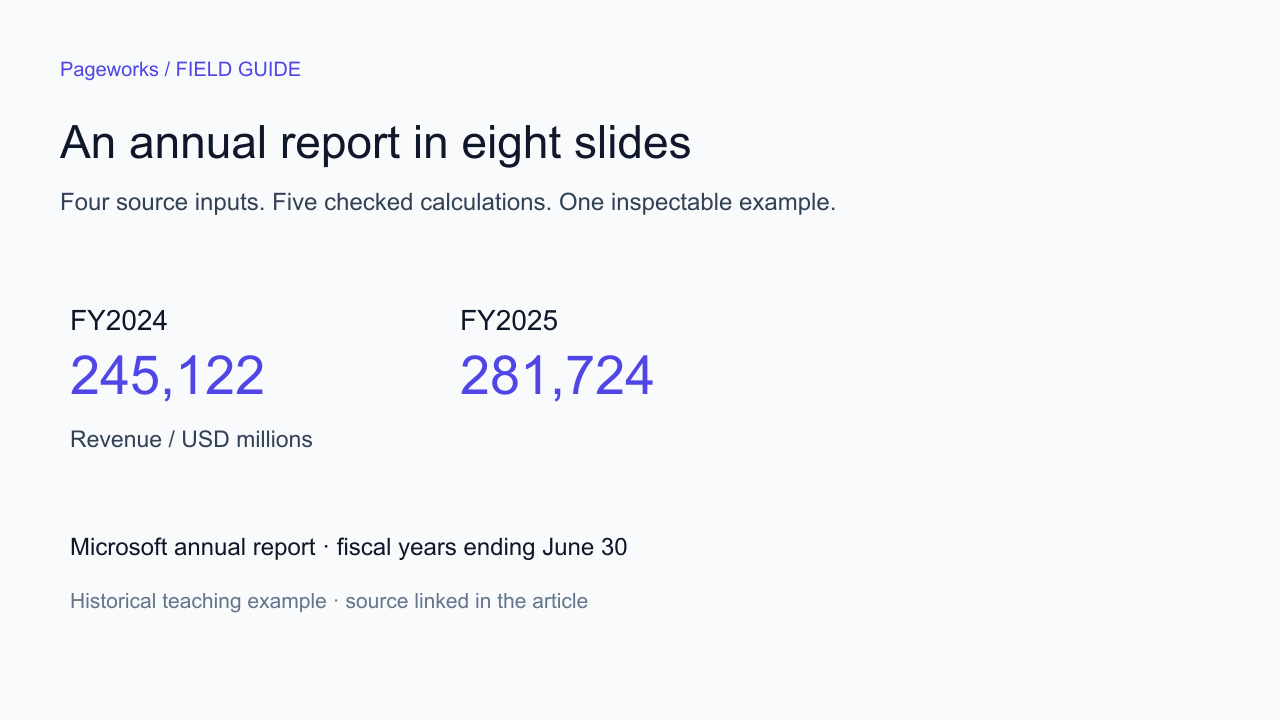
Annual Report to Presentation: An 8-Slide Example
Turn an annual report into a presentation with checked formulas, source notes and an eight-slide PowerPoint example. Download the deck and brief.
Read article →
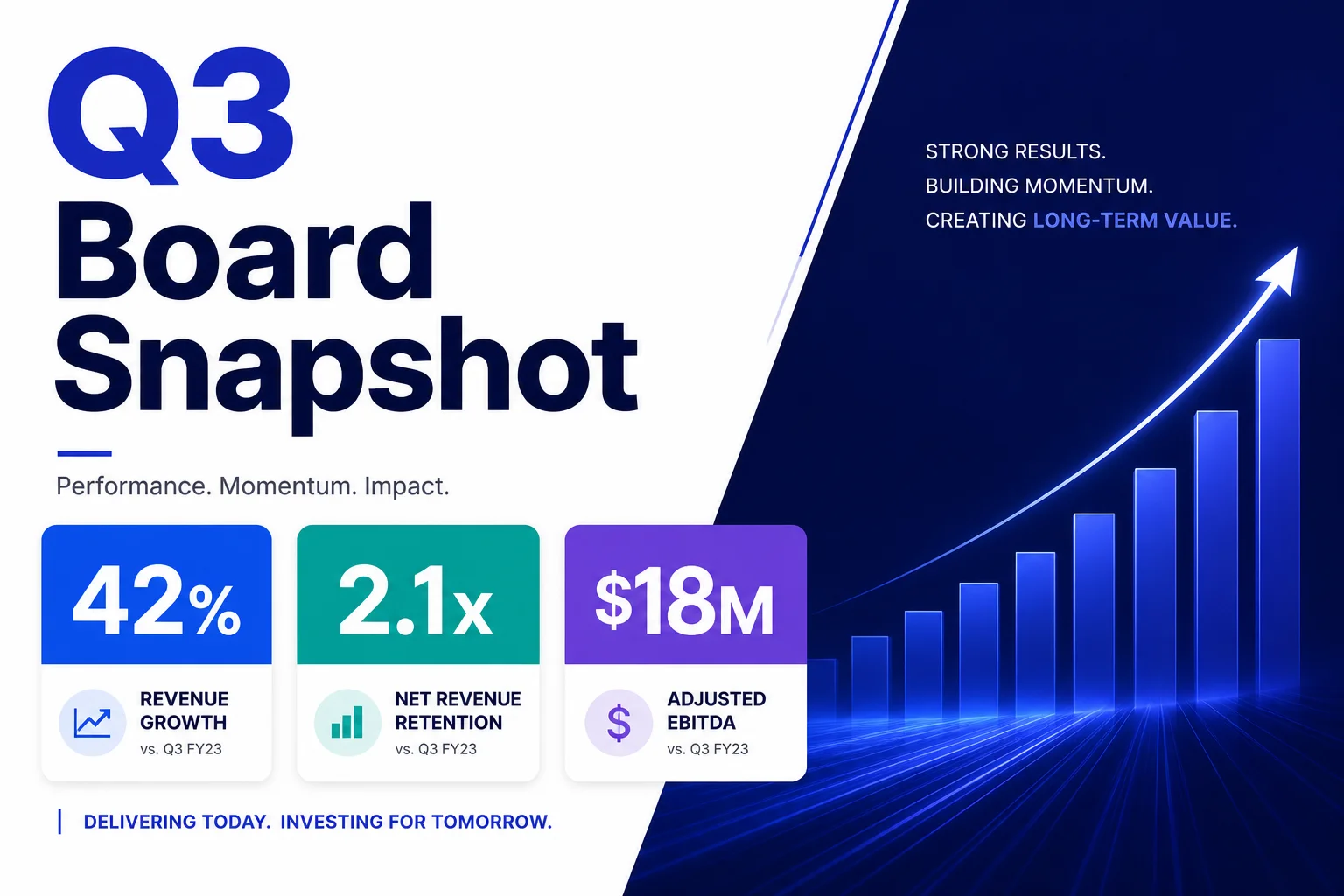
QBR decks: what leadership is actually looking for
A support backlog grows from 200 to 260 tickets while throughput rises from 500 to 620. Reconcile intake and resolved work before proposing a QBR decision.
Read article →
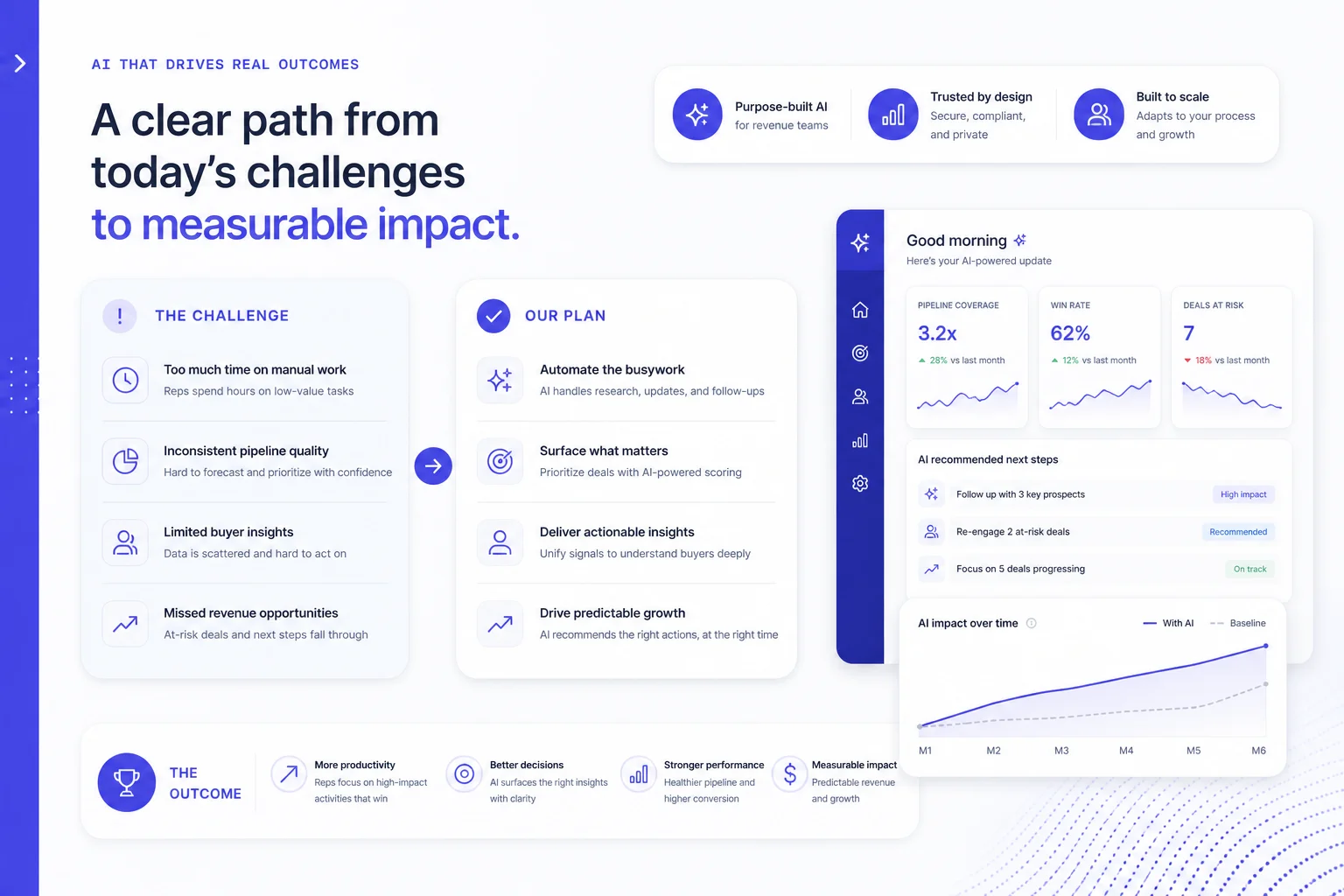
Sales proposal decks that survive the forward chain
A buyer should be able to forward your proposal to finance without you in the room. Put the requested decision, scope, price basis and next step in the deck.
Read article →
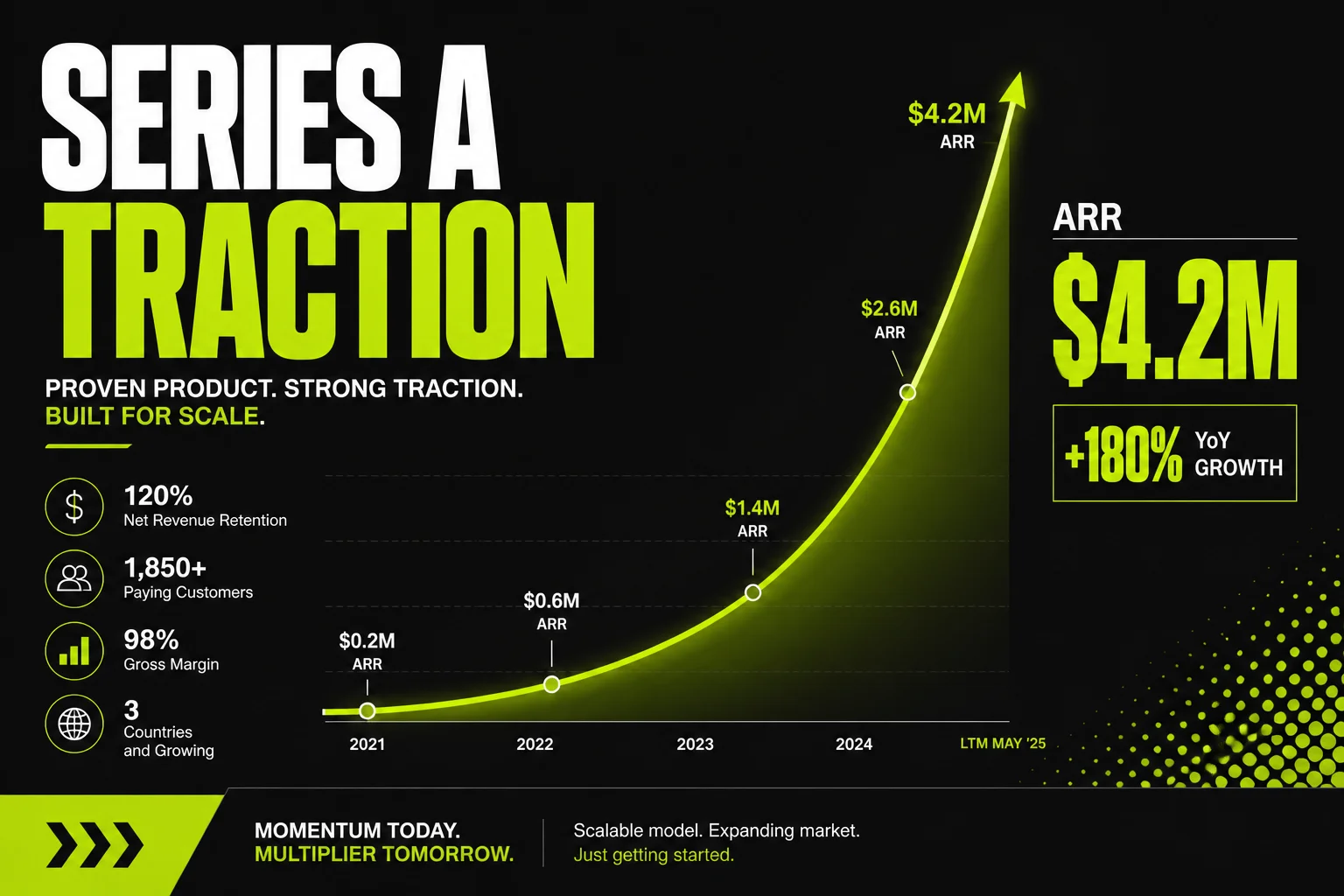
Where AI decks actually help in a business week
Sales proposals, leadership updates and project reviews need different evidence. Judge AI decks by verified output and the decisions they support.
Read article →

Classroom decks that keep eyes up, not on phones
Plan a thirty-minute lesson around recall, explanation, practice, discussion and an exit question; use the responses to decide what to reteach.
Read article →
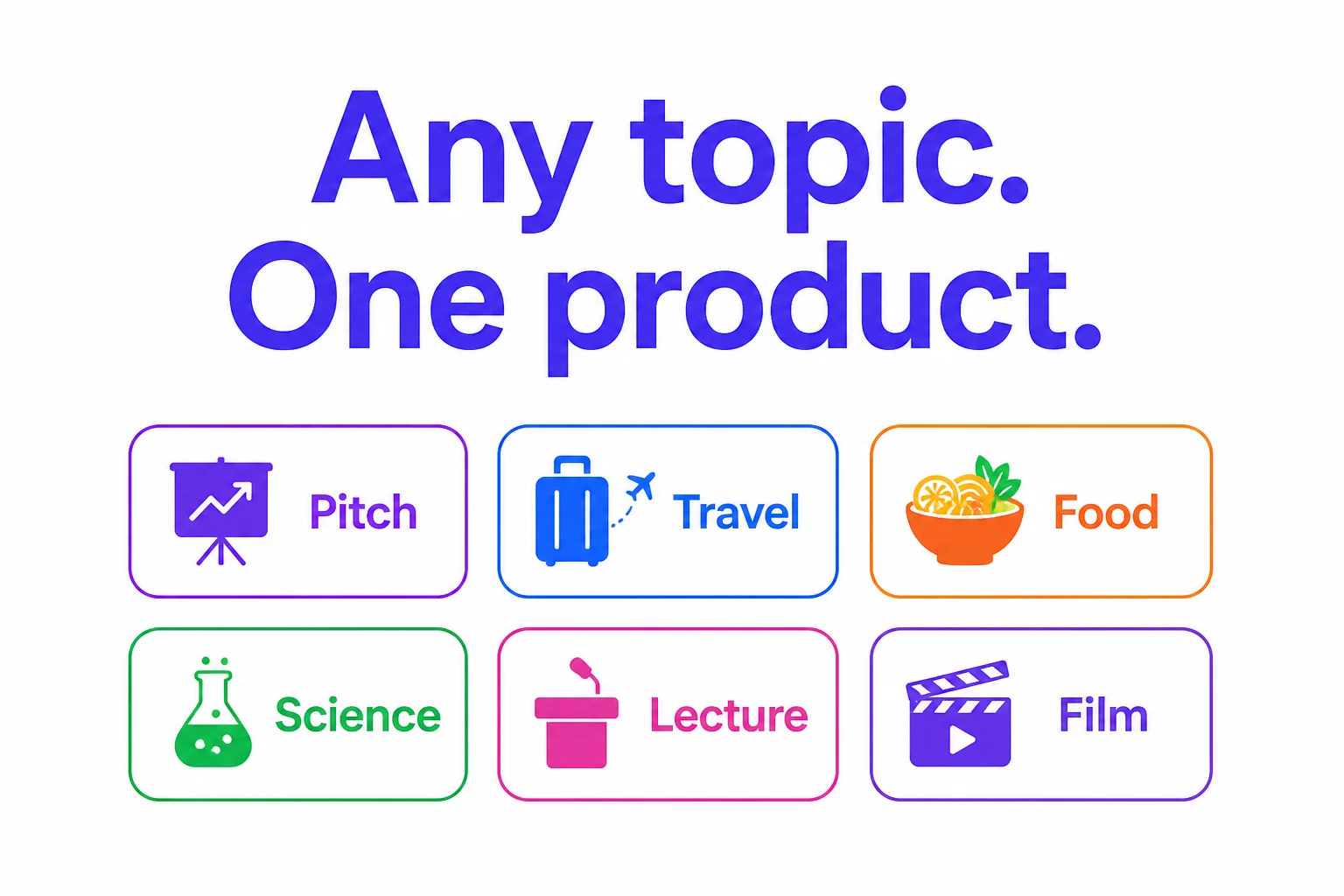
Decks for travel, food, science - not only boardrooms
A travel presentation can help people choose a route, budget and accessible options. Verify opening hours and prices against current sources.
Read article →
Tips
6 articles

Best Fonts for Presentations: Readability and PPTX Handoff
Start with a small font shortlist and test your hardest slide.
Read article →

5 presentation mistakes to fix before sharing your deck
Review a slide headed 'Retention improved' with a chart rising from 72% to 78%. The absolute change is six percentage points; the relative increase is about 8.3%.
Read article →
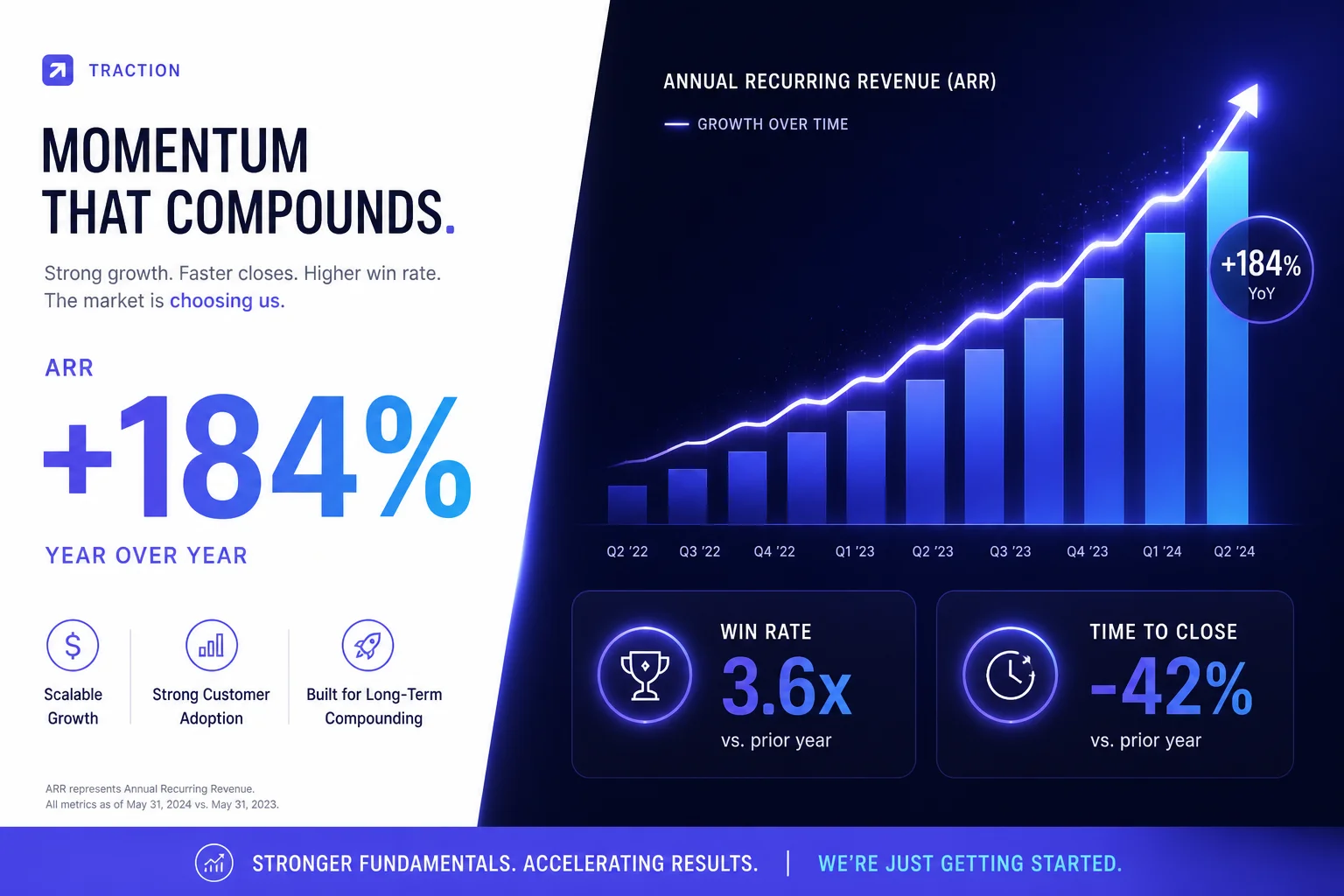
How AI presentation tools help you save time
Compare two complete runs of the same eight-slide brief. In a planning example, manual drafting takes 70 minutes plus 20 for review; AI drafting takes 15 minutes plus 40 for correction and 10 for export repair.
Read article →
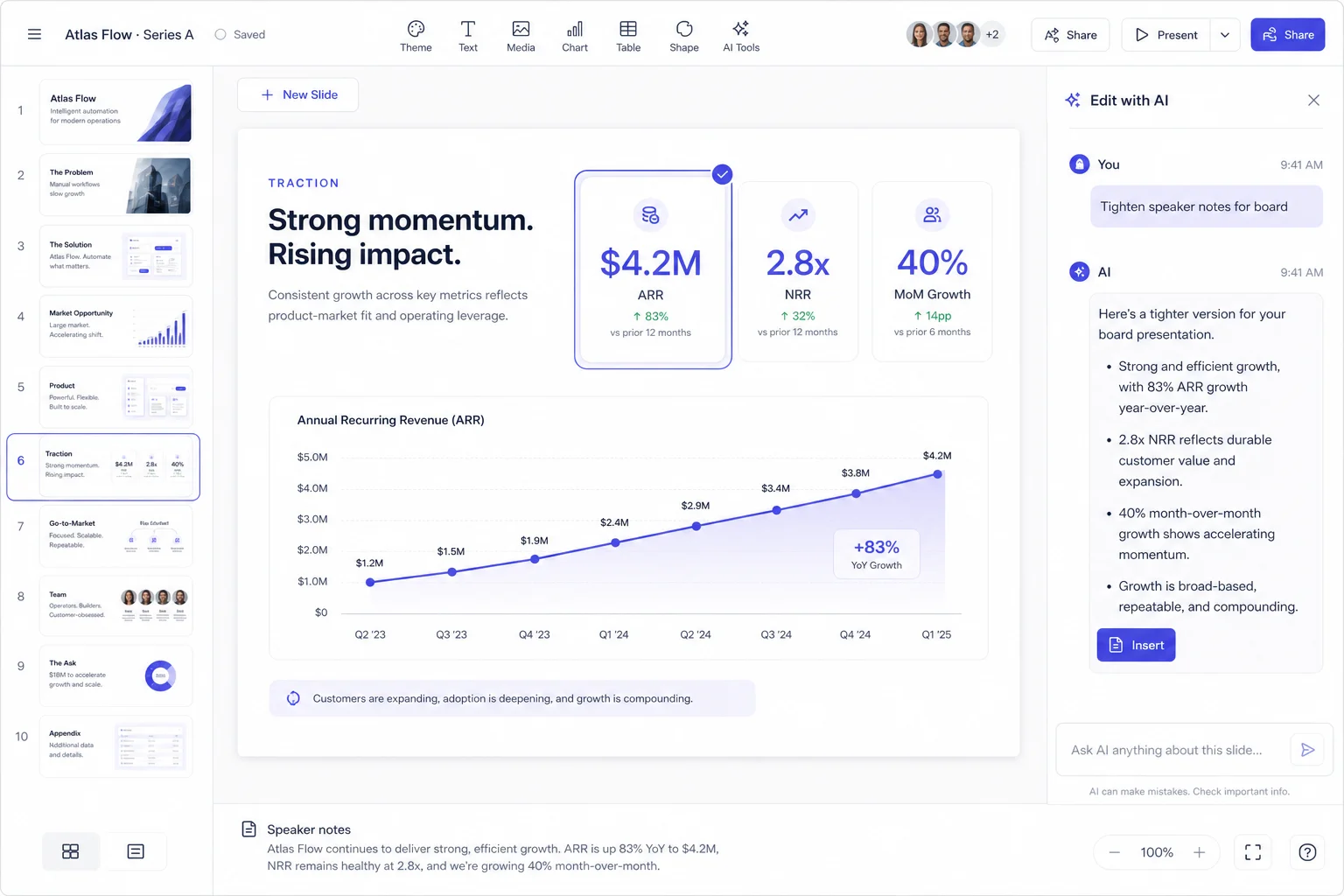
Refine your slides with AI and keep your presentation consistent
Edit one slide at a time and protect facts such as FY2025 and 281,724. Save the original and inspect nearby slides after each AI change.
Read article →
The twenty-minute prep routine before a live meeting
Use the final twenty minutes to test the room, open your backup file, rehearse the opening and closing, and prepare for questions.
Read article →
Speaker notes that help you present with confidence
Write speaker notes that explain a number, limit the claim and lead to the next slide. Confirm those notes survive export.
Read article →
Browse practical guides by topic. Start with a workflow that matches your next meeting.
Ready to create your next presentation?
Make your next presentation stand out. Create with AI, make every slide your own, and unlock editable PowerPoint and watermark-free sharing with Pro.