
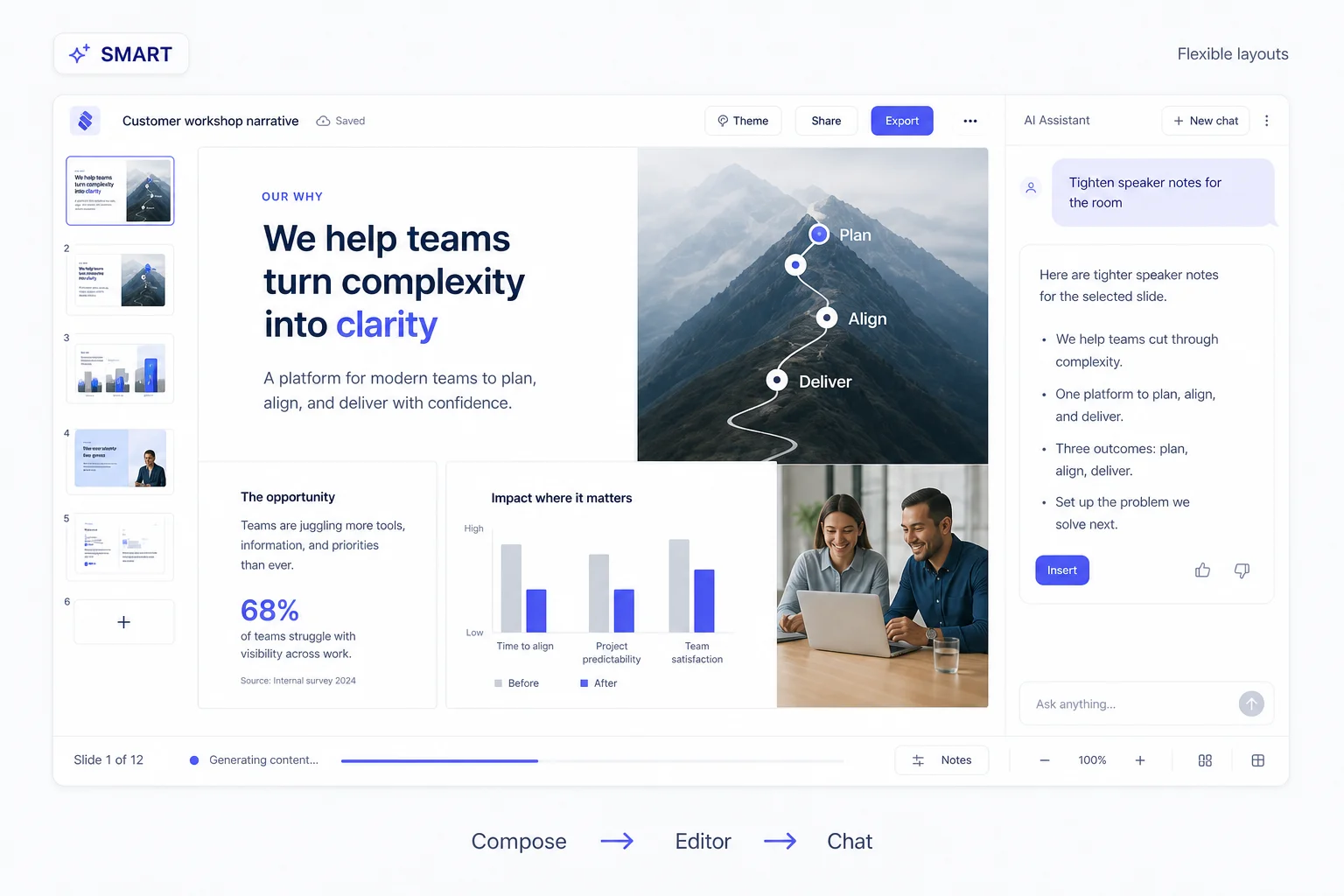
Smart
Slides that fit your story
AI designs each slide around your content. Refine the message and layout with chat, and keep control of the final result.
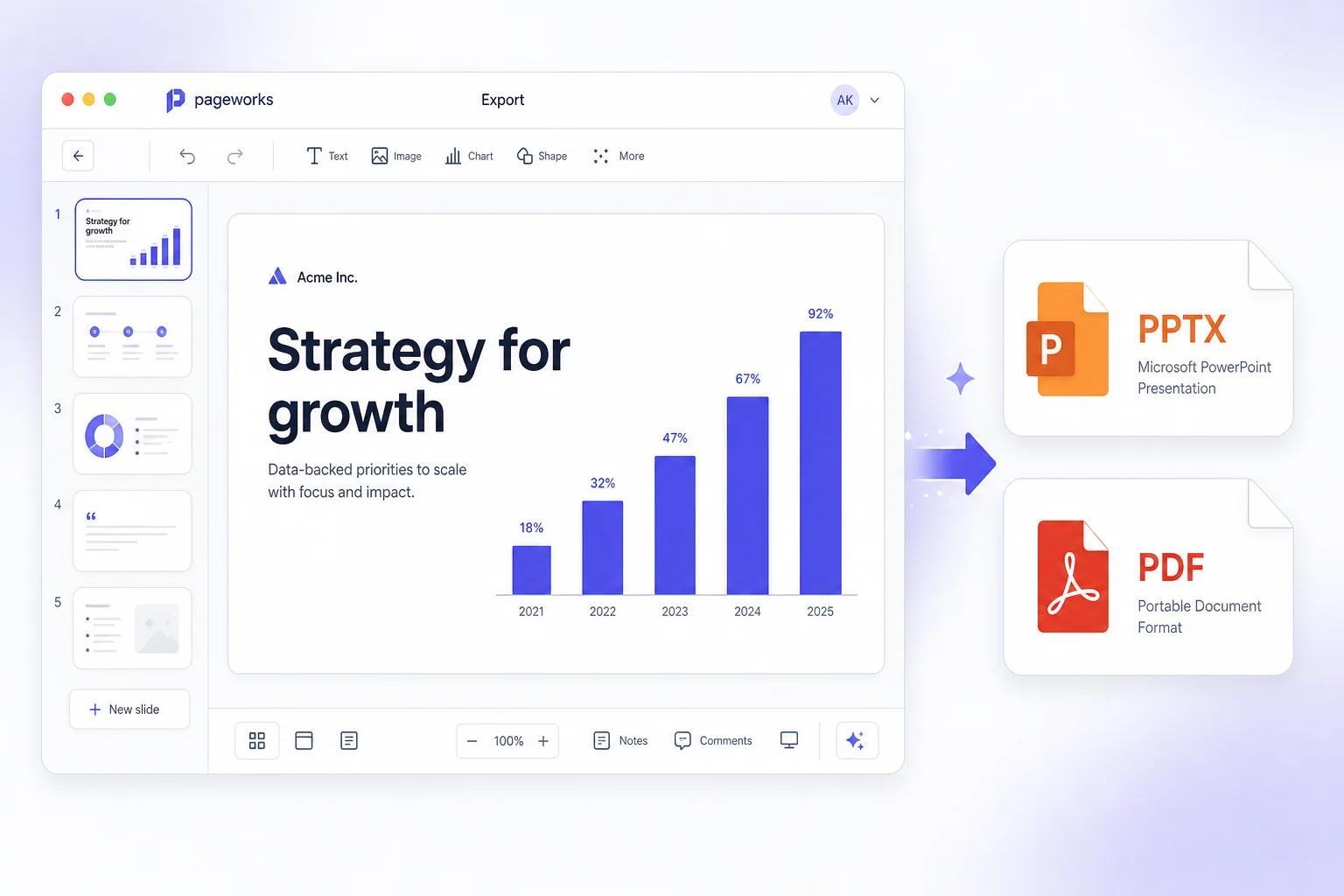
Turn a brief, notes or a document into slides. Refine the story and design, then take an editable PowerPoint file into your meeting with Pro.
Editable PowerPoint export is included with paid Pro.
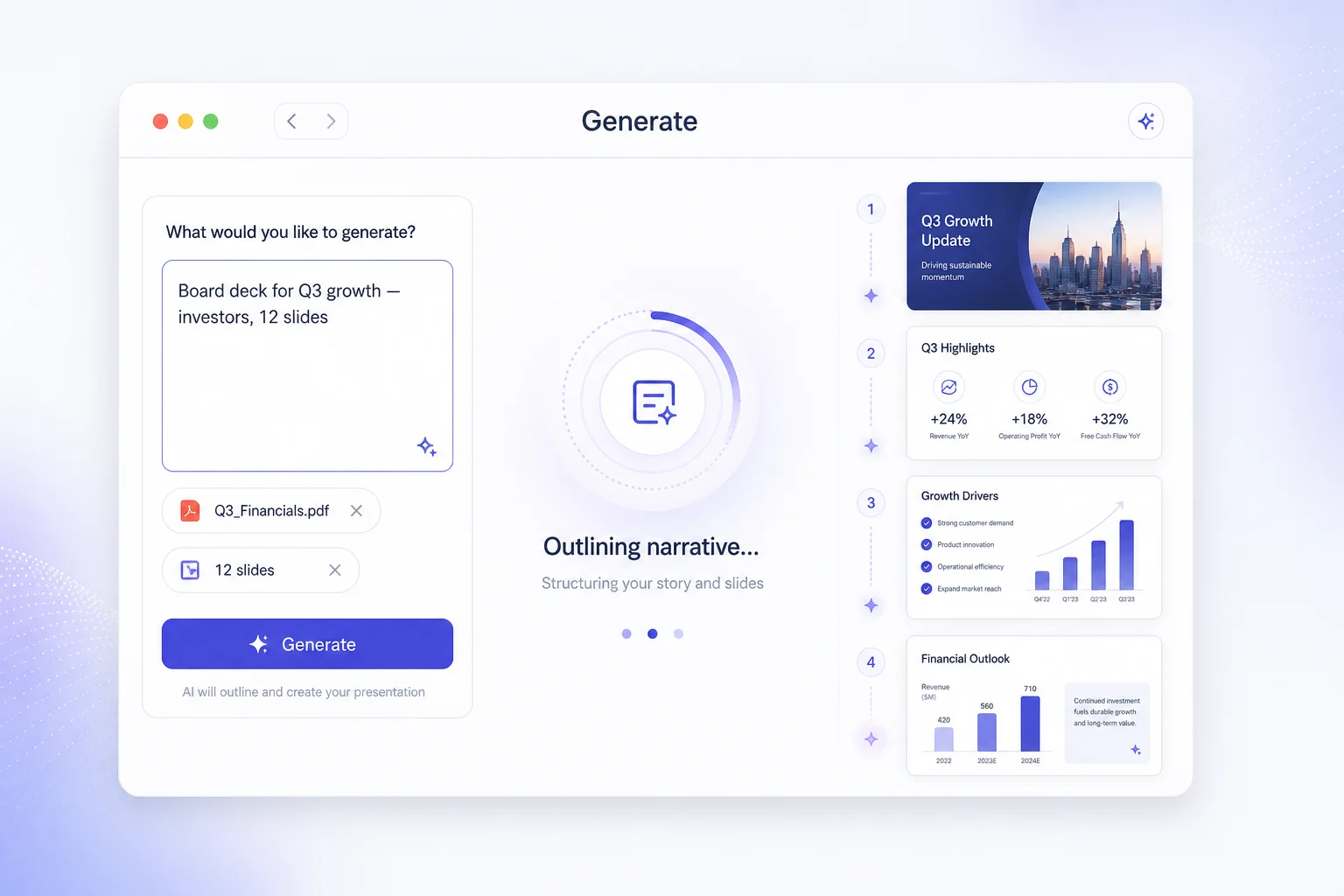
Use a brief, working notes or a supported document. Give the presentation a clear purpose.
Review the outline, edit the slides and refine the design before delivery.
Choose Pro for editable PPTX export and continue working with the file after download.
For reports, proposals and client presentations that need a final round of edits, not just a screenshot.
Pro is a paid subscription. Check current prices and billing terms before paying. Subscription terms
Tools
Turn numbers into a clear story, map out your next big idea, and bring your lessons to life. Create the visuals you need, then build a presentation that gets your point across.
Compare results, reveal patterns, and give your audience a clear reason to act.
Compare categories at a glance. Customize your bar chart and bring the comparison into your next presentation.
Open toolCompare products, teams, or profiles across the same criteria in a radar chart.
Open toolPlot paired X and Y values to see patterns, relationships, and outliers.
Open toolShow how teams, decisions, and plans fit together with diagrams your audience can understand at a glance.
Build an organizational chart to show your team’s roles and reporting structure.
Open toolTurn a decision into a clear diagram with questions, labeled branches, and outcomes.
Open toolOrganize ideas around a central topic. Add branches and turn your plan into a presentation.
Open toolCreate a Venn diagram to compare two or three groups and show what they have in common.
Open toolTurn documents and notes into study guides, practice questions, quizzes, and flashcards for your next lesson.
Create a study guide from a document or lesson notes. Review key concepts, explanations, and practice questions.
Open toolCreate practice questions and a separate answer key from your teaching material.
Open toolTurn a PDF or pasted text into multiple-choice questions with answers and explanations.
Open toolTurn a PDF or your notes into question-and-answer flashcards. Flip, edit, and use them in a presentation.
Open toolBring your charts, diagrams, and learning materials into editable slides. Refine the story, make it your own, and get ready to present with confidence.
Turn an idea, a PDF, a document, or a link into a compelling first draft. Tell AI who you are presenting to and what you want to achieve, and give your story a strong start.
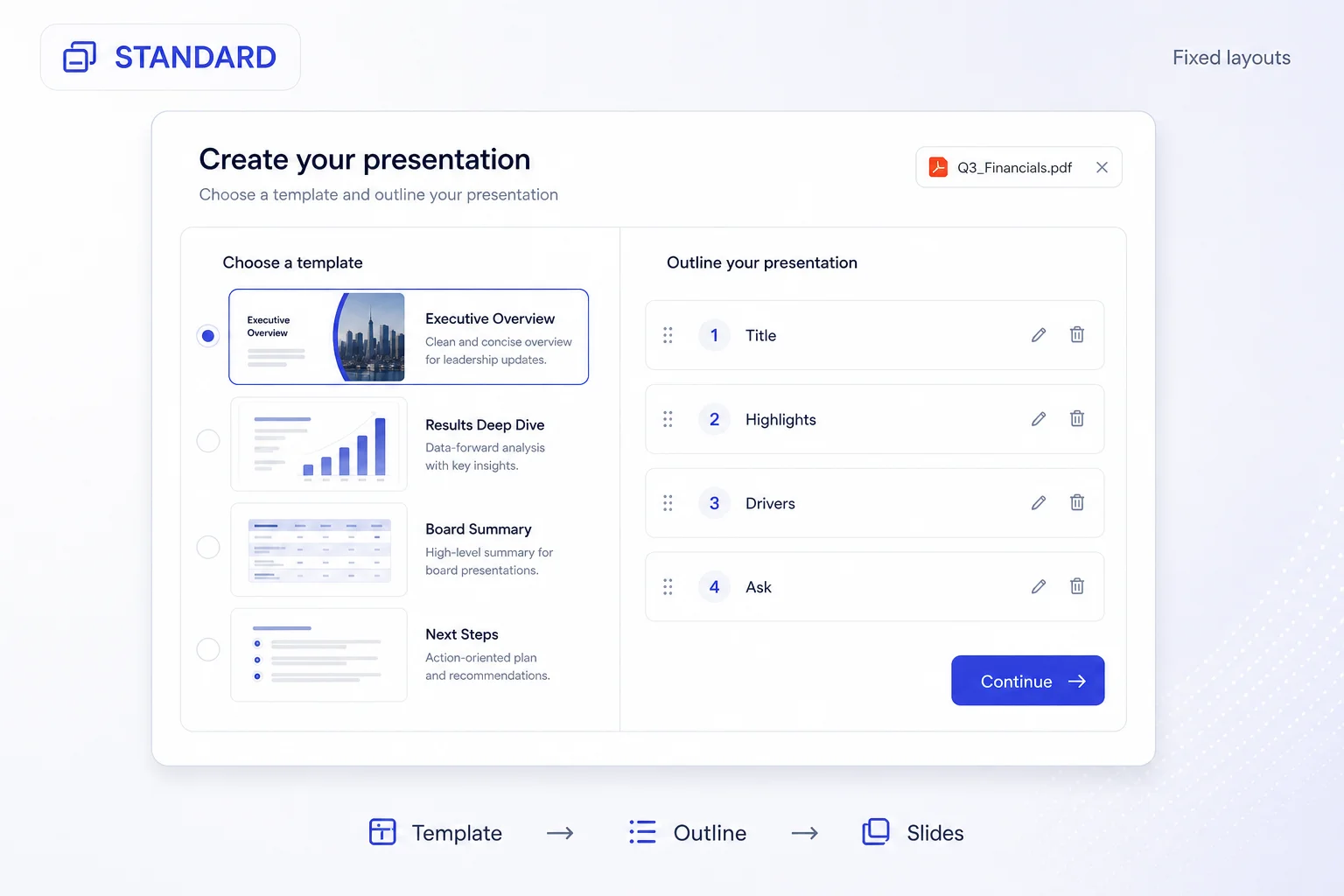
Use Standard for polished templates and an outline you control. Choose Smart for AI-designed layouts shaped around your content. Either way, make every slide your own in the editor.
Fine-tune the design, sharpen the message with AI, and prepare speaker notes for a confident delivery. Move elements, adjust the details, and make the presentation yours.
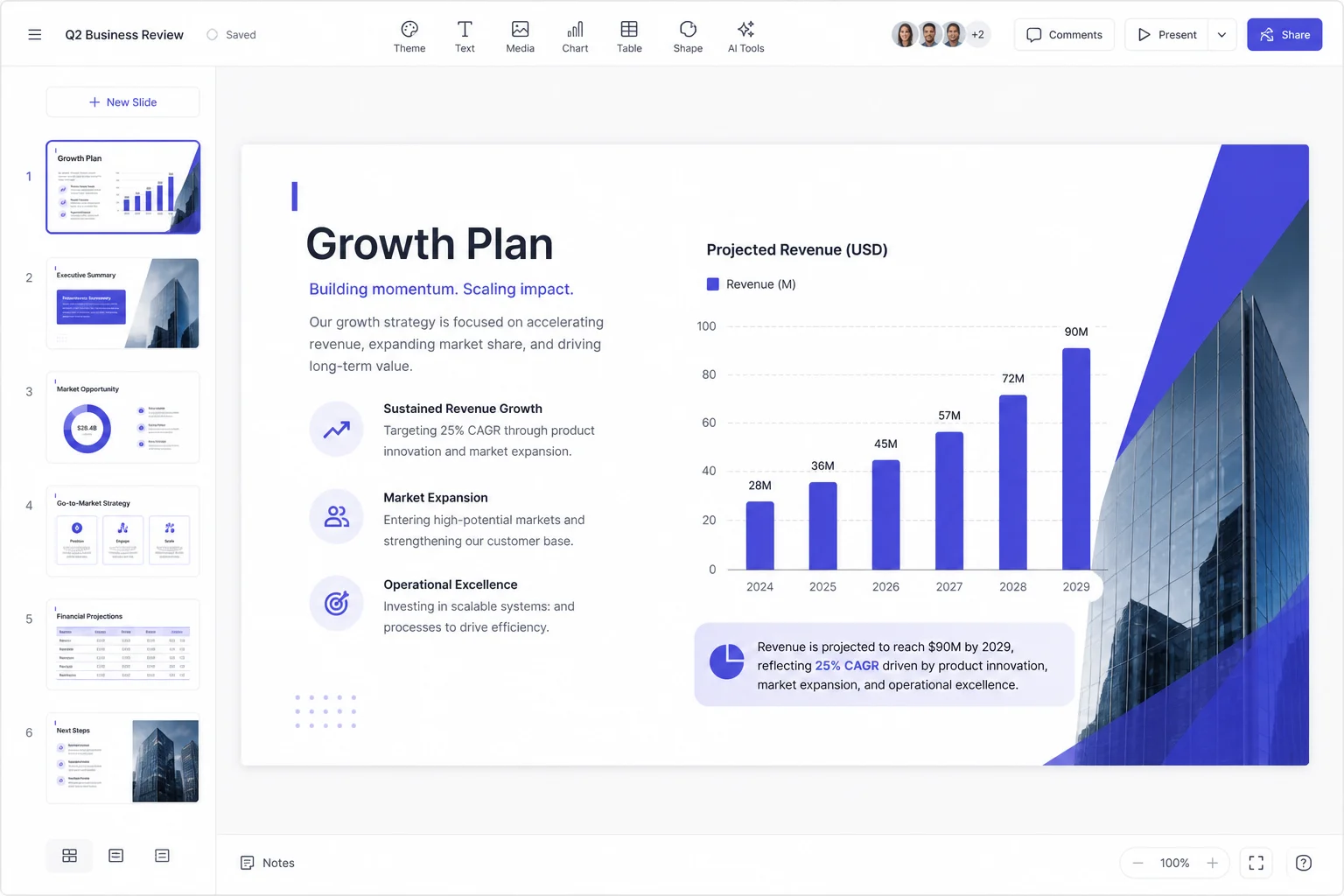
Present straight from your browser, send a share link, or export to PowerPoint and PDF. With Pro, get editable PowerPoint slides and share your work without watermarks.
Smart
AI designs each slide around your content. Refine the message and layout with chat, and keep control of the final result.
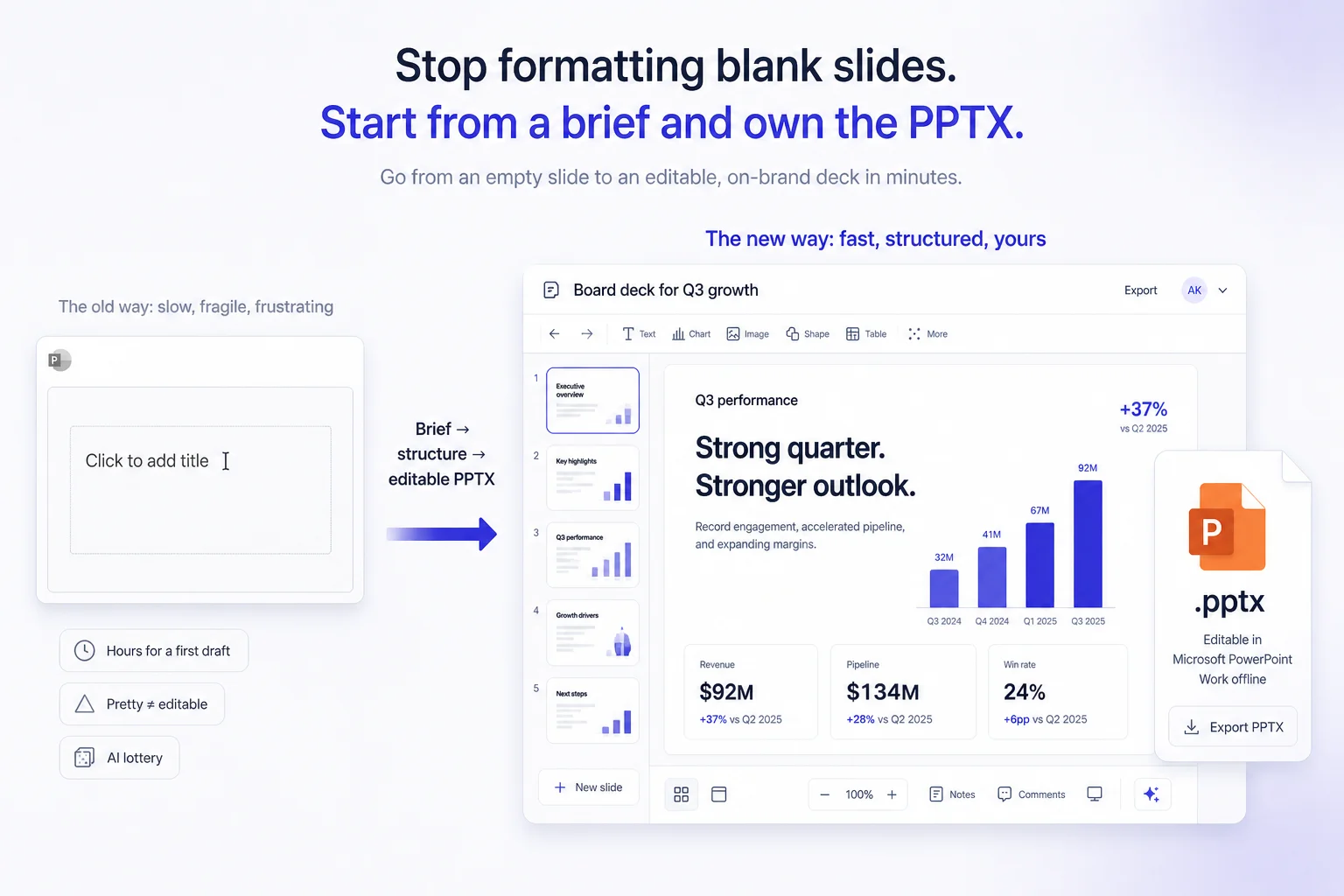
Outcome
Get your message ready for the meeting, the classroom, or your next big pitch. Present in your browser, share a link, or export to PowerPoint and PDF.
For reports, proposals and client presentations that need a final round of edits, not just a screenshot.