
HTML to PowerPoint
Upload a static HTML slide deck, review the slides and download an editable PowerPoint file.
Conversion uses an isolated renderer. Editable PPTX export follows your current plan.
Open tool →Your HTML
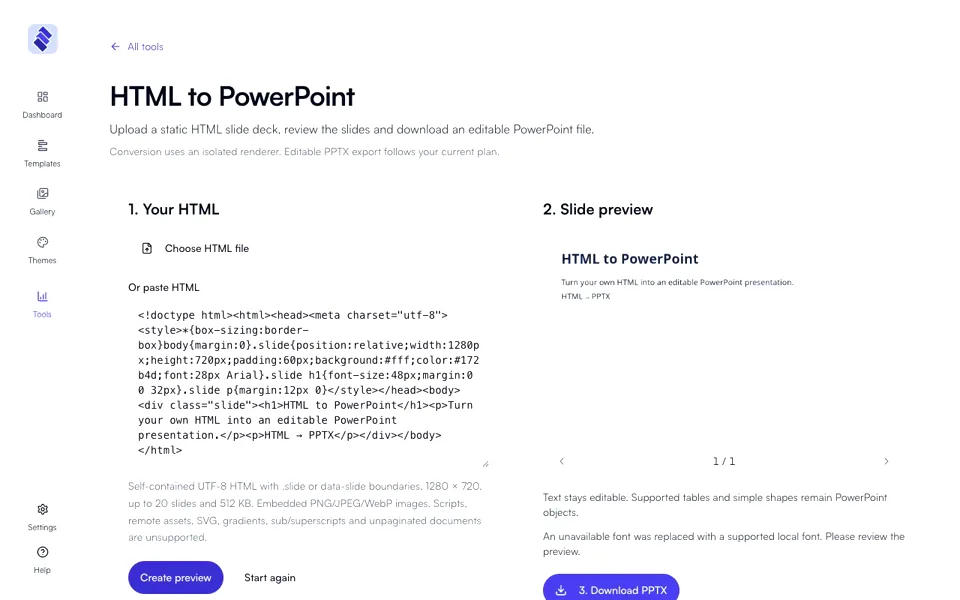
Self-contained UTF-8 HTML with .slide or data-slide boundaries, 1280 × 720, up to 20 slides and 512 KB. Embedded PNG/JPEG/WebP images. Scripts, remote assets, SVG, gradients, sub/superscripts and unpaginated documents are unsupported.
Slide preview
Text stays editable. Supported tables and simple shapes remain PowerPoint objects.
Private files expire after one hour. Only your account can access them.
Download PPTX
Conversion uses an isolated renderer. Editable PPTX export follows your current plan.
Open tool →- Which HTML can I convert?
- Self-contained UTF-8 HTML with .slide or data-slide boundaries, 1280 × 720, up to 20 slides and 512 KB. Embedded PNG/JPEG/WebP images. Scripts, remote assets, SVG, gradients, sub/superscripts and unpaginated documents are unsupported.
- How do I check the result?
- Text stays editable. Supported tables and simple shapes remain PowerPoint objects.
- Which export access do I need?
- Conversion uses an isolated renderer. Editable PPTX export follows your current plan. Private files expire after one hour. Only your account can access them.
HTML to PowerPoint
Turn your own HTML into an editable PowerPoint presentation.
Read the steps
- Paste the HTML or choose a file.
- Check your content against the supported format and its limits.
- After conversion, review the slides and download the PowerPoint file.