
Pageworks vs. Beautiful.ai
Compare Beautiful.ai and Pageworks on a specific recurring job. Beautiful.ai emphasizes Smart Slides and layout automation; Pageworks offers a source-to-outline workflow with Pro editable export. Neither description tells you whether a difficult table or diagram will survive the recipient’s required changes.

Worked example
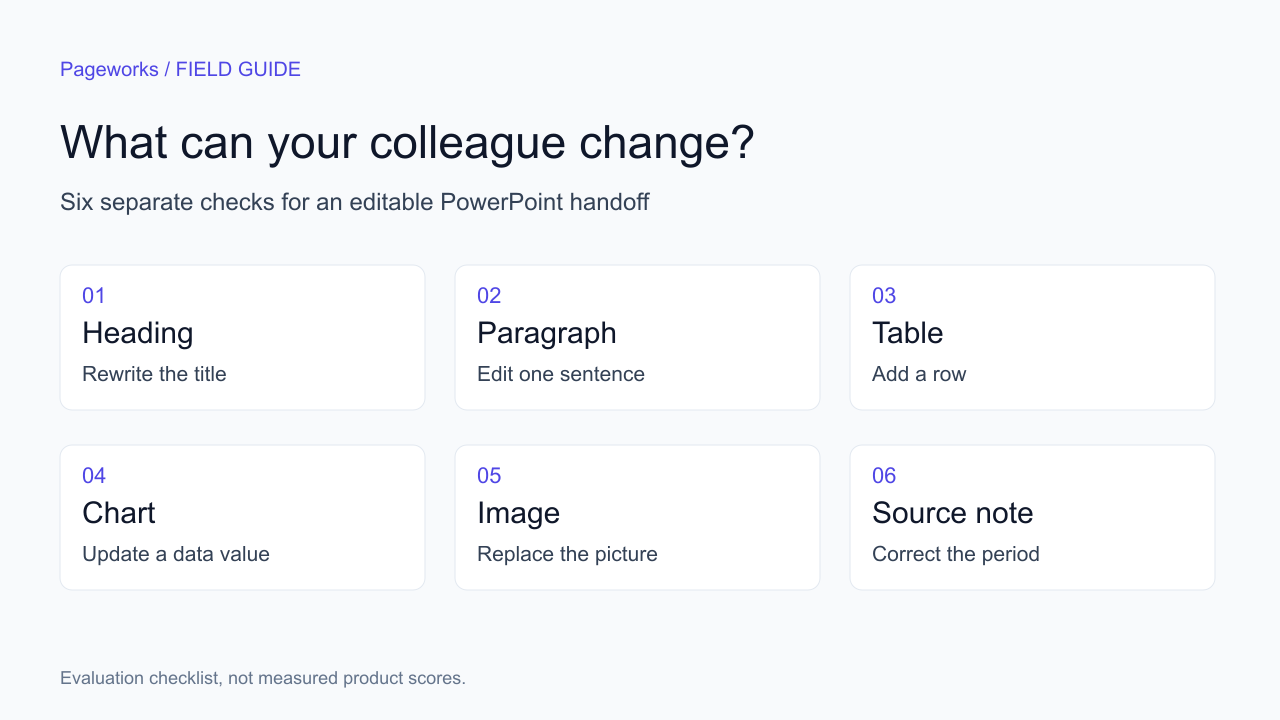
Beautiful.ai offers editable PowerPoint export, so the useful question is which objects survive your handoff. Compare its layout-led editing with Pageworks' source-to-outline workflow using a seven-slide proposal. Include a two-column table and a chart whose value must change after export. Give the recipient the exported file, not access to the original editor. Record text, table structure, chart data, notes and fonts separately; one successful text edit is not five successful checks.
Pageworks publishes this comparison. The product references below support the feature descriptions; the example is a workflow you can repeat with your own files.
| Workflow question | Alternative | Pageworks |
|---|---|---|
| Where does the work happen? | Beautiful.ai centers its editor on Smart Slide layouts. | A separate browser workspace, from source material through outline and editing. |
| What should the trial prove? | Test layout changes and editable PowerPoint export with the recipient's fonts. | Up to 50 slides in Pro; test the needed edits in its PowerPoint export, including complex elements. |
A comparison you can reproduce
Use the same approved source, target length and delivery requirement in both tools. Record the product, plan, application and test date. A trial account and a paid subscription may expose different features; compare the configuration you would actually buy.
- Inspect the first draft before correcting it. Count unsupported claims and missing source qualifications separately from visual issues.
- Perform the same recipient edit in both exports. Keep screenshots and the files so another reviewer can repeat the check.
- Choose by the requirements that matter to your team. Keep generation time, active correction time and total subscription commitment separate.
Original source and product documentation
Use this page for a two-product decision, and the alternatives guide for a wider shortlist. If the team already uses Beautiful.ai, preserve an original file and test three representative slides before moving the workflow. For a new brief, judge outline approval and source fidelity first. Then have another person make the same required changes in each exported file. Keep the result at object level: text, table cells, chart data and decorative imagery can behave differently. Do not treat a successful font change as proof of a fully native chart.
Put the workflow into practice
Turn your source into a presentation you are proud to share with Pageworks. Shape the outline, generate your slides, and make every detail your own. With Pro, create up to 50 slides and export editable PowerPoint files your team can take further.
Sources and further reading
Make your next presentation your strongest yet
Bring your own brief to Pageworks. Shape the outline, refine the slides and choose the output your next reviewer needs.
Create my presentationRelated articles
Sep 19, 2026 · 8 min read
3 Beautiful.ai Alternatives for Editable PowerPoint

Oct 29, 2026 · 3 min read
Pageworks vs. Pitch: choose by handoff, not by screenshots

Oct 27, 2026 · 3 min read
Pageworks vs. SlidesAI