
3 Beautiful.ai Alternatives for Editable PowerPoint
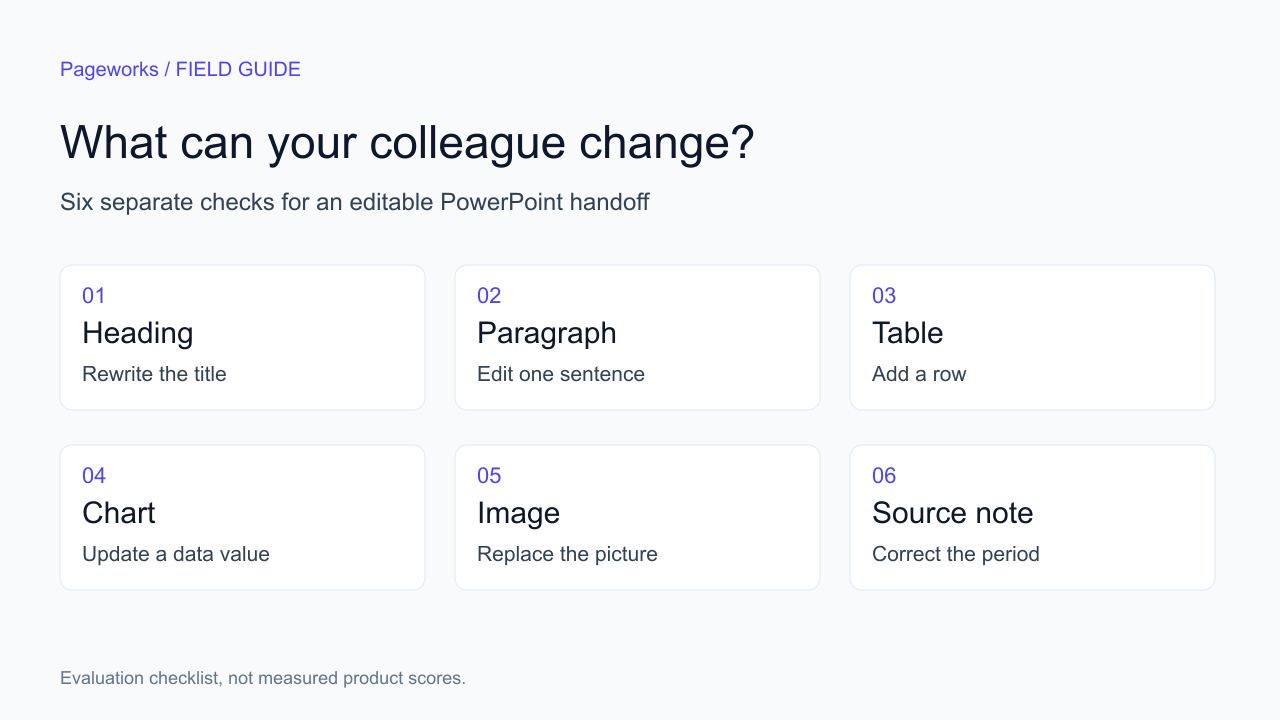
Before switching presentation tools, decide what your colleague must be able to change in the final file.
Shortlist by what you need to change
Choose Plus AI when work must stay inside PowerPoint or Google Slides; compare Gamma for browser-based drafting and sharing; consider Pageworks when the starting point is a document or brief. Keep Beautiful.ai on the shortlist when its controlled layouts fit your recurring slides. These are workflow choices, not test scores.
A colleague can open a PowerPoint file and still be unable to change the one thing that matters: the chart, the table or the paragraph the client wants rewritten. Start your search for a Beautiful.ai alternative with that next edit. It tells you more than a template count.
Three alternatives for three working habits
| Alternative | Useful starting point | What to verify |
|---|---|---|
| Plus AI | Your team already edits in PowerPoint or Google Slides. | The plan supports your inputs and the output fits your team template. |
| Gamma | You prepare material in a browser and share it as a link or file. | The exported file retains the specific objects you need to change. |
| Pageworks | You start with a document, URL or brief and review a deck in the browser. | Use Pro for editable PPTX; inspect layout exceptions. |
There is no universal winner here. If every reviewer works in PowerPoint, staying inside that editor can reduce handoffs. If the recipient only needs to read the presentation, the quality of a shared link may matter more than native chart editing. Decide which situation you are buying for before comparing plans.
When staying with Beautiful.ai makes sense
Beautiful.ai already supports editable PowerPoint export. Its official instructions also explain the role of fonts and warn that transitions and animations do not carry across to external platforms. If your only concern is whether a PPTX export exists, switching tools may solve the wrong problem.
Try one representative file first. Choose a slide with a long heading, a numerical table and a visual that a colleague would normally change. Export it, open it in the application they use and make those changes. A screenshot of the exported slide cannot tell you whether that workflow works.
1. Plus AI: keep the work in the editor your team uses
Plus AI offers creation and editing in PowerPoint and Google Slides. Its pricing separates Basic from Pro, which includes document uploads. At the time of checking, Pro lists $25 per user on monthly billing or $20 per user per month billed annually. That is $240 for a full year at the annual rate, before tax.
This route is worth considering when the team already has a presentation template, established review habits and a place to store the final files. The useful question becomes whether AI saves work inside that process. You still need to review the content and check how the chosen layout handles dense material.
Use the same source brief for the trial that you would use for a real assignment. A one-sentence demo about a familiar topic does not exercise the difficult part of a document-based workflow: selecting the right claims and keeping their qualifiers.
2. Gamma: draft in the browser, then check the handoff
Gamma supports PowerPoint export. Its current export guide states that tables can export as editable tables on all plans. That makes a blanket claim that Gamma produces only pictures inaccurate. Other elements still deserve their own checks, especially when the file will move between presentation applications.
Consider this workflow when browser-based drafting and sharing fit how you work. Then test the final format separately. Changing a number in a table, replacing an image and editing a chart are different operations; passing one says little about the others.
3. Pageworks: work from source material with room for a longer deck
Pageworks starts with a brief, document or URL. Free supports up to 10 slides and one presentation per rolling 24 hours. Pro starts at $5.99, supports up to 50 slides and removes the daily presentation limit. Smart generation and uploads up to 100 MB are useful when the work starts with a substantial brief.
Pro also includes editable PowerPoint, high-quality PDF and exports and sharing without watermarks. Free PPTX uses slide images. Some layouts can still contain image-based elements in editable export, so check the objects you intend to revise. A longer slide allowance gives you capacity; it does not guarantee that every source fact appears in the presentation.
For an eight-slide client briefing, the Free slide allowance is enough to explore the document-to-deck process. If colleagues need to edit the resulting PowerPoint, the export requirement is a separate reason to consider Pro. Choose the plan for the actual handoff, not just the length of the first draft.
A six-object check is more useful than an export checkbox
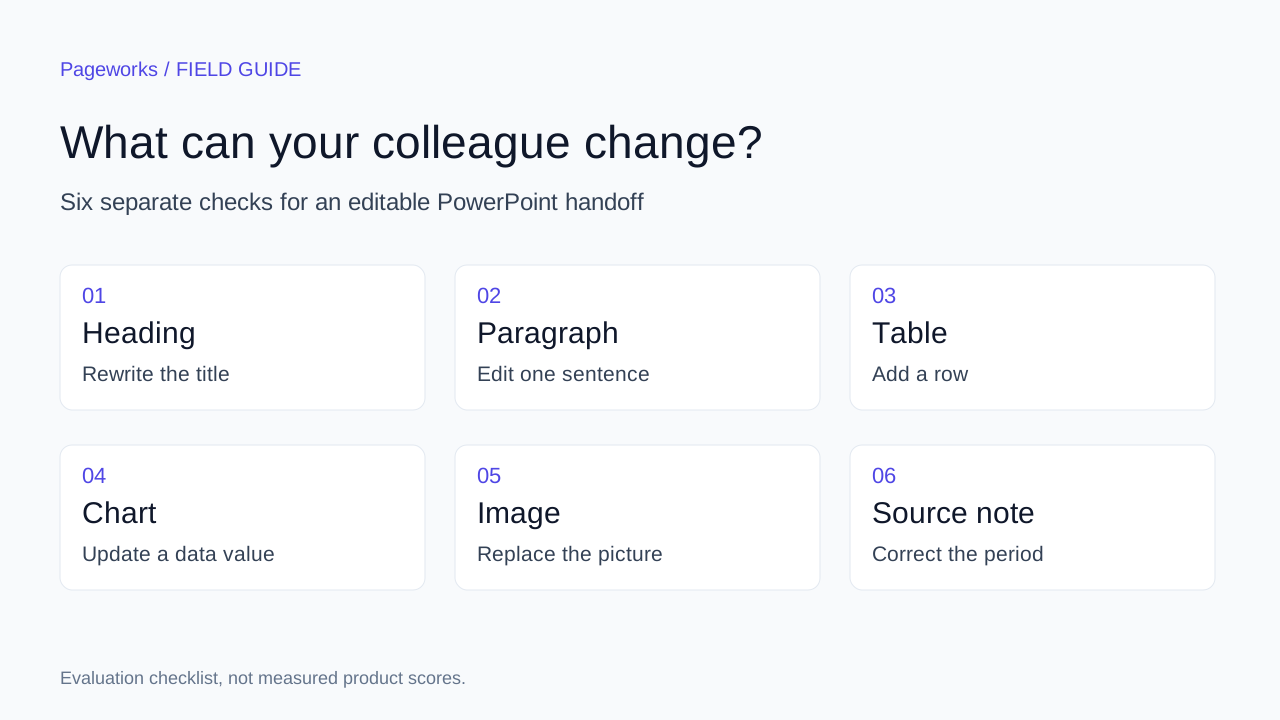
| Object | Make this change | Record this evidence |
|---|---|---|
| Heading | Replace a short title with a longer one. | Text stays selectable and does not clip. |
| Paragraph | Rewrite a sentence without moving the whole slide. | Text is an editable object. |
| Table | Change a cell and add a row. | Cells remain a table rather than one image. |
| Chart | Change one underlying value. | The plotted mark and its label update together. |
| Image | Replace it with a different aspect ratio. | The surrounding content remains usable. |
| Source note | Change the period or unit. | The note stays readable after export. |
Record each result as pass, fail or not applicable, with a short explanation. Do not call an image editable simply because you can move it. Conversely, a photograph does not need an editable data series. Define the expected object type before evaluating the file.
For an internal decision, you might require the heading, table and source note to pass and treat animation as optional. Another team may need native charts above everything else. A single total score hides that difference. Keep the individual results and the actual file beside your conclusion.
Compare the commitment, then the work left to do
Checked on October 17, 2026, Beautiful.ai Pro is $14.50 per month billed annually, or $174 for 12 months before tax. Its ad hoc monthly option is $45. Compare that annual commitment with the period and export features your assignment needs.
A starting price, a monthly subscription and an annual commitment describe different purchases. Pageworks’s $5.99 entry price should not be multiplied by 12 and treated as an annual quote. Compare the billing period and renewal terms alongside the features required for your assignment.
Keep waiting time separate from active editing time. A tool that produces a first draft quickly may leave substantial work in the file. Measure the point at which you could send the presentation to the intended recipient, using the same completion checklist for every option.
Questions to settle before switching
Does editable PPTX mean every element is editable?
No. Check the specific objects your next reviewer will change. The six-object worksheet helps you record the distinction without relying on a file extension.
Should I choose an annual plan for one presentation?
Compare the full commitment with the cost of the short-term option and the features it includes. An advertised monthly equivalent on annual billing is not a one-month purchase.
Can I evaluate a document workflow with a small deck?
Yes. Use a short source with a table, a defined reporting period and several claims that require qualifiers. That is a more useful evaluation than asking for a large generic deck.
- Read the Gamma alternatives comparison
- Try a financial report example
- Create a presentation from your source
Before moving an existing Beautiful.ai deck
A new-tool demo does not answer the migration question. Select three representative slides from the existing deck: the densest table, the longest heading and the most difficult diagram. Identify the fonts, source figures and recipient edits before deciding whether to recreate the material.
- Export a copy from the current tool and keep the original unchanged. Open the copy in the destination application.
- Try the six object checks above. Distinguish a chart you can reposition from a chart whose underlying values you can edit.
- Only then recreate the same source in an alternative. Compare the completed handoff, including fixes and checks, rather than the first generated screen.
Do not assume Pageworks imports and preserves an existing Beautiful.ai deck or its slide masters. The workflow described here starts from approved source material. If exact reproduction of a corporate master is mandatory, prove that requirement on a representative file before moving the whole workflow.
What to record in your trial
Keep the output file, the product and plan, the application version used to open it, the six individual results and active correction time. If only three objects matter for your work, identify those before the trial. An average score across six objects can hide failure of the one object your colleague must edit.
Make your next presentation your strongest yet
Bring your own brief to Pageworks. Shape the outline, refine the slides and choose the output your next reviewer needs.
Create my presentationRelated articles
Sep 19, 2026 · 10 min read
4 Gamma Alternatives for Editable PowerPoint Work

Oct 18, 2026 · 3 min read
5 AI presentation makers to compare for your PowerPoint workflow

Oct 29, 2026 · 3 min read
Pageworks vs. Pitch: choose by handoff, not by screenshots