
Sales Proposal Decks That Win: Connect Scope, Exclusions & Price to an Easy Yes
A proposal wins its next review when the buyer can trace the price to a clear deliverable. Give them that connection before asking for a signature.
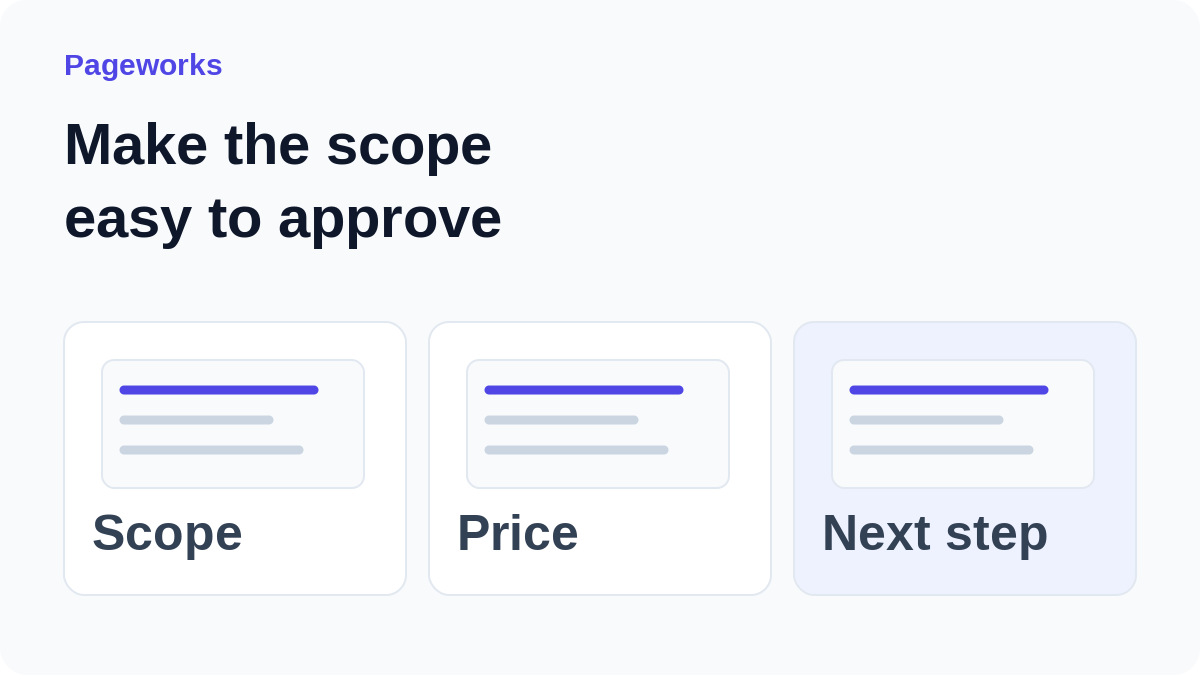
A total on the final slide is hard to defend if the buyer cannot see what it buys. Start your Pageworks proposal with the work, quantity and acceptance condition, then use the presentation to explain those choices. That gives procurement something specific to review.
Show the price as a consequence of scope
Consider an illustrative offer: a setup item at $300 and four work items at $150 total $900. A 10% discount is $90, leaving $810 before any applicable tax. These are example inputs, not market rates. Enter your own amounts in Pageworks and decide the tax treatment explicitly; leaving it unselected does not establish an exemption.
| Proposal section | What the buyer needs to review |
|---|---|
| Problem | What the buyer confirmed, with source and date |
| Scope | Deliverables, acceptance criteria and exclusions |
| Commercials | Price, payment timing and approval status |
| Implementation | Dependencies, owners and milestones |
| Decision | Who approves what, and by when |
Separate a useful option from an unclear commitment
If an additional workshop is optional, show it separately from the agreed base. State the deliverable, who supplies the input and what counts as acceptance. A buyer can then request one change instead of rejecting an unexplained bundle. Carry the same scope and version into the saved estimate, proposal and slides.
Prepare the approval pack from one saved estimate
Client Kit plus an active paid subscription supports new quote and proposal materials in Pageworks. Calculation and assembly are based on your entries without AI; document output supports English, German and Korean. Choose DOCX for text review, PDF for a fixed-layout handoff or HTML for browser reading. PPTX access follows your existing presentation export rights.
Before sending, compare the total, exclusions and open terms across the pack. After a scope change, save a revised estimate and regenerate the affected files. End the meeting with a precise request: confirm the chosen scope and identify the person who can approve it.
Templates, worksheets and related Pageworks guides
- Download the working brief
- Turn a Presentation into a Client Proposal: Full Example
- High-Converting Sales Presentations: An 8-Slide Playbook
- Prepare my proposal for approval
Build your next presentation in Pageworks
Start Free ($0) to test your outline with Standard generation and up to 10 slides per deck. Upgrade to Pro (starting at $5.99) for unlimited daily decks, Smart design, up to 50 slides, 100 MB file uploads, watermark-free exports, and editable .pptx files.
Build a proposal that sells
Build around the decision you want. Use Pageworks to turn your approved evidence into slides you can refine and confidently share.
Create my presentationRelated articles
Jan 15, 2026 · 3 min read
Sales Presentation Structure: 8 Essential Slides Buyers Actually Forward Internally
Sep 19, 2026 · 7 min read
Client Proposal Template: Turn Any Presentation into an Approved Commercial Offer

Oct 15, 2026 · 4 min read
Best AI Pitch Deck Generators for Startups (2026): Evidence-First & Editable PPTX