
How to build a meeting deck when you only have notes
Most meeting decks are not late because of design. They are late because nobody turned the notes into a story. Here is the sequence we see work when the calendar says "QBR in 90 minutes" and the doc is still a bullet list.
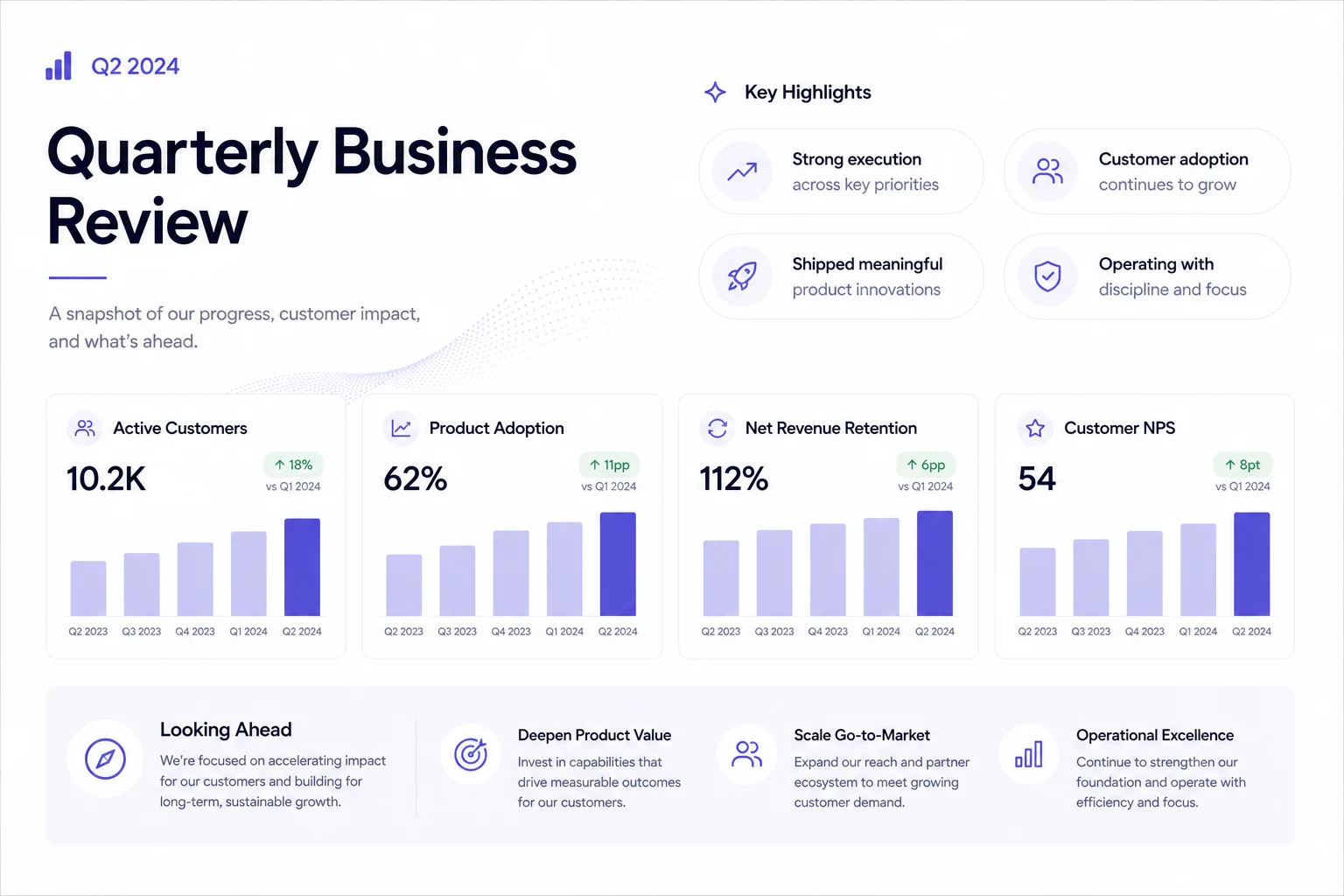
You probably already have the material. A spreadsheet export, a Slack thread, last quarter's deck with new numbers pasted in. The gap is structure: what goes first, what gets cut, and what the room needs to decide before people leave.
Start with your audience and goal
Before you open Pageworks, write three lines in plain text:
- Who is in the room (and who will read the deck later without you)?
- What decision or alignment you need by the end.
- One metric or proof point that must not get buried.
That sounds obvious. It is also the step people skip, which is why decks balloon to 40 slides and still miss the ask.
Bring one source, not the whole drive
Attach the PDF, DOCX, or URL that holds the key facts. If you add several documents, explain which source takes priority and which material to leave out.
For a weekly ops meeting, that might be a one-page metrics snapshot. For a QBR, it is usually the finance export plus a short narrative from the lead. Name the audience in the brief - "exec team, no jargon" reads differently than "board, formal tone."
Standard for a familiar structure, Smart for content-led design
Standard mode is the right default for QBRs, board packs, and anything where people expect problem → evidence → plan → ask. You pick the outline before slides fill in, which keeps you honest about length.
Smart mode makes more sense when the meeting is narrative-first - a product walkthrough, a customer story, a post-mortem where the sequence is not template-shaped. You can still switch mental models: generate Smart, then tighten like a Standard deck on the canvas.
Edit on the canvas, not in your head
Review the slide thumbnails for flow, check the numbers, and make sure the requested decision is clear. Use AI editing for one change at a time: "shorten slide 4 to two bullets" is more precise than "make it better".
- Check the title slide matches the meeting name and date.
- Verify every chart label matches your source.
- Open speaker notes and add the one line you always forget under pressure.
- Export PPTX if someone will edit offline; present in-browser if the meeting is live.
Five minutes before you join
Present mode in Pageworks is intentionally light - use it for the live meeting. Keep notes visible to you, not the room. If you are sharing screen, hide the filmstrip clutter and trust the narrative you already fixed.
The goal is not a deck that wins design awards. It is a deck that survives the first question without you saying "let me get back to you on that." Structure first, polish second, panic never.
Build your next presentation with Pageworks
Make your next presentation stand out. Create with AI, make every slide your own, and unlock editable PowerPoint and watermark-free sharing with Pro.
Related articles

Oct 13, 2026 · 2 min read
Financial slides for a pitch deck: explain burn, runway and assumptions

Oct 11, 2026 · 2 min read
Excel to presentation: turn a spreadsheet into a clear argument

Oct 8, 2026 · 2 min read
Consulting Presentation Structure: An Answer-First Example