
The Real Cost of Slides: Cut an $800 Workflow with Pageworks Pro from $5.99
Count preparation, correction and delivery together. Use Pageworks on a comparable assignment and put the buying decision on numbers you can inspect.

Choose a real recurring deck and record active work by stage. In Pageworks, use the approved source, review the outline and prepare the required handoff. Compare that completed job with the current process.
A monthly cost example with declared inputs
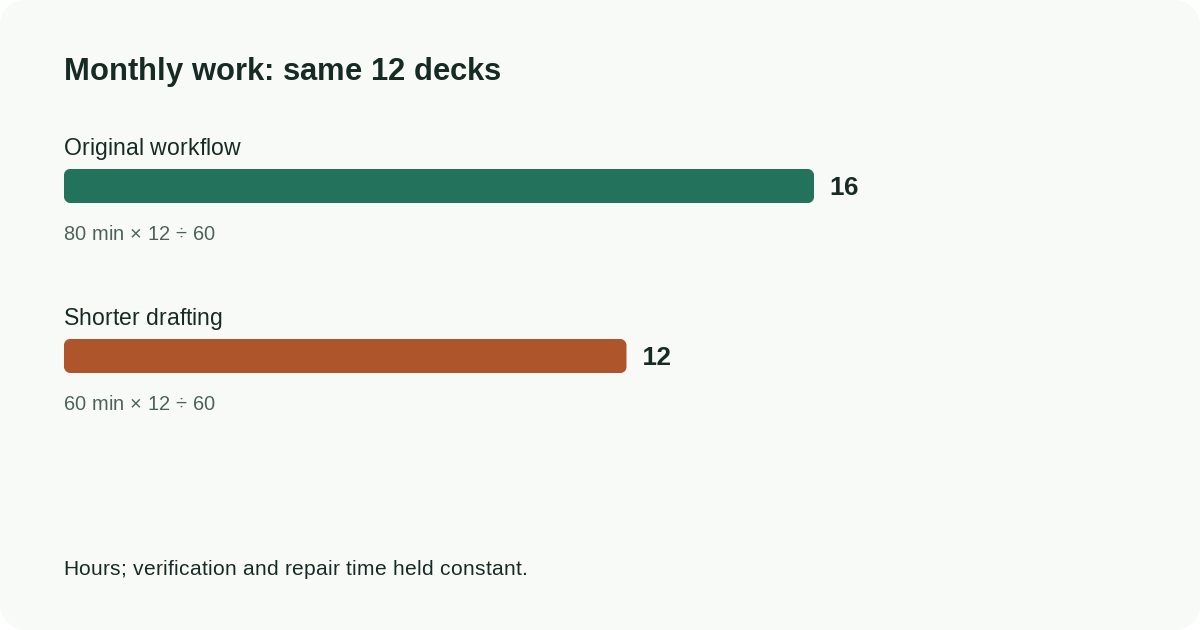
The sample table uses twelve decks, an internal rate of $50 an hour and 80 minutes per deck: sixteen hours and $800 before tool costs. The rate is a planning input, not a market quote. Keep verification and export repair visible alongside drafting.
| Work stage | Illustrative monthly calculation |
|---|---|
| Drafting | 40 minutes × 12 decks = 8 hours |
| Verification | 25 minutes × 12 decks = 5 hours |
| Export repair | 15 minutes × 12 decks = 3 hours |
| Total | 16 hours × $50 planning rate = $800 |
| Drafting reduced to 20 minutes | 12 hours × $50 = $600 before tool costs |
Check what actually changes
Reducing drafting from 40 to 20 minutes releases four hours across twelve decks, worth $200 at that planning rate before subscriptions. If checking and repair each add ten minutes per deck, that modeled benefit disappears. Capacity value is not automatically a lower payroll bill.
Check the math denominator before drafting the slide title
- Record period, unit and population for each input; distinguish actual results from a plan or forecast.
- Recalculate the headline independently from the chart, then check that both tell the same story.
- Turn the result into a specific decision. Keep proposed explanations as questions until separate evidence supports them.
Choose the working path for your next deck
The relevant cost includes the finished file and the work needed to deliver it. Pageworks Pro offers editable PowerPoint, Smart and up to 50 slides. Test essential objects because some complex graphics may still export as raster images depending on layout. Include required delivery in the cost record, then create the presentation your team needs. Base the next purchase on the cost of a completed assignment, including checking and export repair.
Templates, worksheets and related Pageworks guides
- Download the working brief
- Annual Report to Presentation: An 8-Slide Example
- Document to Presentation AI: PDF and Word to Slides
Build your next presentation in Pageworks
Start Free ($0) to test your outline with Standard generation and up to 10 slides per deck. Upgrade to Pro (starting at $5.99) for unlimited daily decks, Smart design, up to 50 slides, 100 MB file uploads, watermark-free exports, and editable .pptx files.
Turn your numbers into a clear argument
Compare your values in the free bar chart tool, then continue into a presentation. Pro supports editable PowerPoint export.
Build my chartRelated articles
Sep 19, 2026 · 6 min read
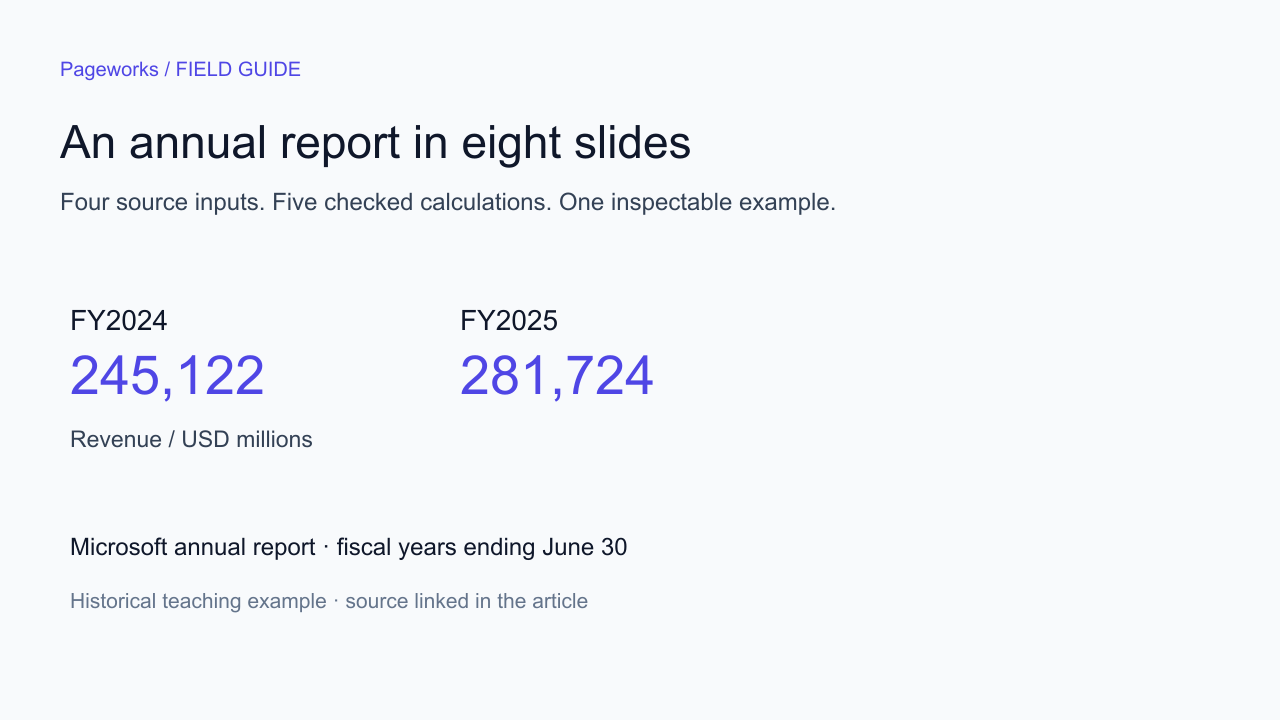
Annual Report to Presentation: Condense 100 MB Reports into 8 Traceable Slides
Nov 12, 2026 · 3 min read
Executive QBR Framework: Connect Your Scorecard to Renewal & Expansion

Feb 10, 2026 · 3 min read
QBR Slides Leadership Actually Wants: Decisions, Risks & ROI in Under 50 Slides