
20-Minute Pre-Meeting Slide Audit: Fix Broken Numbers & Exports Before Sending
Use the final working window for the claim, the delivered file and the requested decision. Make the targeted fixes in Pageworks.

Keep the approved figures beside the Pageworks deck. Audit the exact attachment or shared version intended for the meeting; a newer editor view does not validate an older export.
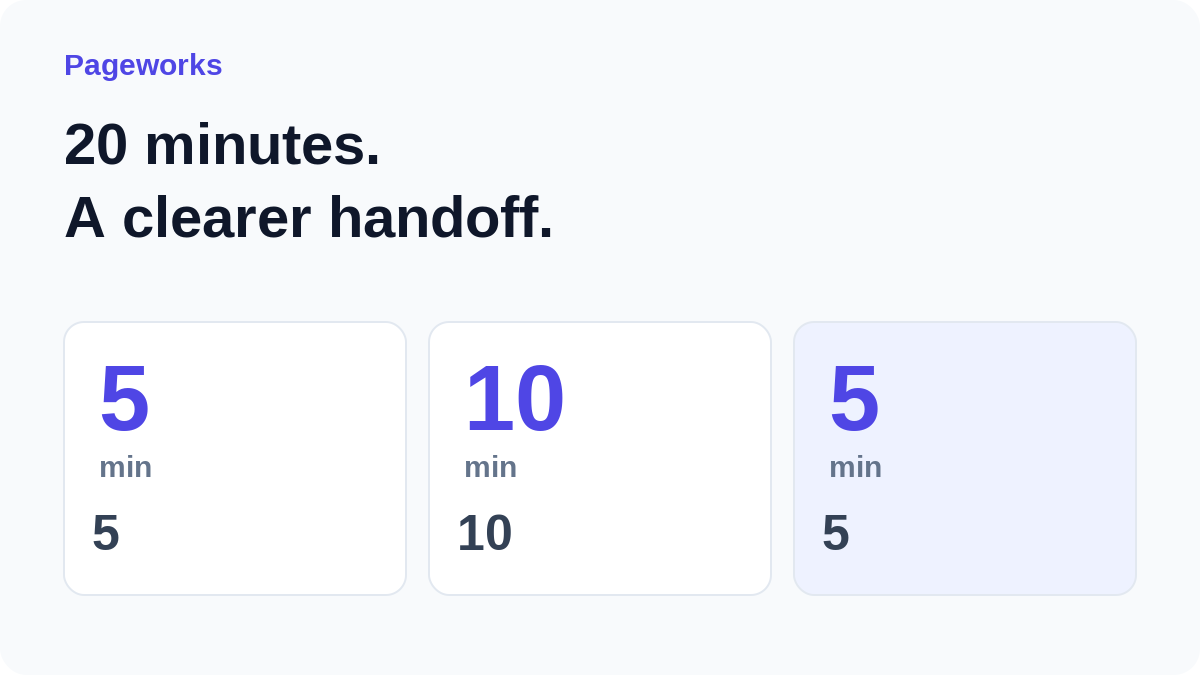
Five minutes for the facts
Check names, dates, units and totals. Label an unsupported price as a stop issue until its source is resolved. Use words for stop, repair and defer so priority is clear without color alone.
Check facts and totals before opening the deck
- Spend five minutes checking the decision, names, dates, totals and sources.
- Spend ten minutes opening the final file, checking the screen, fonts and speaker notes.
- Use the last five minutes for the opening, closing and a local backup copy.
| Feature | Pageworks Free ($0) | Pageworks Pro (Starting at $5.99) |
|---|---|---|
| Daily creation quota | 1 deck per rolling 24 hours | Unlimited decks per day |
| Maximum slide count | Up to 10 slides | Up to 50 slides |
| Generation modes | Standard generation | Smart design + Standard |
| PowerPoint (.pptx) output | Slide-image .pptx & PDF | Editable .pptx + crisp PDF |
| Upload limit & sharing | Up to 40 MB, standard share | Up to 100 MB, watermark-free export |
Ten minutes for the delivered file
Open the output, test the hardest value or heading and reopen after correction. In Pageworks, make the defined fix and prepare a fresh checked export. Missing fonts or unreadable labels outrank minor spacing.
Test slide legibility from the listener's point of view
- Say the opening and final request aloud; time them with the pauses you intend to use.
- Check the hardest explanation and one likely question. Place supporting evidence where you can reach it quickly.
- Prepare a local backup and identify what changes if the connection, display or allotted time fails.
Five minutes for the buying decision
Ask a colleague to find and read the requested action. Choose Pageworks Pro when the recipient needs editable PowerPoint; Pro also offers Smart and up to 50 slides. Check key objects because specialized layout components can flatten to images, so verify editable charts first. Send the version that passed the review.
Templates, worksheets and related Pageworks guides
- Download the working brief
- You do not need a manuscript: you need a clear ask
- Document to Presentation AI: PDF and Word to Slides
Build your next presentation in Pageworks
Start Free ($0) to test your outline with Standard generation and up to 10 slides per deck. Upgrade to Pro (starting at $5.99) for unlimited daily decks, Smart design, up to 50 slides, 100 MB file uploads, watermark-free exports, and editable .pptx files.
Create it. Refine it. Hand it over.
Build in Pageworks, present in the browser or export for your next reviewer. Choose Pro when your handoff requires editable PowerPoint.
Create my presentationRelated articles
Jan 22, 2026 · 3 min read
20-Minute Presentation Prep: Rehearse Flow, Fix Gaps & Export Cleanly
Nov 8, 2025 · 3 min read
How to Write Speaker Notes That Keep Facts Exact & Delivery Natural

Nov 24, 2026 · 2 min read
History of PowerPoint to AI (1987-2026): Why Editable .pptx Still Rules Business