
Best AI Tools for Teachers: Turn One Source into a Lesson Pack
Your next lesson starts with the material you already have. Turn it into a clear explanation, useful practice and slides you can make your own. Find the tool that takes you all the way to the classroom.
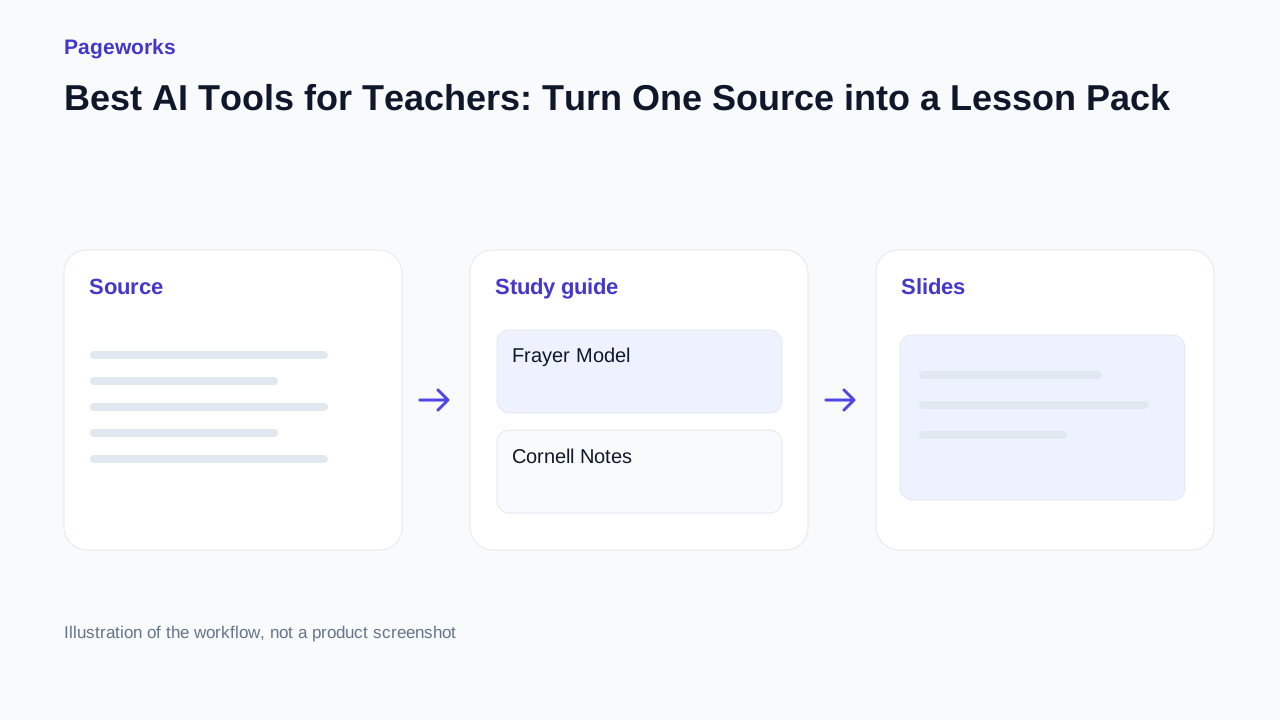
See what your next lesson can become
One source, connected materials. Explore the finished result before creating your own.
Choose by the result you need
Choose Pageworks when your notes, questions and presentation need to stay connected. Consider MagicSchool for teacher-oriented planning, SlideSpeak for a quiz built around a deck, and NoteSynthesis for a quick guide from pasted notes.
What to compare
- Use the same short passage in each tool. Check whether conditions such as ‘some’, ‘may’ and ‘depends on nutrients’ survive the summary.
- Try a real correction. Change a question, fix an answer and reopen the material. Judge how easy the next revision will be.
- Inspect the output you actually need: notes for study, questions for a class or slides a colleague can edit. Check the applicable plan before exporting.
Why choose Pageworks
Pageworks is our pick for preparing study material alongside a presentation. Start with your text or document, review a guide, worksheet, quiz and flashcards, then add the selected material to a new or existing deck. Frayer, Cornell and compact layouts give the guide a clear purpose.
Review source quotations, edit the material and choose what belongs in your presentation. Start with the phytoplankton example and adapt it to your next lesson.
Other useful choices
MagicSchool
Teacher-oriented lesson planning and worksheets, with grade and activity settings described in its documentation.
SlideSpeak
Its quiz workflow includes editing, separate answer-sheet exports and insertion into a presentation, according to its help guide.
NoteSynthesis
A direct route from pasted notes to a guide. Our trial produced a summary, terms and recall questions.
Before you use the result
- Preparing slides and several related study materials: start with the Pageworks example and try one edit.
- Planning around a grade level or choosing particular classroom activities: review MagicSchool’s controls.
- Building a quiz around an existing deck: compare SlideSpeak’s documented quiz workflow with the output you need.
- Organising a short passage quickly: try NoteSynthesis and inspect its questions against the source.
Explore the guide, questions and slides before preparing your own lesson.
Sources and method
Checked on 17 October 2026. We used our own phytoplankton example in Pageworks, tried NoteSynthesis with the same source passage, and built a Frayer organiser in LessonViz. Descriptions of the other products come from the linked official documentation. Features and plan conditions can change.
Related guides
Less prep. More powerful lessons.
Explore the sample lesson, switch between Cornell, Frayer and compact notes, then open an editable copy in Pageworks.
Explore the lessonRelated articles
Oct 17, 2026 · 3 min read
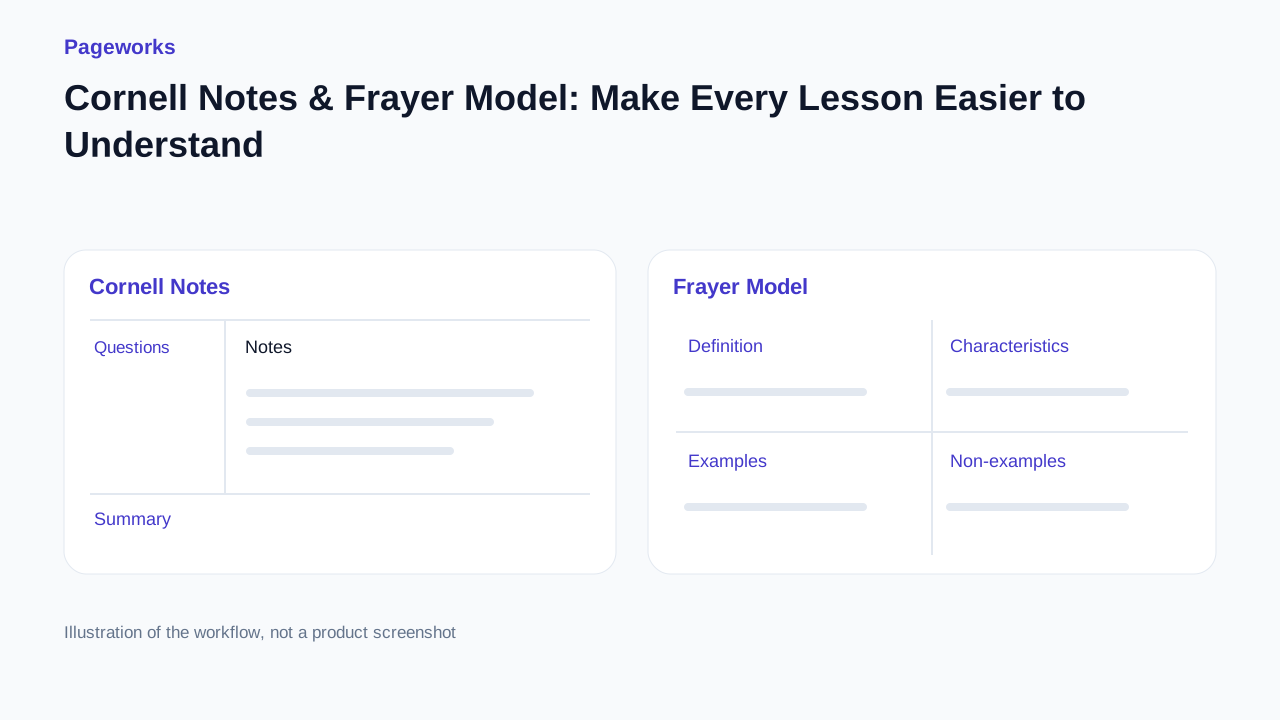
Cornell Notes & Frayer Model: Make Every Lesson Easier to Understand
Oct 17, 2026 · 3 min read
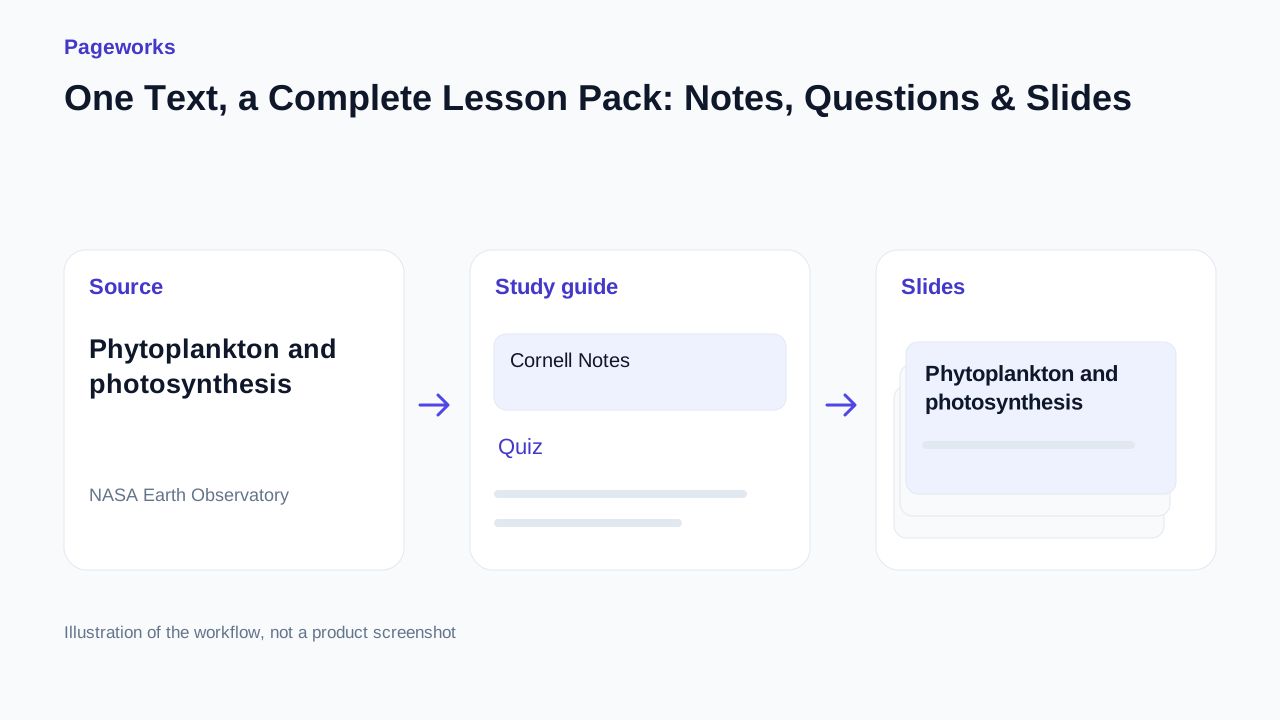
One Text, a Complete Lesson Pack: Notes, Questions & Slides

Nov 30, 2025 · 2 min read
Classroom decks that keep eyes up, not on phones