
One Text, a Complete Lesson Pack: Notes, Questions & Slides
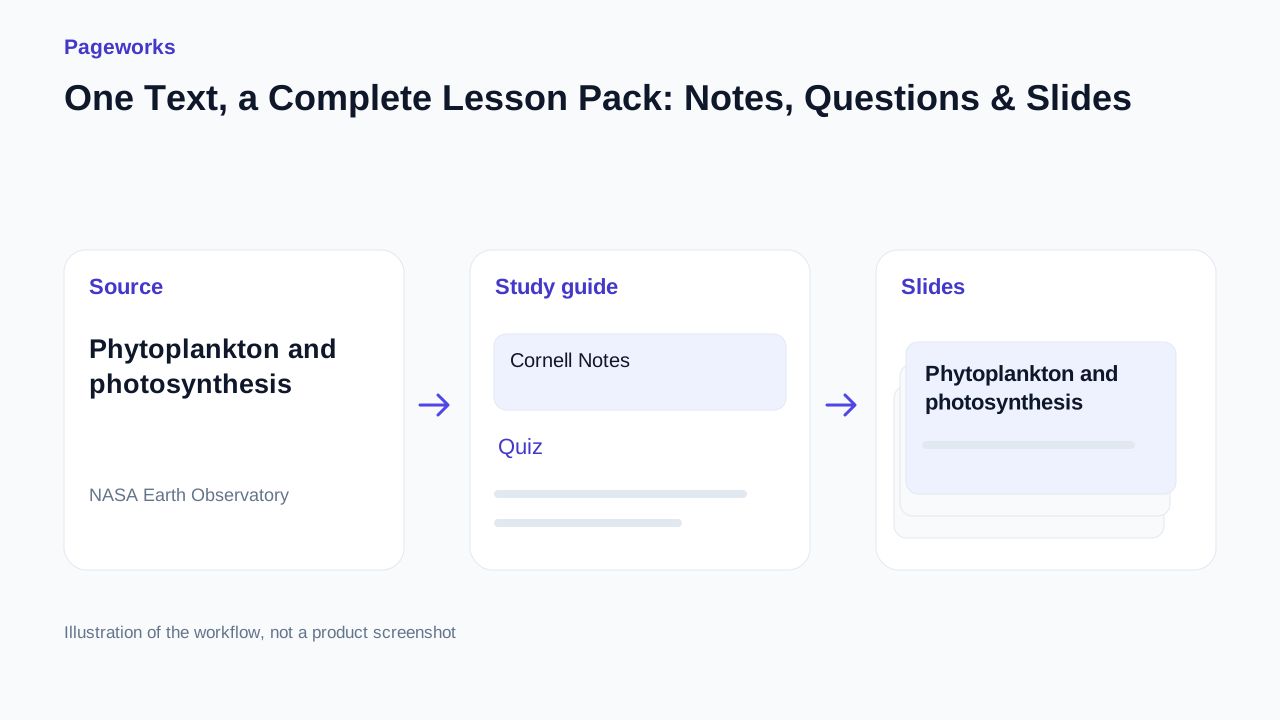
Stop rebuilding the same lesson in separate tools. See how one phytoplankton source connects notes, activities, a quiz and slides. Try a real edit, then continue with your own copy in the presentation editor.
See what your next lesson can become
One source, connected materials. Explore the finished result before creating your own.
Choose by the result you need
Explore a lesson based on NASA Earth Observatory material about phytoplankton. Compare the source with the notes, exercises and quiz, then adapt the example to your class.
1. Read the source and set the learning goal
Focus on two ideas: what phytoplankton are, and what photosynthesis consumes and releases. Keep the qualification that growth also depends on nutrients. The goal is an explainable short lesson, not the largest possible collection of facts.
2. Choose the guide structure
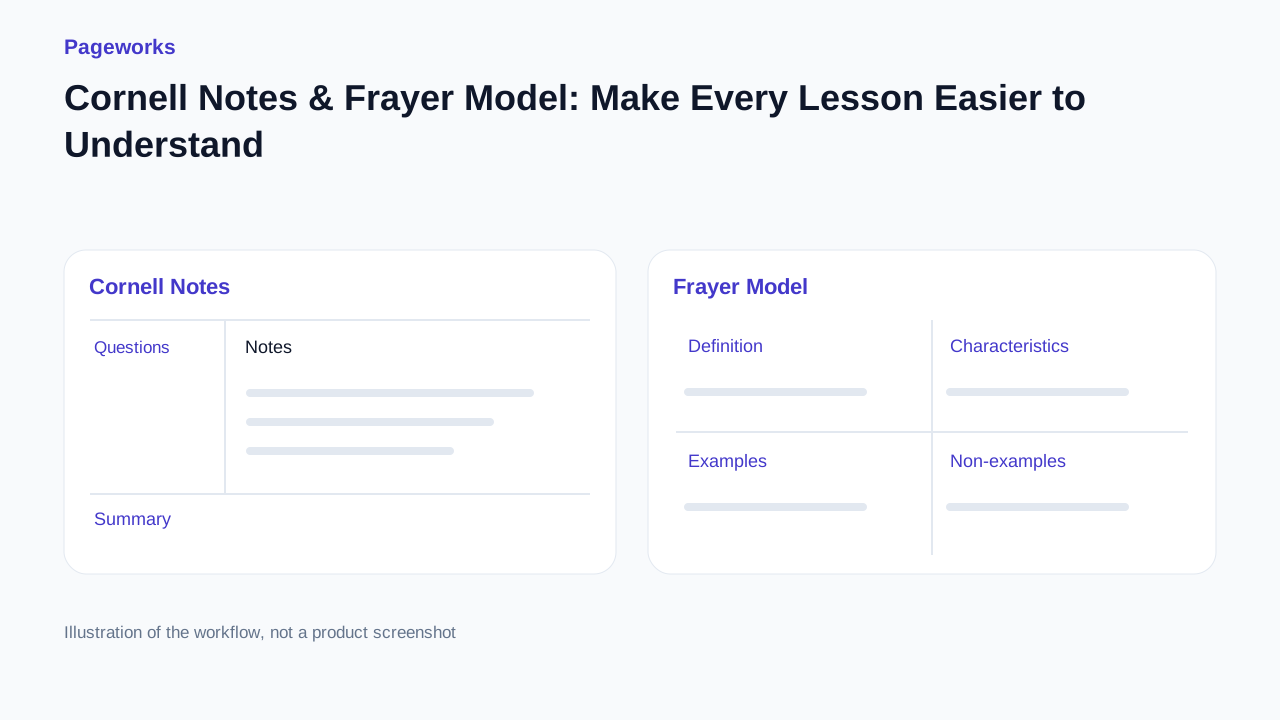
Use Frayer to distinguish the concept and its non-examples. Choose Cornell to pair questions with notes and a recap. Use the compact layout for a short reference. The example switches structures without replacing your own work.
3. Inspect the practice questions
Read the prompt and answer together. Ask whether the source really establishes the answer. ‘Some organisms also feed’ does not establish what every organism can or cannot do. Preserve the wording that limits a claim.
4. Open an editable copy
Select the format and open the example in the editor. Sign in through the normal flow if needed. Change a heading or question, save and reopen it.
5. Add material to your presentation
Create a new presentation or use the insertion dialog to select an existing one and a position. Choose the material to insert. Opening an example does not silently add the whole lesson to a presentation.
6. Review the file you will actually use
Check the questions, answer visibility and slide text. The reference deck combines two Frayer slides with Cornell, compact notes, practice, quiz and flashcards. A fresh generation may have different content and pagination.
Before you use the result
- Compare the final material with the source, including its conditions and exceptions.
- Reopen saved edits and inspect the actual export required for your class or colleague.
- Review quiz slides before showing them: the current example includes answers. Use the current pricing page to check export conditions.
Explore the source, switch formats and try the editable example below.
Sources and method
NASA Earth Observatory
A complete lesson from a real source
Phytoplankton and photosynthesis
Choose notes, exercises or a quiz. Open the example in the editor and make it fit your lesson.
Phytoplankton and photosynthesis Educational summary based on NASA Earth Observatory, What are Phytoplankton? https://science.nasa.gov/earth/earth-observatory/what-are-phytoplankton/ Phytoplankton are microscopic organisms living in fresh and salt water. Examples include diatoms and cyanobacteria. Fish and zooplankton are not phytoplankton. Phytoplankton contain chlorophyll. Photosynthesis uses light to produce chemical energy, consumes carbon dioxide and releases oxygen. Eating another organism is not photosynthesis. Some phytoplankton also obtain energy by feeding on other organisms. Growth depends on light, carbon dioxide and nutrients. Temperature and salinity also influence growth. More light alone does not guarantee more growth when nutrients are limited. Phytoplankton are primary producers at the base of aquatic food webs. Zooplankton and small fish feed on them; larger animals can feed on those consumers. Removing primary producers can affect the organisms that depend on them.
NASA: What are Phytoplankton?Phytoplankton
Definition
Microscopic aquatic organisms, including diatoms and cyanobacteria.
Characteristics
Microscopic; fresh or salt water; primary producers.
Examples
Diatoms; cyanobacteria.
Non-examples
Fish; zooplankton.
Photosynthesis
Definition
Light is converted to chemical energy; carbon dioxide is consumed and oxygen released.
Characteristics
Uses light and chlorophyll; produces chemical energy.
Examples
Photosynthesis in diatoms and cyanobacteria.
Non-examples
Eating another organism.
Explain why a fish is not phytoplankton.
More light is available, but nutrients remain scarce. Is more growth guaranteed? Explain.
Which gas is released during photosynthesis?
- Oxygen
- Carbon dioxide
Worksheet + answers
Oxygen. Light is converted to chemical energy; carbon dioxide is consumed and oxygen released.
Which is an example of phytoplankton?
- A diatom
- A fish
Worksheet + answers
A diatom. Microscopic aquatic organisms, including diatoms and cyanobacteria.
1 / 7
Continue with the selected study-guide format. You can edit it before adding slides. Frayer Model
Related guides
Less prep. More powerful lessons.
Explore the sample lesson, switch between Cornell, Frayer and compact notes, then open an editable copy in Pageworks.
Explore the lessonRelated articles
Nov 30, 2025 · 2 min read
Classroom decks that keep eyes up, not on phones

Oct 17, 2026 · 3 min read
Best AI Tools for Teachers: Turn One Source into a Lesson Pack
Oct 17, 2026 · 3 min read
Cornell Notes & Frayer Model: Make Every Lesson Easier to Understand