
4 Gamma Alternatives for Editable PowerPoint Work
The client asks for the PowerPoint file. Then comes the more useful question: can their team change it without rebuilding the slides?
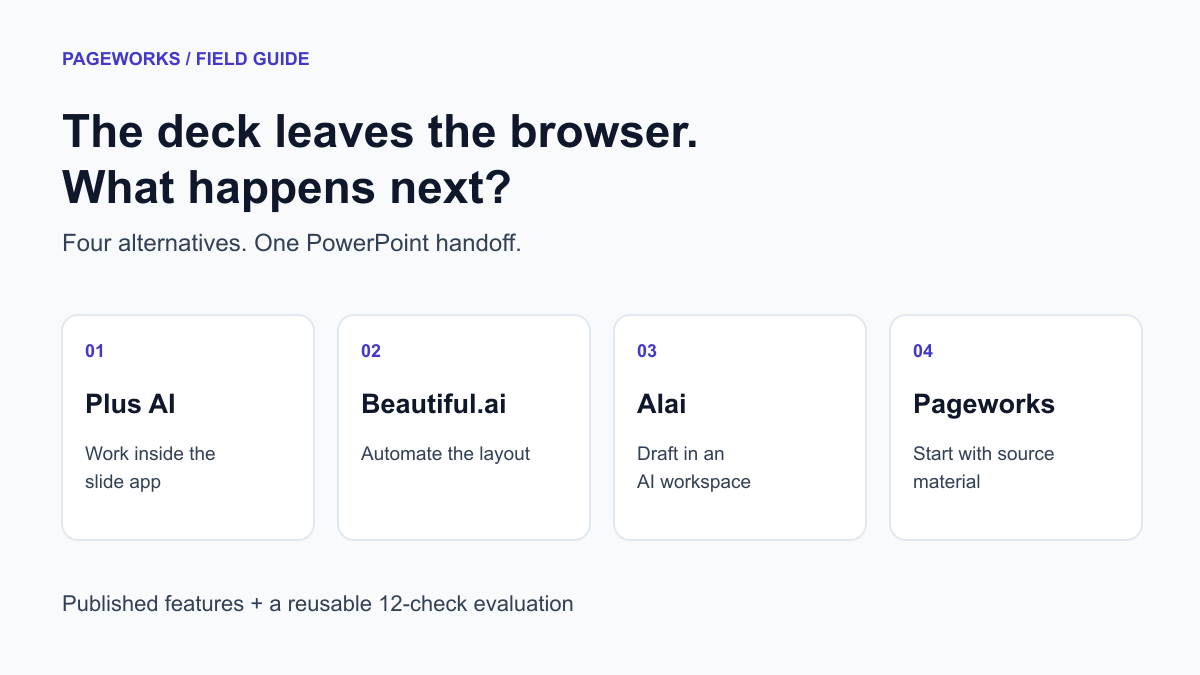
Choose by the file your colleague needs
For an editable PowerPoint workflow, compare Plus AI, Beautiful.ai, Alai and Pageworks against the same recipient edits. For a browser link, first check whether Gamma already covers the job. The useful distinction is what survives the handoff: a text box, a table cell and a chart data series are three different requirements.
That is a better starting point for choosing a Gamma alternative than counting templates. A deck that ends as a browser link has different requirements from one that finance will edit, a partner will rebrand, or a colleague will present offline.
Which Gamma alternative fits your workflow?
Our shortlist has four alternatives: Plus AI for teams working inside PowerPoint or Google Slides; Beautiful.ai for layout automation; Alai for a separate AI presentation workspace; and Pageworks for a document-to-deck workflow with browser editing. The order is not a quality score.
| Tool | Consider it when… | Check before committing |
|---|---|---|
| Plus AI | Your team wants AI in PowerPoint or Google Slides. | Document uploads require Pro or above. |
| Beautiful.ai | You want Smart Slides to handle layout and formatting. | Choose editable PowerPoint export and check fonts. |
| Alai | You want to draft in a dedicated AI presentation app. | Check credit allowances, watermarks and your actual export. |
| Pageworks | You need document-based decks, Smart design and room for up to 50 slides. | Pro starts at $5.99; Free PPTX uses slide images. |
First, check whether you need to leave Gamma
Gamma already supports PowerPoint export. Its pricing page lists PDF, PPTX, PNG and Google Slides exports on Free, with up to 10 slides per prompt. Plus removes Gamma branding. A requirement to deliver a .pptx file, by itself, is not a reason to switch.
Its export documentation also describes embedded fonts and editable tables. Those capabilities do not prove every deck will transfer perfectly, but they do rule out a blanket claim that Gamma only produces flat pictures.
Try your difficult slide first: the crowded table, the chart with labels, or the slide using your company font. If the exported version survives the edits your team needs, keeping the existing workflow may be the sensible decision.
1. Plus AI: keep the work in PowerPoint or Google Slides
Plus AI offers creation and editing within PowerPoint and Google Slides. Its Basic plan is listed at $15 per user billed monthly, or $10 per user per month billed annually. Pro, which includes document uploads, is $25 monthly or $20 per month billed annually. The trial lasts 7 days.
That distinction matters if your starting point is a PDF rather than a short prompt: compare the plan that supports your workflow, not just the lowest advertised number. Plus also documents Preserve and Strict modes for retaining source wording, while warning that preserved text may not fit a layout well.
Put Plus on the shortlist when colleagues already review and revise files in the same presentation app. During evaluation, ask a colleague to make the next real change: update a heading, replace a table value and reuse a slide in an existing company deck. That handoff is more revealing than another generated cover.
2. Beautiful.ai: let the layout do more of the work
Beautiful.ai lists more than 300 Smart Slide layouts and automatic formatting. Checked on October 17, 2026: Pro is $14.50 per month billed annually, a $174 annual commitment before tax. The ad hoc monthly option is $45 and the trial lasts 14 days. Compare the full commitment for the period you need.
Its export guide explicitly offers Editable PowerPoint, including presentation notes. The same guide warns that missing fonts can change the result and provides a font-download option.
Consider it when keeping layouts consistent is a recurring burden. For the trial, use a slide with awkward content rather than a neat three-point summary. Add a longer heading and one extra row. Watch how the layout responds, then repeat the edit in the exported file. You are choosing where you want formatting decisions to happen.
3. Alai: a dedicated workspace for AI presentations
Alai lists a free plan, a $20 monthly Plus plan and a $30 monthly Pro plan. Its pricing page advertises PDF/PPT export, a limit of 10 AI slides per prompt on Free, 20 on Plus and 50 on Pro. Paid plans remove watermarks.
The pricing page returned inconsistent credit allowances across repeated sections when we checked it, so we have deliberately left credit totals out of this comparison. Confirm the allowance shown at checkout before comparing cost per deck.
Alai is worth evaluating if you prefer drafting in a separate presentation workspace. Give it the same source and slide count as the other candidates. A higher per-prompt slide limit is useful for a long deck, but it tells you little about whether your figures survive or whether the exported chart is practical to edit.
4. Pageworks: go from source material to a deck you can revise
Pageworks starts with a brief, document or URL. Standard gives you template layouts and an outline to review; Smart designs slides around the content. Free includes one presentation per rolling 24 hours, with up to 10 slides. Pro expands that to presentations of up to 50 slides, with no daily presentation limit.
Pro starts at $5.99 and includes Smart generation, uploads up to 100 MB, editable PowerPoint, high-quality PDF, and exports and shared presentations without watermarks. These benefits matter at different points: more source material at the start, more room for the story, and a file your team can work on afterward.
For PowerPoint handoff, keep the export distinction in view: Free produces slide-image PPTX, while Pro enables editable export. Some complex layouts can still export as images. Test the actual file, including the elements your colleague will need to change.
For a recurring reporting workflow, the useful combination is a reviewed outline, up to 50 slides and no daily wait before creating the next presentation. A short client pitch can stay short; a longer report does not have to fit the Free ten-slide allowance. Pro’s 100 MB upload limit is 2.5 times Free’s 40 MB limit. That describes file capacity, not a claim that every page or fact will automatically make it onto a slide.
| Capability | Free | Pro |
|---|---|---|
| Presentation length | Up to 10 slides | Up to 50 slides |
| Daily creation | One presentation per rolling 24 hours | No daily presentation limit |
| Source file upload | Up to 40 MB | Up to 100 MB |
| Generation | Standard | Standard and Smart |
| PowerPoint handoff | Slide-image PPTX | Editable export; layout exceptions apply |
| Watermarks | Free-tier branding | No watermarks on exports or shares |
Compare annual commitments, not headline prices
| Plan | Published price | Annual-billing commitment |
|---|---|---|
| Plus AI Basic | $15/user/month | $120/user/year ($10 × 12) |
| Plus AI Pro - document uploads | $25/user/month | $240/user/year ($20 × 12) |
| Beautiful.ai Pro | $45/month | $174/year ($14.50 × 12) |
| Alai Plus | $20/month | Not included in this comparison |
| Pageworks Pro | Starting at $5.99 | See current checkout |
For five people using Plus AI Pro, annual billing works out to $1,200 a year. Paying the listed monthly rate for 12 months would be $1,500. The $300 difference is arithmetic, not a forecast of your bill: taxes, discounts and seat changes are excluded. These plans are not equivalent bundles.
Subscription price is only one part of the decision. Suppose your team produces 12 decks a month and a particular workflow needs 15 minutes of cleanup per deck. That is 3 hours a month. At an assumed internal cost of $60 an hour, the cleanup costs $180. These are illustrative inputs, not measured performance for any product. Replace them with your own numbers.
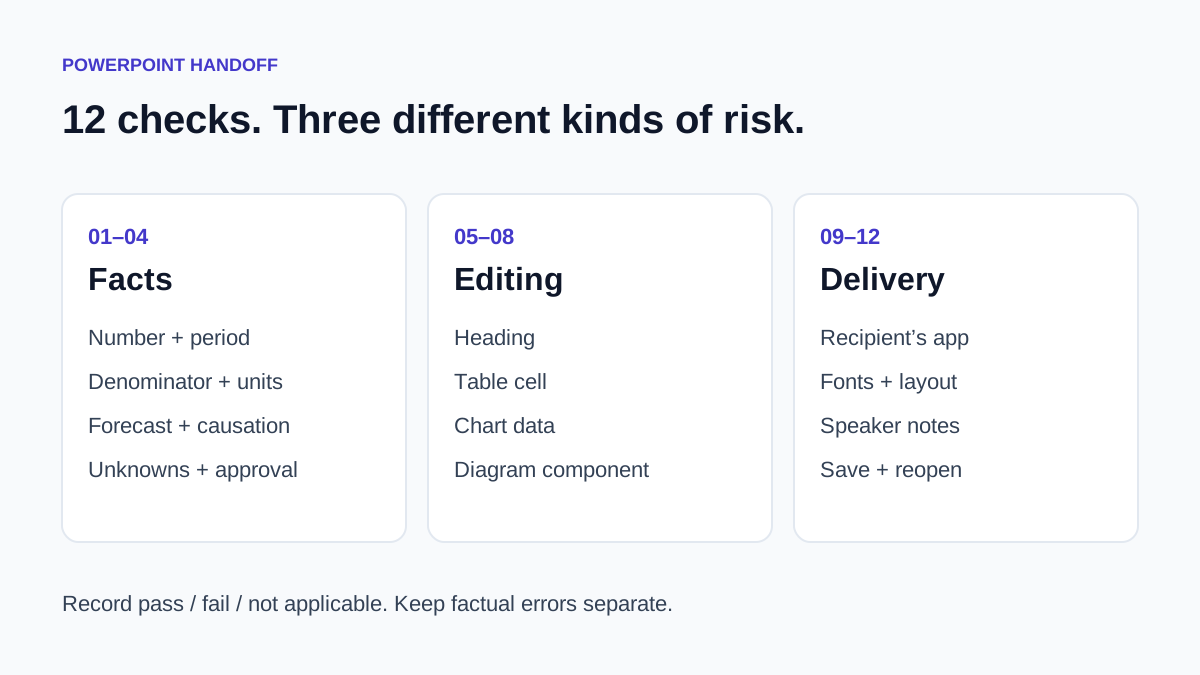
Run these 12 checks before choosing
Use one small source deck in every candidate. Keep the input, required facts and requested slide count identical. Save the first output before you correct it. Twelve checks are enough to expose different kinds of trouble without pretending that one neat score captures presentation quality.
Four checks for the content
- 1. The headline number keeps its subject and time period.
- 2. Percentages keep their denominator, and percentage-point changes are labelled correctly.
- 3. A forecast remains a forecast; an observed result does not become proof of causation.
- 4. A missing budget, date or approval stays visibly unknown.
Four checks for editing
- 5. Replace a heading with a longer one.
- 6. Edit a table cell without recreating the table.
- 7. Change chart data if your deck contains a chart.
- 8. Move a diagram component independently, if that is required for your handoff.
Four checks for delivery
- 9. Open the exported file in the application and version the recipient uses.
- 10. Check font rendering, clipping and overlap.
- 11. Confirm that speaker notes arrive where the presenter expects them.
- 12. Save, close and reopen the edited file; inspect the same slides again.
Record pass, fail or not applicable for each check. If the source has no chart, do not award an automatic pass for chart editing. Keep fact failures separate from cosmetic problems: the wrong revenue figure should never disappear inside an average score.
Questions that come up when switching
Which Gamma alternative works inside PowerPoint?
Plus AI is an option for creating and editing presentations inside PowerPoint or Google Slides. Check the plan required for your input type; a workflow beginning with uploaded documents needs more than its Basic tier.
Is there a free Gamma alternative with editable PPTX?
Separate free access from export rights. Pageworks Free includes slide-image PPTX, while editable export requires Pro. Alai lists PPT export on Free, but the plan description alone does not establish how every element in a particular file will behave. Test the file rather than relying on the extension.
Should I switch if Gamma already exports my deck correctly?
Probably not for export alone. Switch when another workflow solves a problem you can name: where colleagues edit, how source material is handled, what the required plan costs, or how much work remains before delivery. Bring the same difficult slide to each trial and let that decision stay specific.
A switching test for a real client handoff
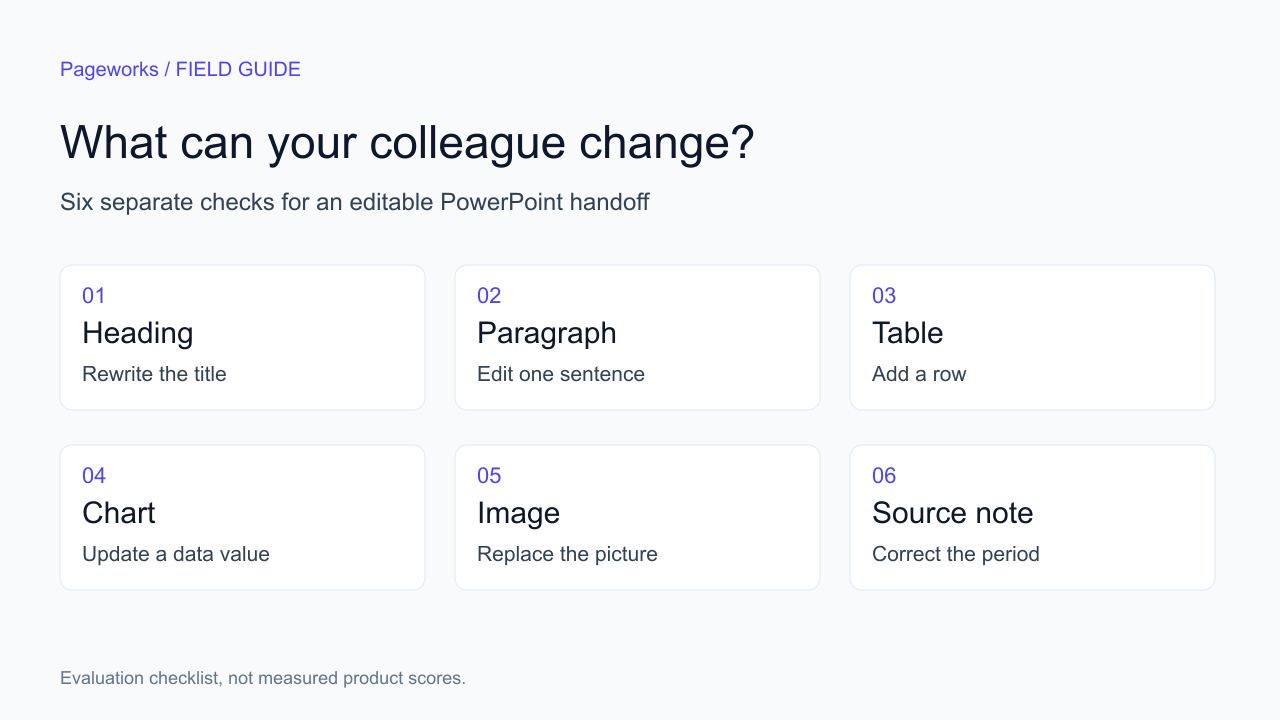
Before buying a replacement, write three changes your recipient must make: replace the title with a longer one, change a value from 72 to 78, and add a source footnote. Use the same six-slide brief in each shortlisted product. Include a table, a chart, an image, a long heading and a footnote. Keep the source values identical; otherwise you are comparing different assignments.
- Open the exported file in the application and version your recipient uses. Record the product, plan, generation mode, fonts and test date.
- Make each required edit. For the chart, change the underlying value rather than covering the old label with new text. If that operation is unavailable, record it separately from whether the slide looks right.
- Save, close and reopen the file. Check text wrapping, units, source notes and chart labels again. A successful download is only the start of this check.
- Record active cleanup minutes separately from generation and waiting time. A hard requirement that fails should remain visible even if the other checks pass.
Use a row for each requirement: expected object, actual object, edit completed, time spent and remaining issue. The downloadable checklist is a starting point, not a score we have assigned to these products. No comparable set of exported files has been tested for this article.
Should you choose a free Gamma alternative?
Start with the cost of the required deliverable. A free account that lets you draft slides may not include the export, branding or recurring usage you need. In Pageworks, Free can explore the short-deck workflow; editable PowerPoint is a Pro requirement. Compare current plan limits and renewal periods before committing. If the recipient only needs to view the result, an editable export may be unnecessary.
Make your next presentation your strongest yet
Bring your own brief to Pageworks. Shape the outline, refine the slides and choose the output your next reviewer needs.
Create my presentationRelated articles
Sep 19, 2026 · 8 min read
3 Beautiful.ai Alternatives for Editable PowerPoint

Oct 18, 2026 · 3 min read
5 AI presentation makers to compare for your PowerPoint workflow

Oct 29, 2026 · 3 min read
Pageworks vs. Pitch: choose by handoff, not by screenshots