
Native PPTX export - why 'good enough' export fails teams
An export acceptance sample needs six object types: heading, paragraph, table, chart, image and source note.
Worked example
Use these starting values to work through the decision, then substitute your own inputs.
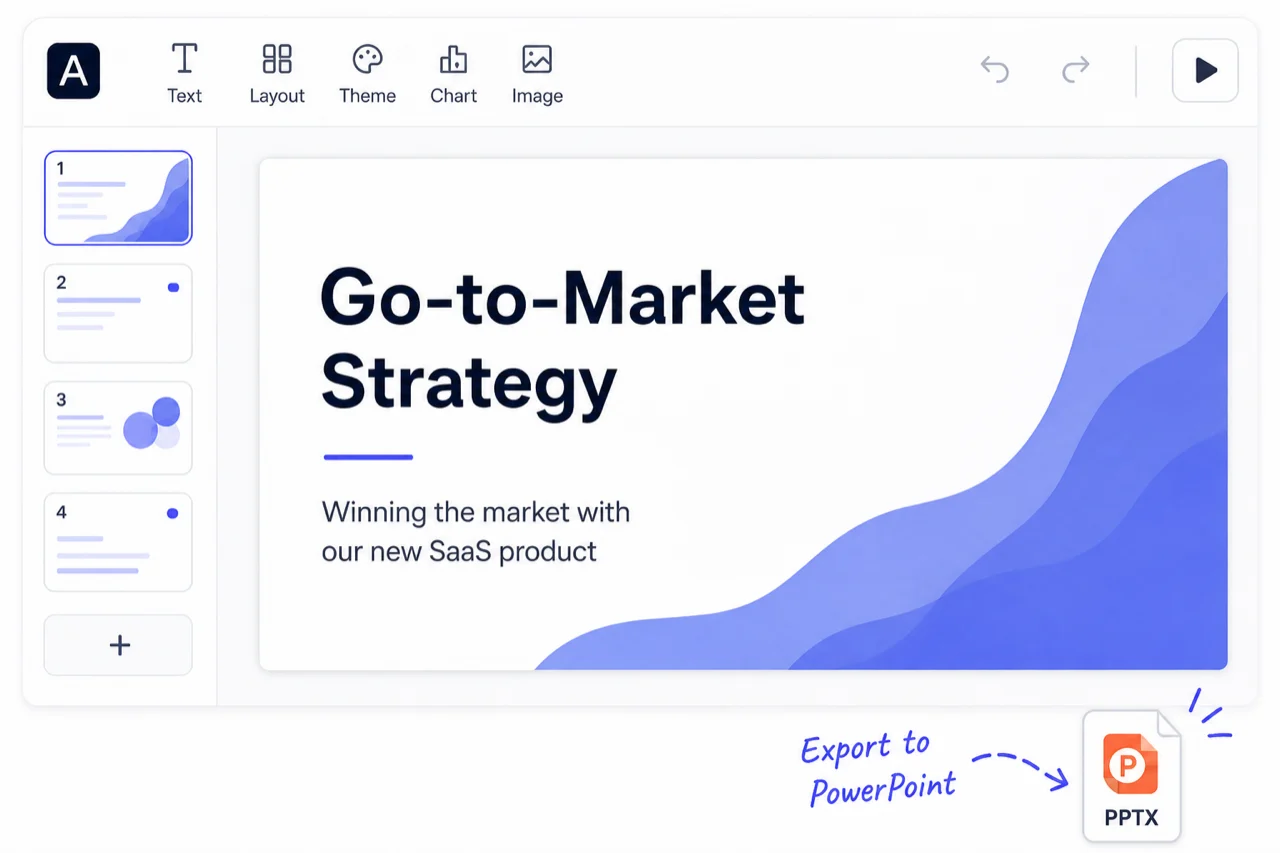
An export acceptance sample needs six object types: heading, paragraph, table, chart, image and source note. After opening it in PowerPoint, change one item of each type and save a new copy. Close and reopen that copy before recording a pass. A native chart should be tested through its data, while a photograph only needs the image changes your recipient requires. Free slide-image PPTX and Pro editable PPTX serve different handoffs; do not promise every complex element will remain native.
Define the handoff before generating
Ask the recipient what they need to change and in which application. A file can be visually faithful while failing the required edit. Separate visual checks from object checks instead of giving the entire deck a single 'editable' label.
- Open them in the presentation app and on the device your recipient uses.
- Perform the required edits, including a longer heading and a changed number where relevant; record each result separately.
- Save, close and reopen the edited file. Check that the change, layout and necessary notes survived that round trip.
Original source and product documentation
Create your next presentation
Turn your own source into a presentation you can confidently share. Refine the outline and slides in the editor, then choose Pro for editable PowerPoint your team can keep improving.
Related guide
Build your next presentation with Pageworks
Make your next presentation stand out. Create with AI, make every slide your own, and unlock editable PowerPoint and watermark-free sharing with Pro.
Bar chart maker for editable PowerPoint
Turn your table into a clear comparison. Paste data or open a CSV, adjust your chart, and download a PNG - right here in your browser.
Related articles
Mar 1, 2026 · 2 min read
Pageworks Free vs Pro: choose by the work you need to deliver
Feb 14, 2026 · 2 min read
Standard vs Smart: choose how to create your presentation
Dec 28, 2025 · 2 min read
Choose a presentation template that fits your meeting