
Corporate Presentation Color Rules: Highlight Status, Risk & CTA Clearly
Give each color a consistent job. Refine the Pageworks deck with labels and contrast the audience can understand.

Start in Pageworks with a light background, dark text and one accent for the recommendation. Choose meaning before decoration rather than relying on a universal color-psychology claim.
Keep three statuses distinct without color
Label on track, at risk and blocked, with different symbols where useful. Print or inspect in grayscale. If amber means “needs review,” do not also use it for an approved result.
| Feature | Pageworks Free ($0) | Pageworks Pro (Starting at $5.99) |
|---|---|---|
| Daily creation quota | 1 deck per rolling 24 hours | Unlimited decks per day |
| Maximum slide count | Up to 10 slides | Up to 50 slides |
| Generation modes | Standard generation | Smart design + Standard |
| PowerPoint (.pptx) output | Slide-image .pptx & PDF | Editable .pptx + crisp PDF |
| Upload limit & sharing | Up to 40 MB, standard share | Up to 100 MB, watermark-free export |
Check the actual foreground and background
WCAG’s digital text reference is 4.5:1 for normal text and 3:1 for large text. Use a contrast checker, then test the actual room and device; those ratios alone do not certify projector readability.
Test the difficult slide first
- Keep labels and units visible when changing layout; decorative changes must not remove meaning.
- Test on the smallest screen and in the delivery format the audience will actually use.
- Ask a reader to identify the conclusion and locate its supporting evidence without narration. Revise anything they have to guess.
Prepare the recipient’s working version
Status colors help only when the delivered file keeps their labels readable. Pageworks Pro offers editable PowerPoint, Smart and up to 50 slides. Test labels and important objects because certain layout-heavy elements may export as fixed graphics rather than native shapes. Create the presentation whose status remains clear in the file the audience receives.
Templates, worksheets and related Pageworks guides
- Download the working brief
- AI to Editable PowerPoint: Keep Your Best Work Moving
- Best Fonts for Presentations: Readability and PPTX Handoff
Build your next presentation in Pageworks
Start Free ($0) to test your outline with Standard generation and up to 10 slides per deck. Upgrade to Pro (starting at $5.99) for unlimited daily decks, Smart design, up to 50 slides, 100 MB file uploads, watermark-free exports, and editable .pptx files.
Make the difficult slide work beautifully
Start from your own content, shape the layout and refine the details in Pageworks. Choose a presentation you can keep improving.
Create my presentationRelated articles
Sep 29, 2026 · 3 min read
Best Fonts for Presentations (2026): Readability & Clean PowerPoint Handoff

Mar 8, 2026 · 3 min read
5 Presentation Mistakes That Kill Deals (And How to Fix Them Before Sending)
Feb 5, 2026 · 3 min read
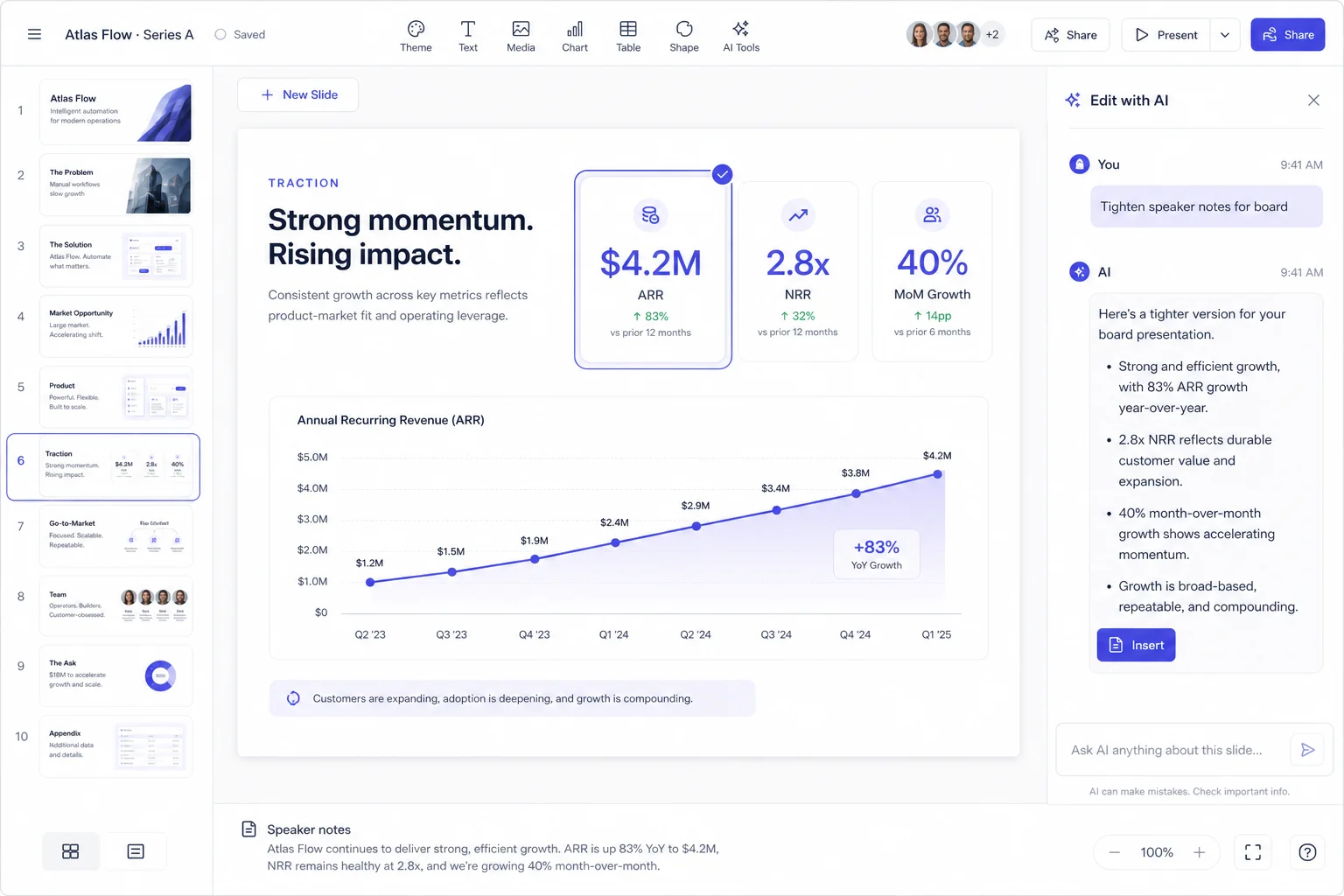
Edit a Presentation with AI Without Breaking Layout or Facts (2026 Guide)