
5 presentation mistakes to fix before sharing your deck
Review a slide headed 'Retention improved' with a chart rising from 72% to 78%.

Worked example
Use these starting values to work through the decision, then substitute your own inputs.
Review a slide headed 'Retention improved' with a chart rising from 72% to 78%. The absolute change is six percentage points; the relative increase is about 8.3%. Ask whether the cohorts and observation periods match before choosing either statement. Then check whether the source note survives export and whether the chart axis makes the change readable without exaggeration. Fixing the headline, denominator and source is a more useful first pass than adjusting every icon.
- No explicit ask: name the decision, owner and requested timing.
- Unverified numbers: check value, unit, period and denominator together.
- Whole-deck regeneration: revise the affected slide before replacing the entire draft.
- Essay slides: move supporting explanation into notes and keep the conclusion visible.
- Wrong delivery format: test the file or shared view the recipient will actually use.
Test the difficult slide first
Choose the slide with the longest heading, densest chart or smallest source note. A template that handles an empty title page may fail on the slide that carries the argument. Fix that demanding case before applying the style everywhere.
- Keep labels and units visible when changing layout; decorative changes must not remove meaning.
- Test on the smallest screen and in the delivery format the audience will actually use.
- Ask a reader to identify the conclusion and locate its supporting evidence without narration. Revise anything they have to guess.
Create your next presentation
Turn your own source into a presentation you can confidently share. Refine the outline and slides in the editor, then choose Pro for editable PowerPoint your team can keep improving.
Related guide
Build your next presentation with Pageworks
Make your next presentation stand out. Create with AI, make every slide your own, and unlock editable PowerPoint and watermark-free sharing with Pro.
Related articles
Sep 29, 2026 · 3 min read
Best Fonts for Presentations: Readability and PPTX Handoff
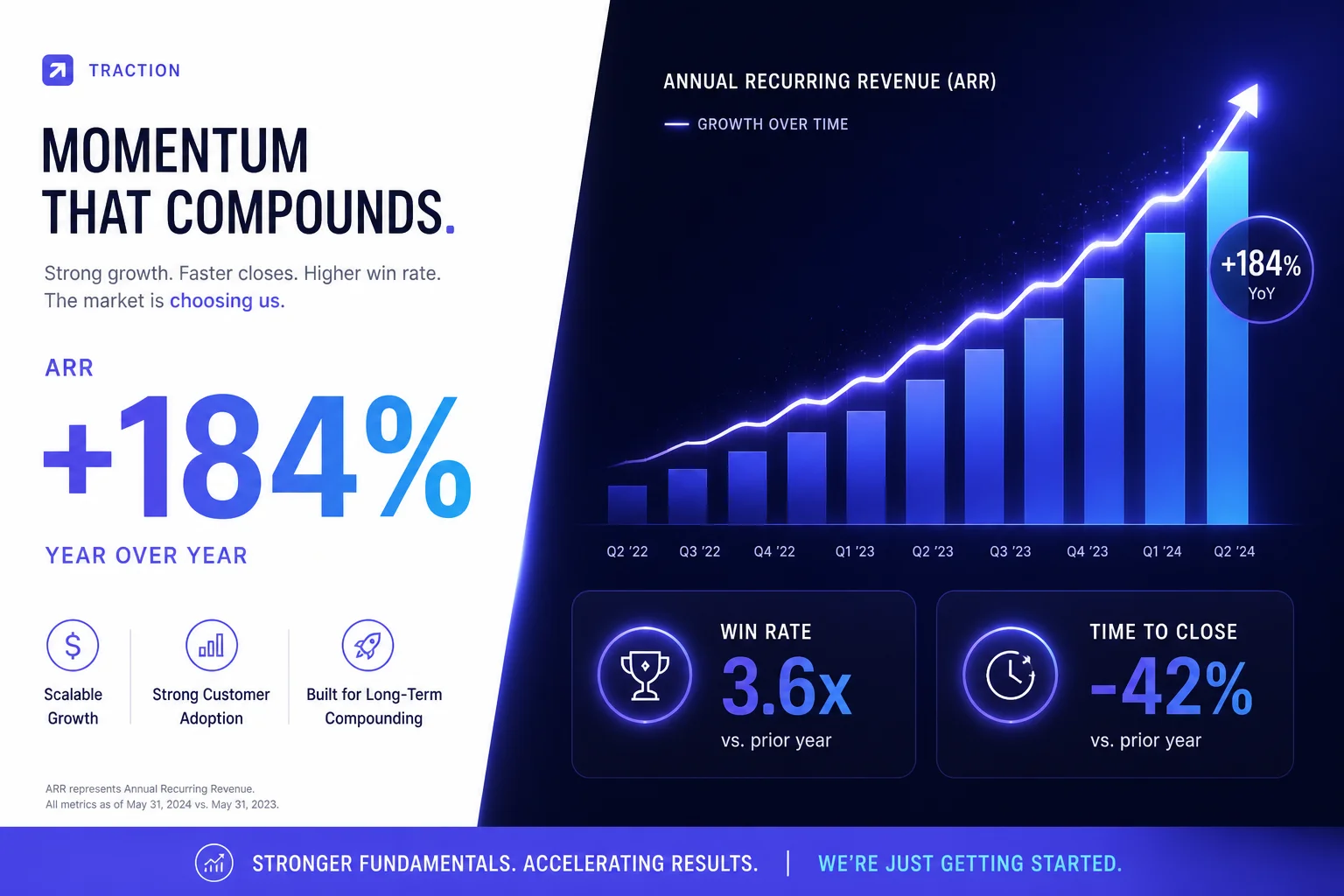
Feb 28, 2026 · 2 min read
How AI presentation tools help you save time
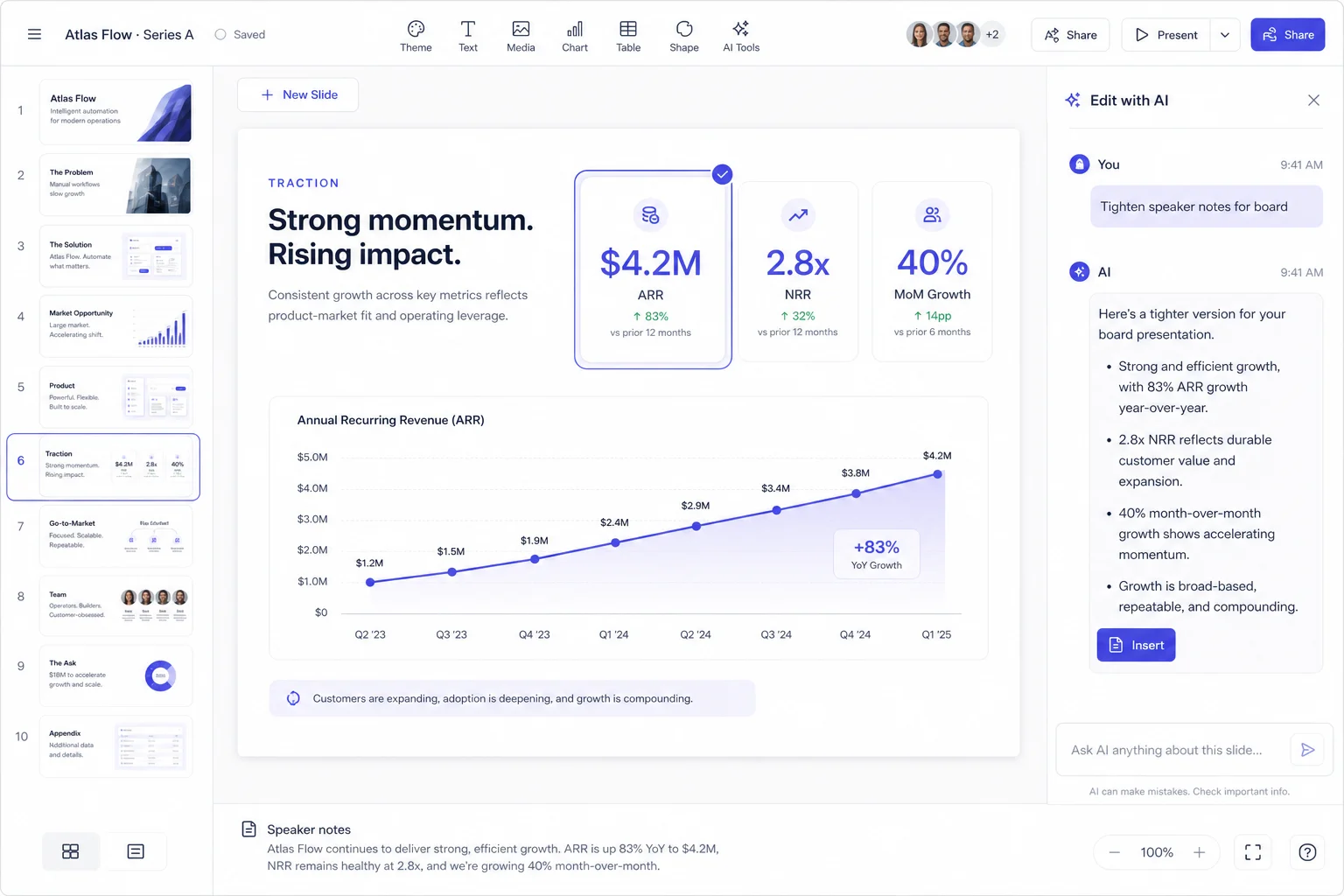
Feb 5, 2026 · 2 min read
Refine your slides with AI and keep your presentation consistent