
The 10/20/30 rule: a useful constraint for an AI-assisted pitch
Guy Kawasaki’s 10/20/30 rule proposes ten slides, twenty minutes and a minimum thirty-point font. Use it to constrain an overgrown pitch, not to claim a universal law about attention or investor requirements. Start with the actual meeting slot and keep time for discussion.

Worked example
The familiar constraint is ten slides, twenty minutes and thirty-point text. Treat it as a rehearsal constraint rather than an investor requirement. If your slot is twelve minutes and questions need four, only eight minutes remain for your presentation: ten slides would average 48 seconds each. That arithmetic may justify six substantive slides instead. Move detail to the appendix; shrinking the font defeats the purpose of the constraint.
- Keep the core argument within ten slides; move supporting detail to an appendix.
- Rehearse for twenty minutes and reserve time for questions.
- Try 30-point body text on the actual display; simplify instead of shrinking dense paragraphs.
Make the next decision explicit
A useful pitch gives its reader a specific next action. Write that action before building the deck, then choose evidence that helps someone accept, reject or qualify it. Keep supporting detail accessible without making it mandatory reading.
- State audience, decision and the assumptions that would change your recommendation.
- Give each main slide one role. Move detailed calculations to a referenced appendix instead of shrinking them.
- Send the deck to someone without the meeting context. Ask them to restate the request, the evidence and the unresolved conditions.
Original source and product documentation
Run two passes. First, remove any slide that repeats the same claim without new evidence. Second, enlarge the body text and move details that no longer fit into notes or the appendix. Do not split one dense paragraph across three slides merely to satisfy a count. Rehearse with the questions included: a slide budget that uses every minute leaves no room to resolve uncertainty. For a reading document, a different density may be appropriate; label it as a pre-read rather than pretending the live-pitch format fits every use.
Put the workflow into practice
Start with your approved source in Pageworks. Review the outline, generate the deck and refine the result. Pro supports up to 50 slides and editable PowerPoint export; choose the plan that matches your handoff.
Sources and further reading
Build your next presentation with Pageworks
Editable PowerPoint with Pro — or start on Free today
Related articles
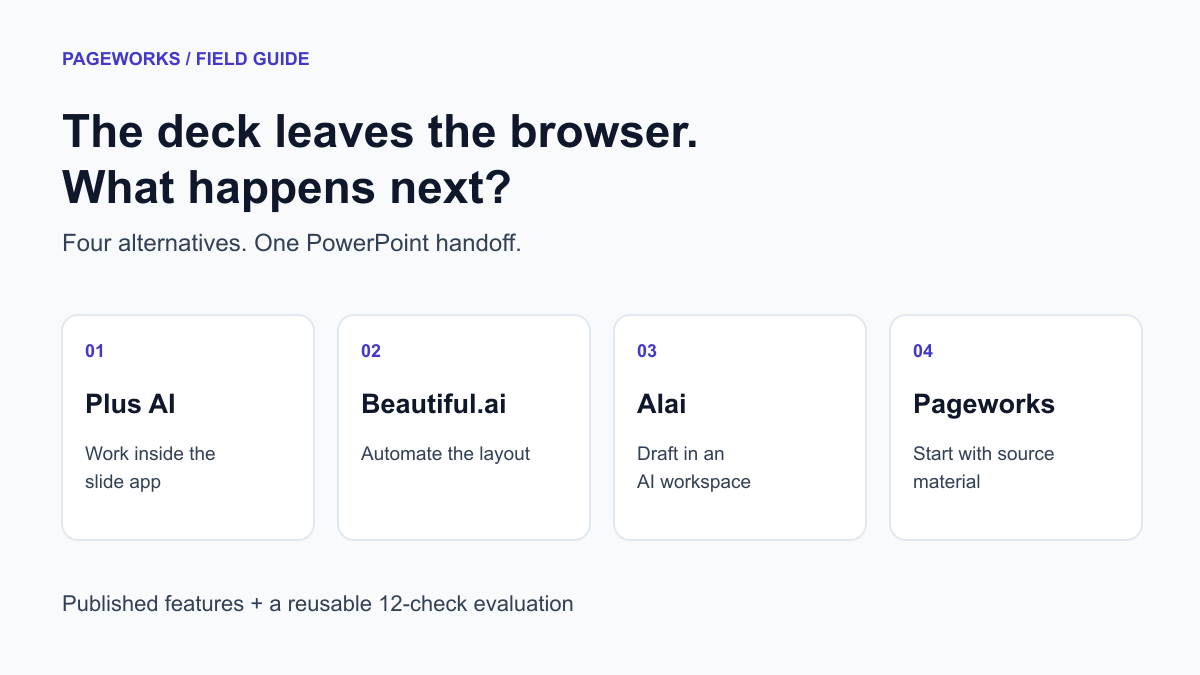
Sep 19, 2026 · 11 min read
4 Gamma Alternatives for Editable PowerPoint Work
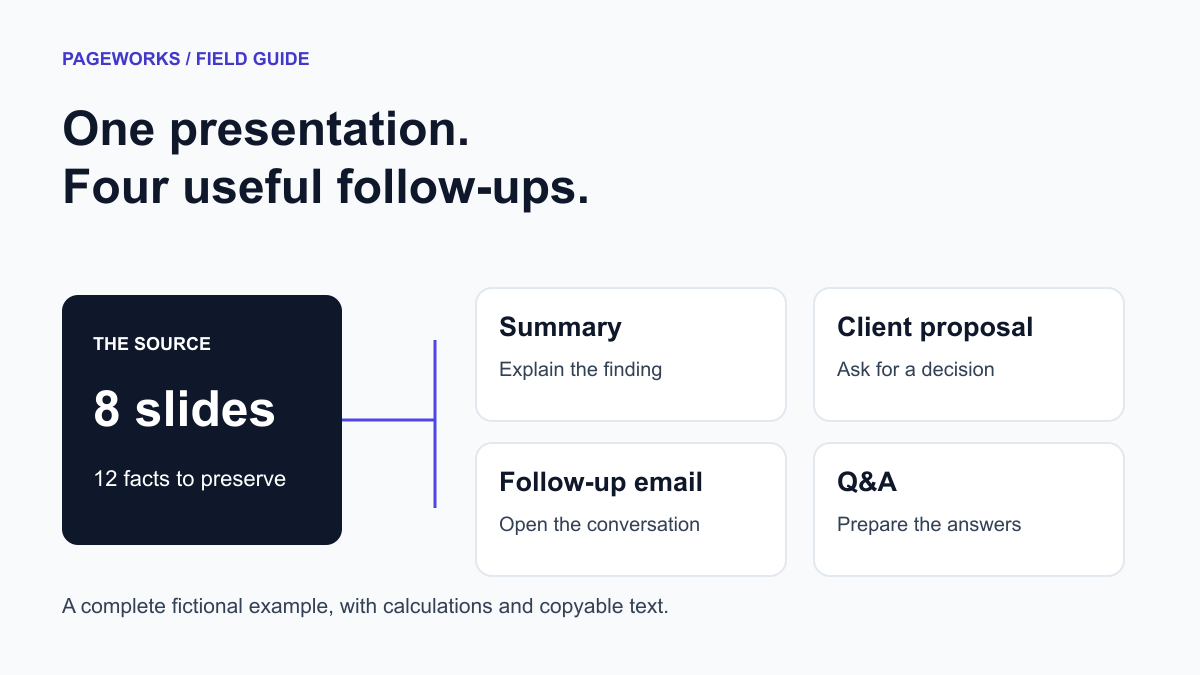
Sep 19, 2026 · 11 min read
Turn a Presentation into a Client Proposal: Full Example
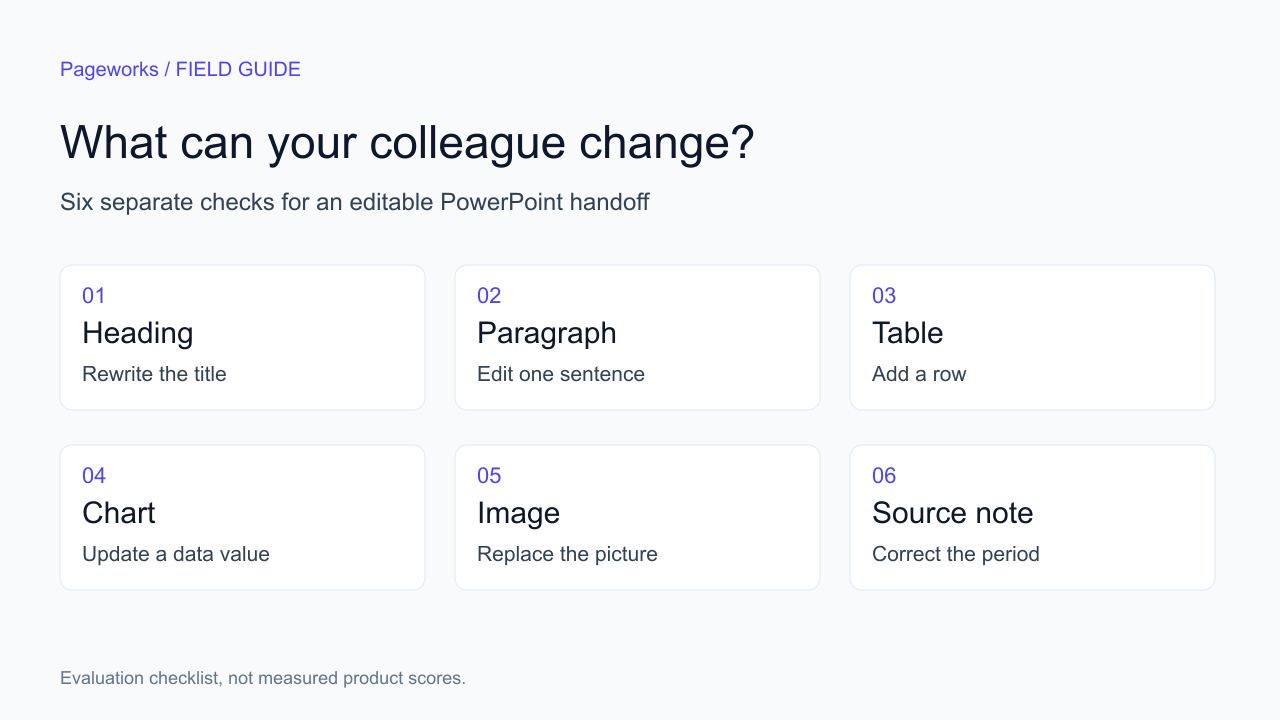
Sep 19, 2026 · 8 min read
3 Beautiful.ai Alternatives for Editable PowerPoint